Video generation: a short video from your logo
“Video” creates short advertising videos from your logo and a brief, with optional music and sound effects. It requires the Solo plan or higher. The main engine costs 12 tokens per second and per variant; the total is shown on the start button.
Before you start
- Your logo (required).
- A Solo subscription or higher and enough tokens.
Steps
Step 1
Choose the video type and logo
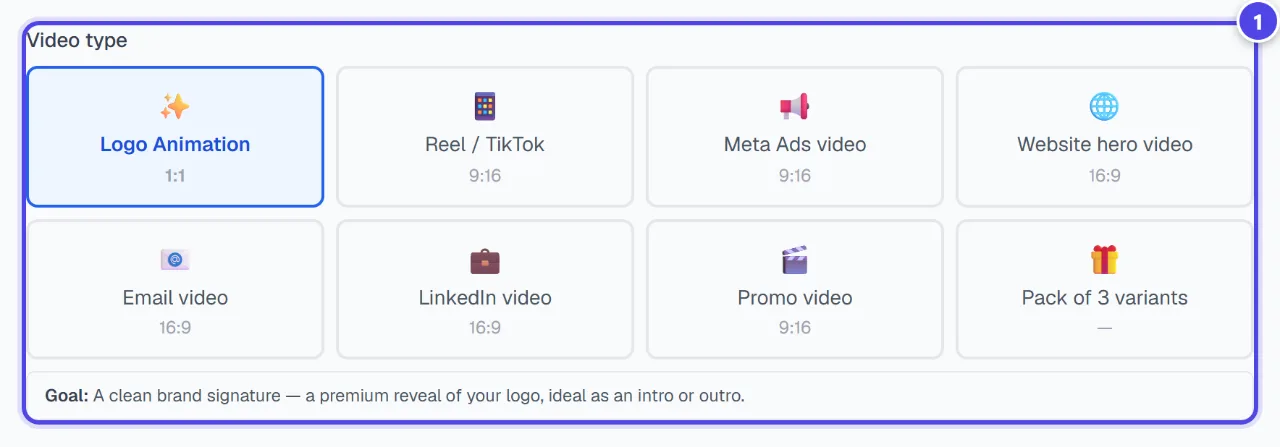
Under “Video type”, each type states its goal; “Logo Animation” works as an intro or outro. Then choose the “Logo (required)”.
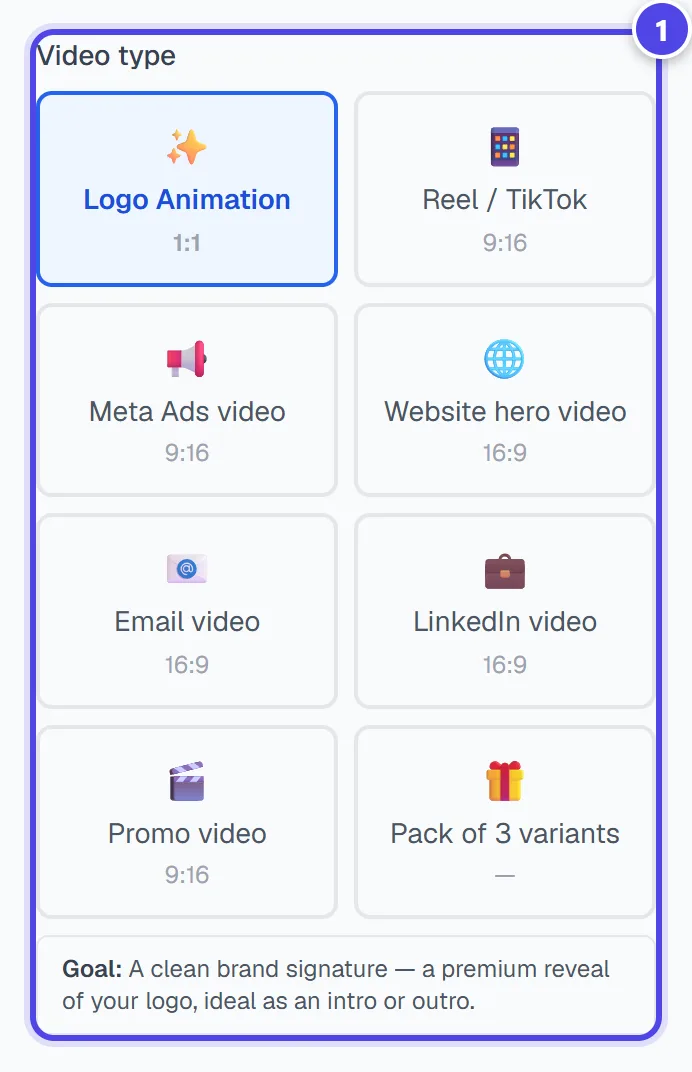
On mobile
- 1Video types
Step 2
Write the brief
Fill in the industry (The more specific you are, the better the AI pitches the mood (light, pace, colours).), colours and “Creative brief”. Choose duration, quality, text language, and tick audio for a video with sound.
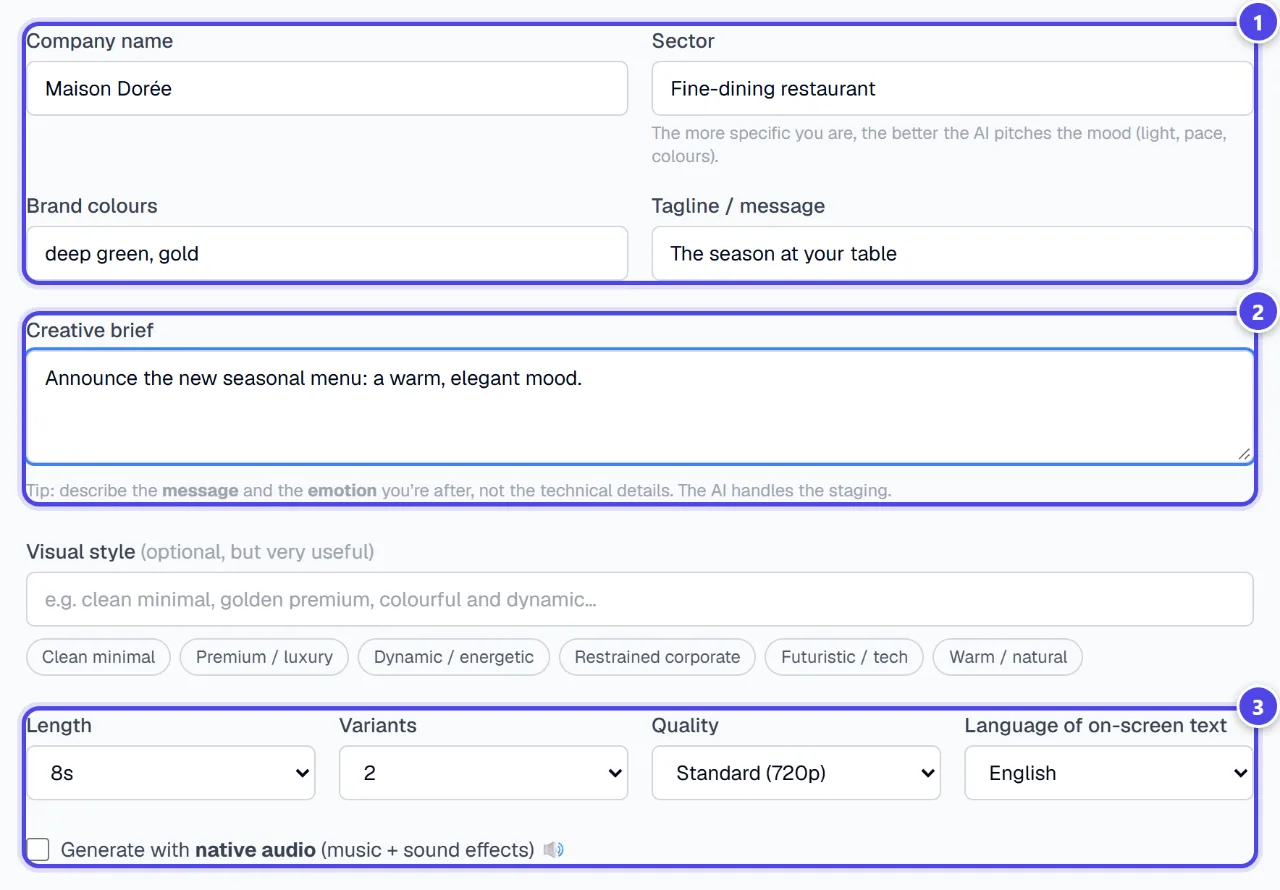
- 1Your brand
- 2Creative brief
- 3Settings and audio
Step 3
Generate and download
The start button shows the total cost, duration and number of variants. Each variant downloads separately, and the history keeps your videos.
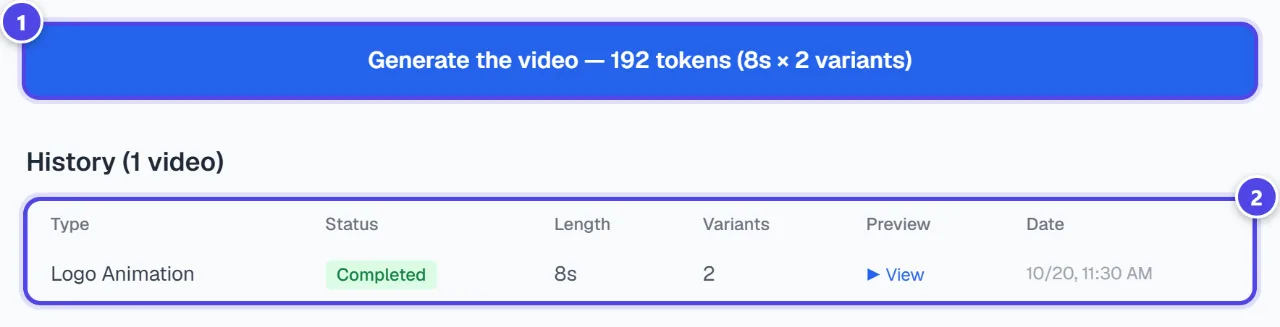
- 1Launch
- 2History
Screenshots taken with a demo account and brand (“Maison Dorée”). The logos shown are examples, not customer creations.
What you get
- One or more MP4 video variants, with sound if audio is enabled.
Tips and common issues
- The video is silent.
- Solution: Tick the native audio option before starting the generation.
- The result lacks impact.
- Solution: Write a results-led brief (“highlight how fast we deliver”, “premium feel for a launch”) rather than a description.
Frequently asked questions
How much does a video cost?
12 tokens per second and per variant with the main engine. The start button shows the exact total.
Does the video contain text?
No: the logo stays the hero; your texts and call to action are added afterwards in editing.
Which file format?
MP4 videos, one per variant.