Animate your logo: GIF, MP4, APNG and Lottie
“Animations” turns a logo into a short animation (fade, zoom, float…) exportable in several formats. The module requires the Solo plan or higher and costs 8 tokens per animation. How many animations you can keep depends on your plan.
Before you start
- A logo of the active brand or an uploaded file; a transparent PNG allows a transparent background.
- A Solo subscription or higher and enough tokens.
Steps
Step 1
Choose the logo and the type
“1. Choose a logo” then “2. Animation type”: each type is described under its name.
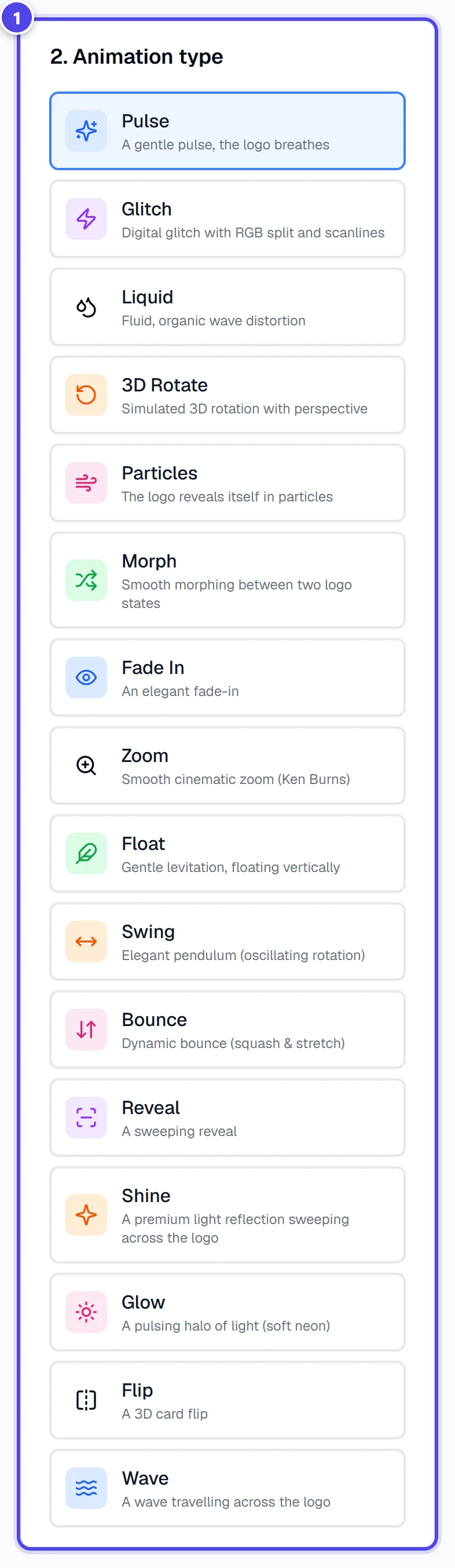
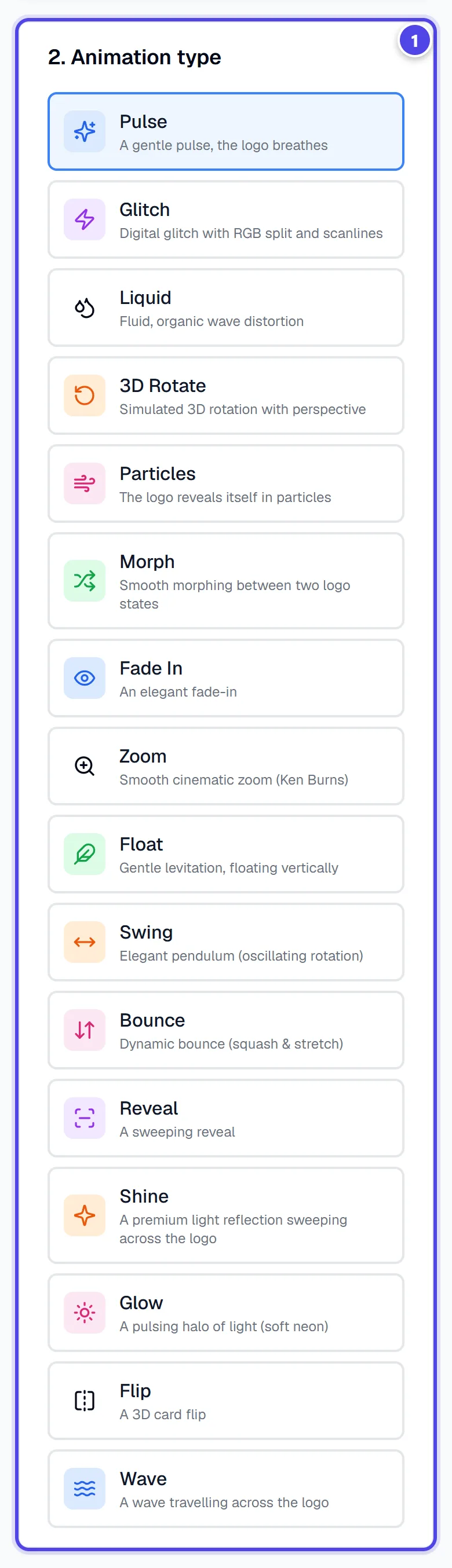
On mobile
- 1Animation types
Step 2
Set the parameters
“3. Settings”: duration, “Quality”, “Background” (White, Color or Transparent) and “Output formats”. GIF and APNG will be transparent. MP4 does not support transparency → white background.
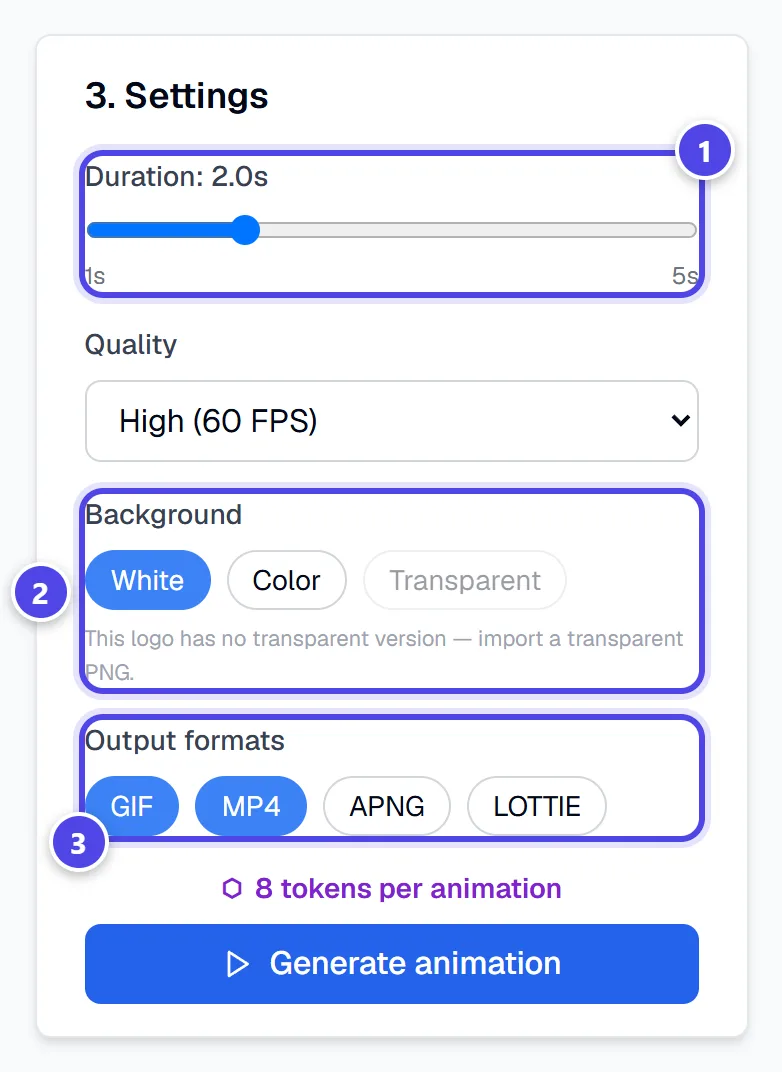
- 1Length
- 2Background
- 3Formats
Step 3
Generate and download
Click “Generate animation”. The animation goes to “My saved animations”, where each format downloads separately.
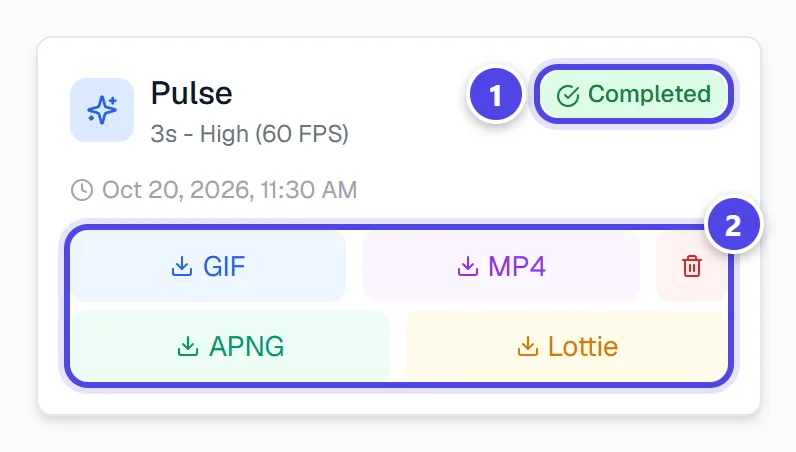
- 1Status
- 2One file per format
Screenshots taken with a demo account and brand (“Maison Dorée”). The logos shown are examples, not customer creations.
What you get
- An animation of your logo as GIF, MP4, APNG and, depending on the type, Lottie (JSON).
Tips and common issues
- “Animation limit reached”
- Solution: Delete an existing animation or upgrade to a higher pack to create new ones.
- Transparent background is not offered.
- Solution: Transparency is only available on geometric animations (Fade, Zoom, Float, Pulse…).
Frequently asked questions
How much does an animation cost?
8 tokens per generated animation.
Why does the MP4 have a white background?
MP4 does not support transparency; use GIF or APNG.
Does deleting an animation give tokens back?
No, but it frees a slot for a new animation.