Affiliate programme: apply and track your commissions
The “Affiliate” programme pays commissions on eligible payments from the customers you bring, at the rate approved for your profile (standard rate: 20%). Access is by application, reviewed manually, and does not depend on your plan. Settlements are handled manually, outside the platform.
Before you start
- A signed-in account.
- A settlement address (PayPal or bank transfer).
Steps
Step 1
Send your application
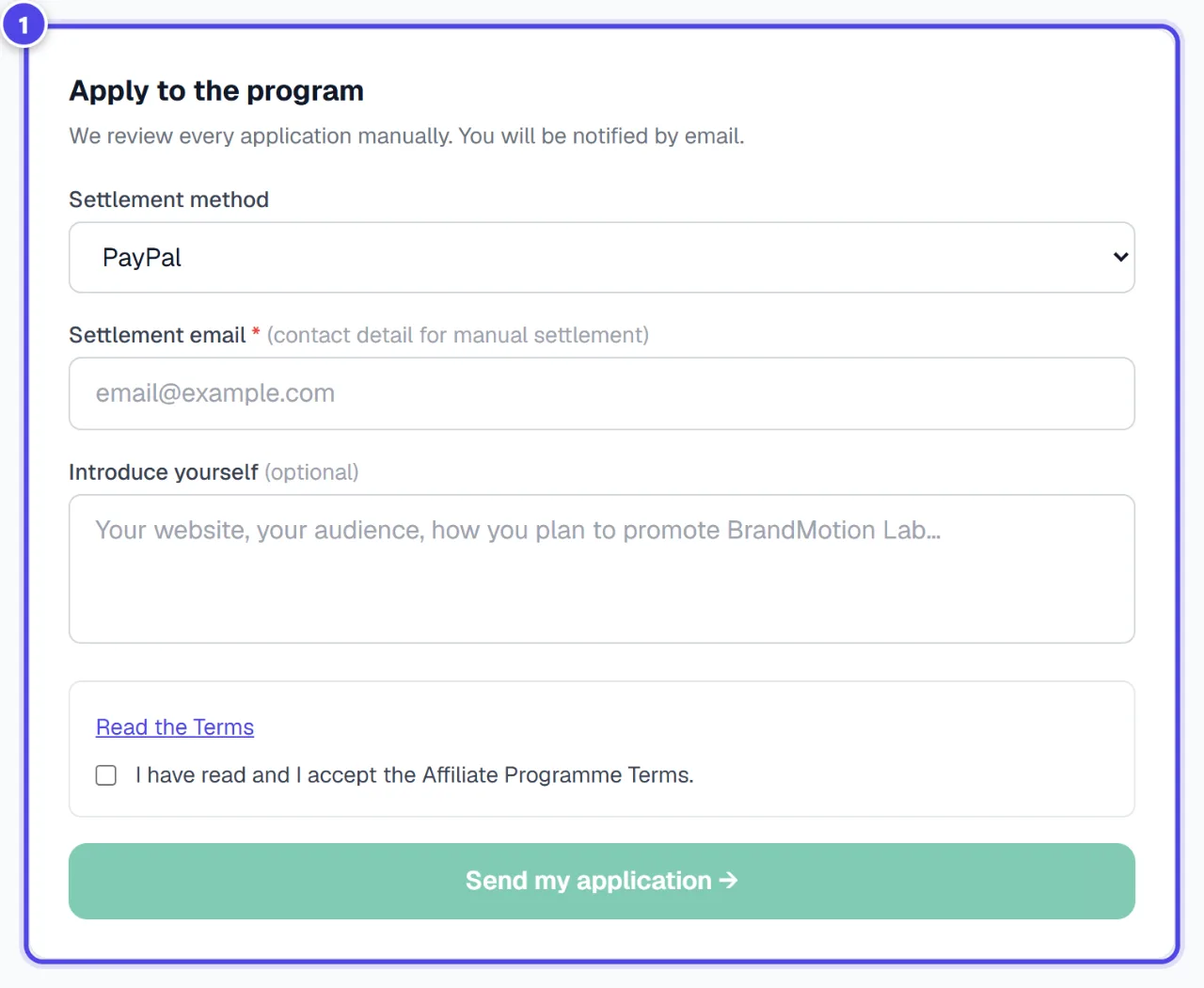
In “Apply to the program”, choose the “Settlement method”, read and accept the programme Terms, then click “Send my application →”.
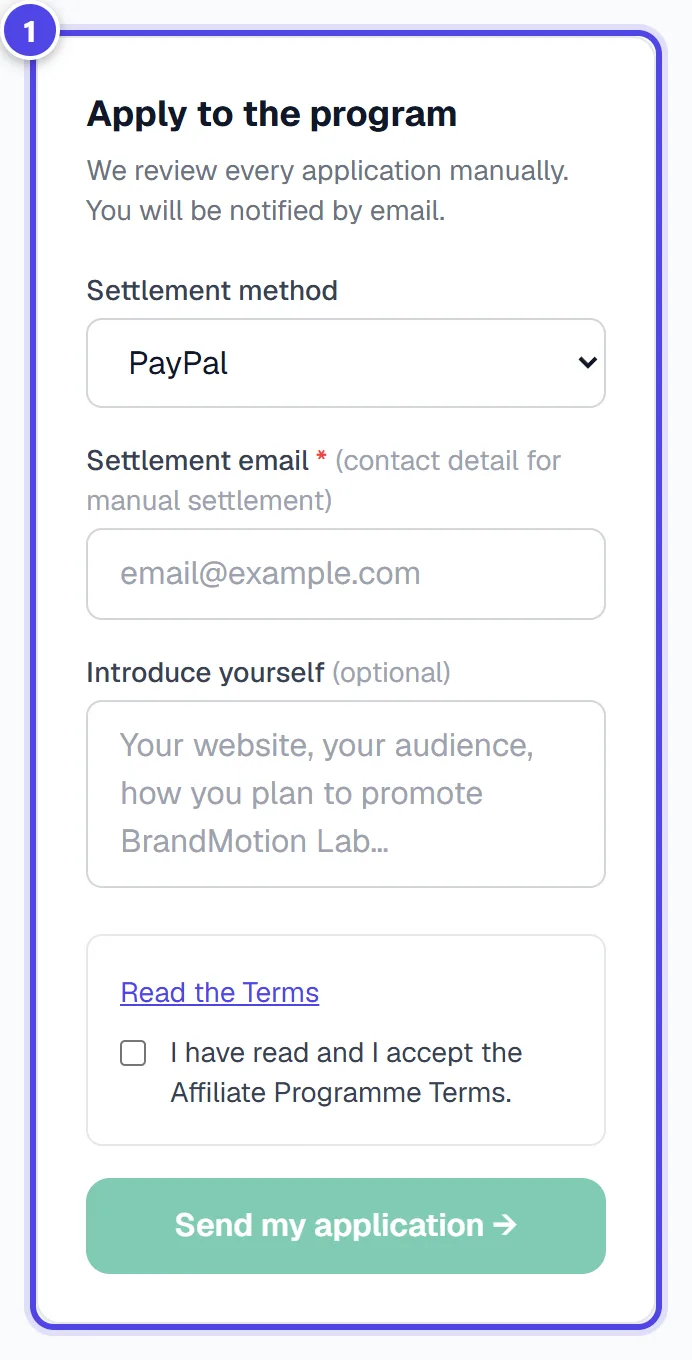
On mobile
- 1Application form
Step 2
Wait for the decision
“Application under review” shows during the review. You are notified by email.
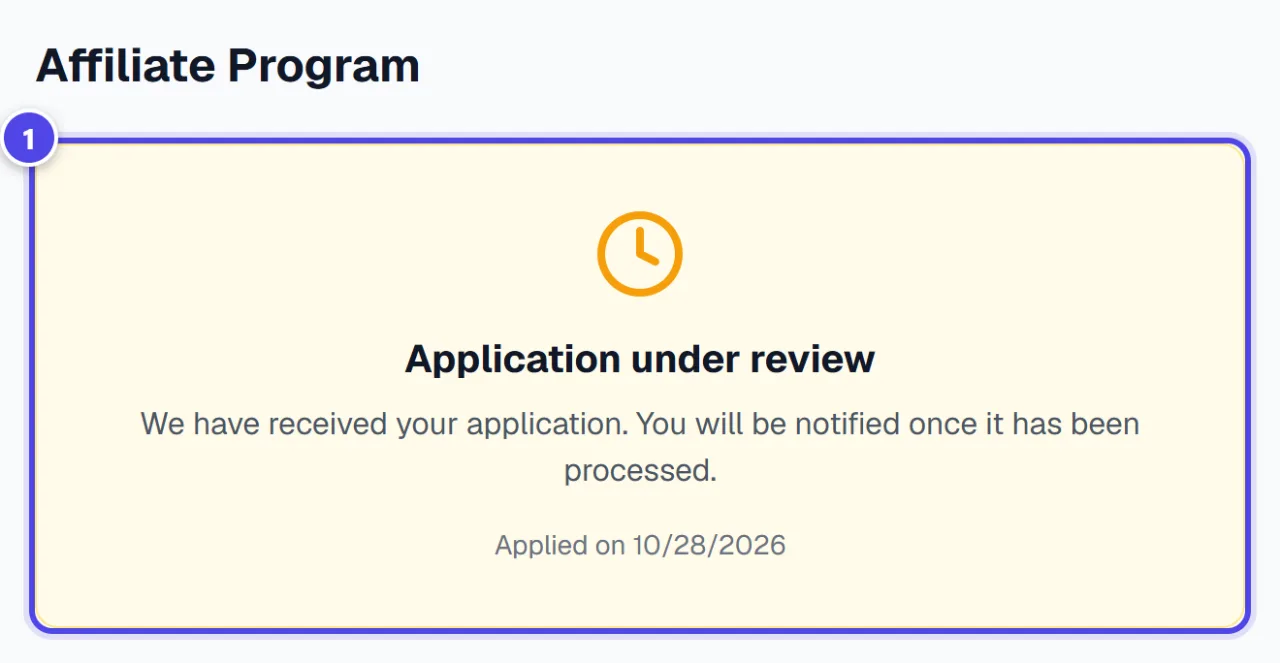
- 1Application under review
Step 3
Share your link and track your commissions
Once approved, the dashboard shows your link, rate, commissions and settlements. A customer is attributed for 90 days after their click; a commission becomes payable 30 days after the payment.
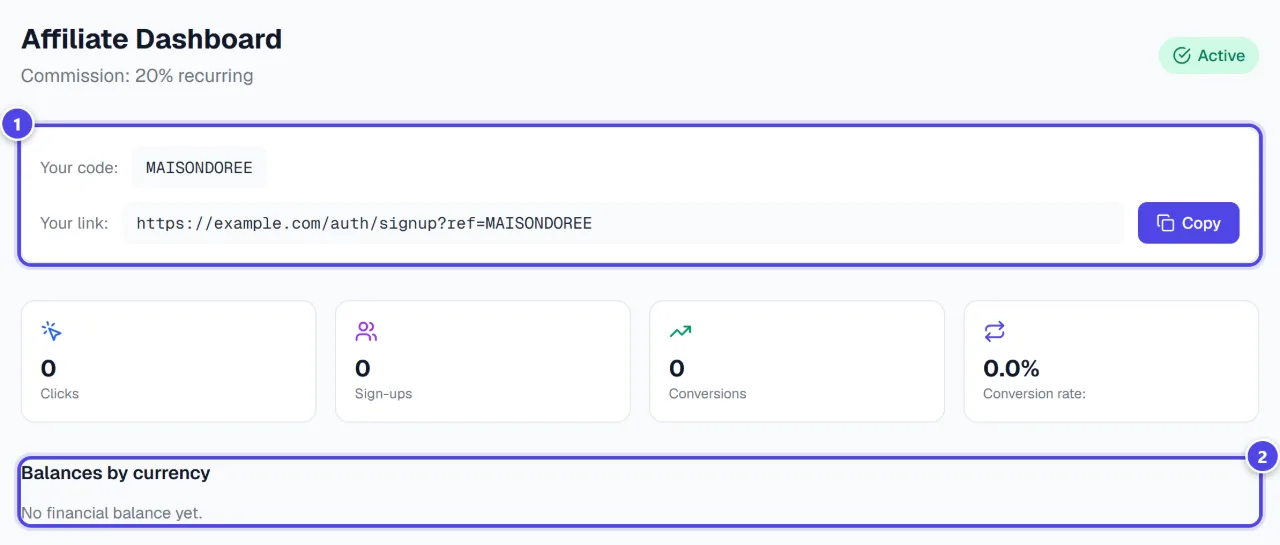
- 1Link and code
- 2Balances by currency
Screenshots taken with a demo account and brand (“Maison Dorée”). The logos shown are examples, not customer creations.
What you get
- A personal affiliate link.
- Tracking of commissions and settlements.
Tips and common issues
- The application button stays greyed out.
- Solution: Tick the acceptance of the Terms and fill in the settlement address.
- A commission is not payable yet.
- Solution: It matures for 30 days, then counts towards the settlement threshold shown in the dashboard.
Frequently asked questions
Which payments are eligible?
Subscriptions, the Logo Pack and token top-ups of attributed customers. Printing and merchandise are not.
Is settlement automatic?
No. The platform calculates commissions; settlements are handled manually, outside the platform.
Do I need a subscription?
No, the programme is open on application, whatever your plan.