Subscription: plan, tokens and payments
“Subscription” shows your plan, tokens and payment history. Each plan includes tokens every month: 10 for the free account, 350 for Solo, 850 for Creator, 1,800 for Studio and 3,500 for Agency. Prices are listed on the Pricing page.
Before you start
- A signed-in account; a payment method to subscribe.
Steps
Step 1
See your plan and tokens
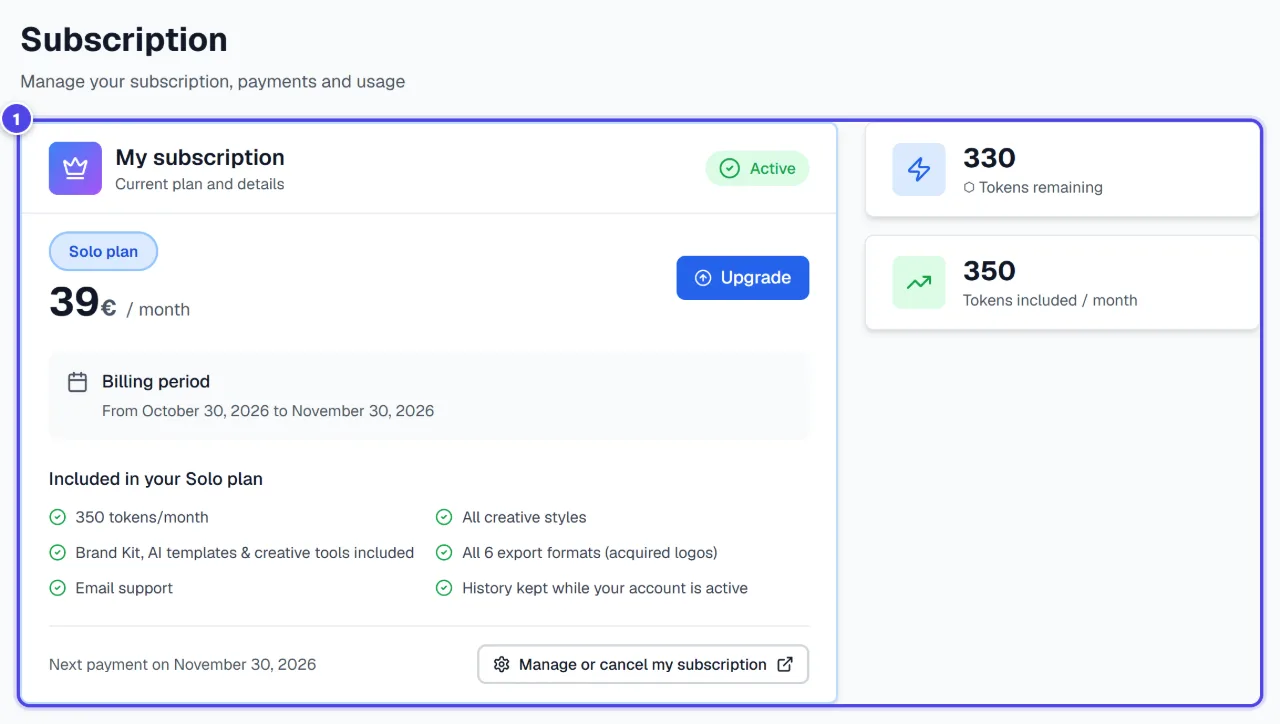
The page shows the current plan, “Tokens remaining” and “Tokens included / month”. “Token usage” details your usage.
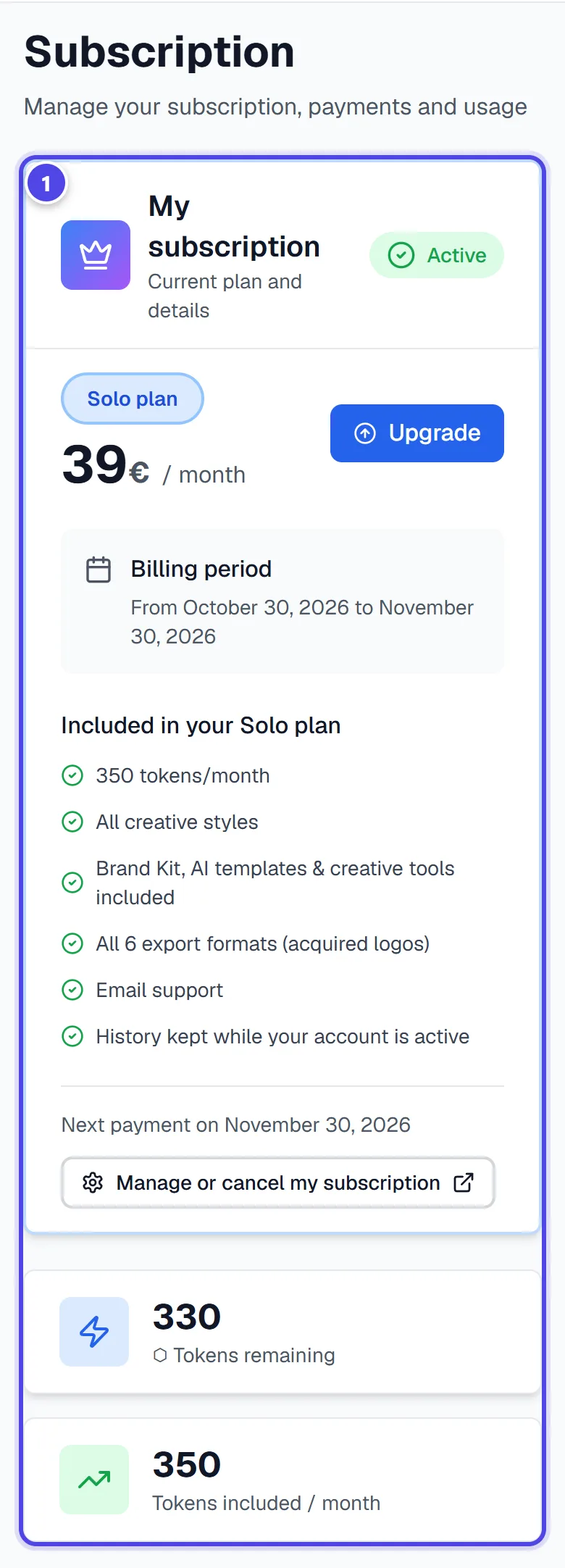
On mobile
- 1Plan and tokens
Step 2
Compare plans
“Upgrade” opens the plans with “Monthly” billing, paid on a secure page. “Yearly” billing and changing the plan of a current subscription are marked “Coming soon”.
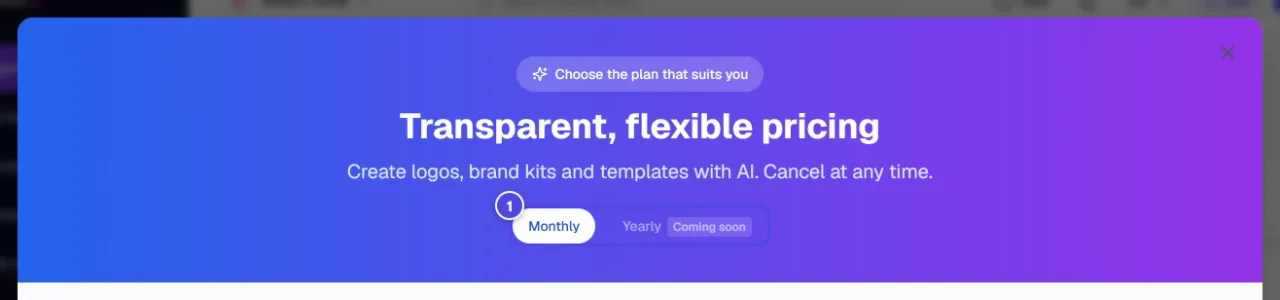
- 1Monthly; yearly coming soon
Step 3
Manage your payments
“Manage or cancel my subscription” opens the secure payment area: payment method, invoices and cancellation. “Manage my payments (Stripe)” also leads there from the payment method card.

- 1Manage my payments
Screenshots taken with a demo account and brand (“Maison Dorée”). The logos shown are examples, not customer creations.
What you get
- A clear view of your plan, tokens and payments.
Tips and common issues
- A payment failed.
- Solution: Update your payment method in the secure payment area; see also the Troubleshooting guide.
- Some tokens show as unavailable.
- Solution: Without an active subscription, tokens are kept but cannot be used.
Frequently asked questions
Can I cancel at any time?
Yes, from the secure payment area opened by “Manage or cancel my subscription”.
Where are the prices?
On the Pricing page, which is the reference.
Is the Logo Pack a subscription?
No: it is a one-off purchase for one creation. It does not open the modules reserved for subscribers.