Referral: invite someone
“Referrals” gives you a personal link to share. Every account created from this link is linked to yours and shows up in your tracking. Referral is free, open to every plan, and debits no tokens.
Before you start
- A signed-in account.
Steps
Step 1
Copy your link
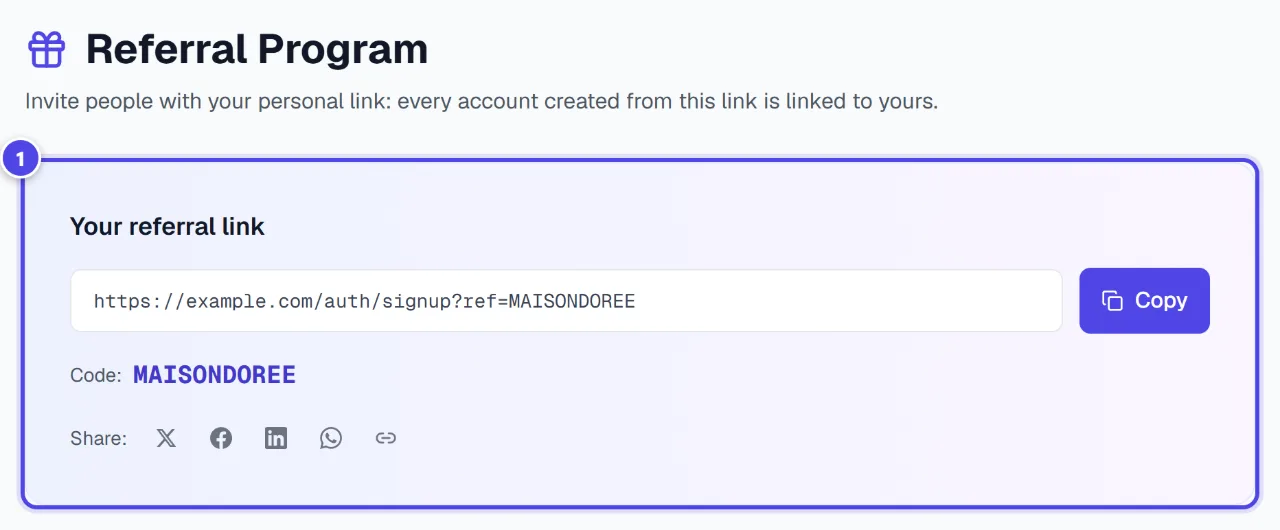
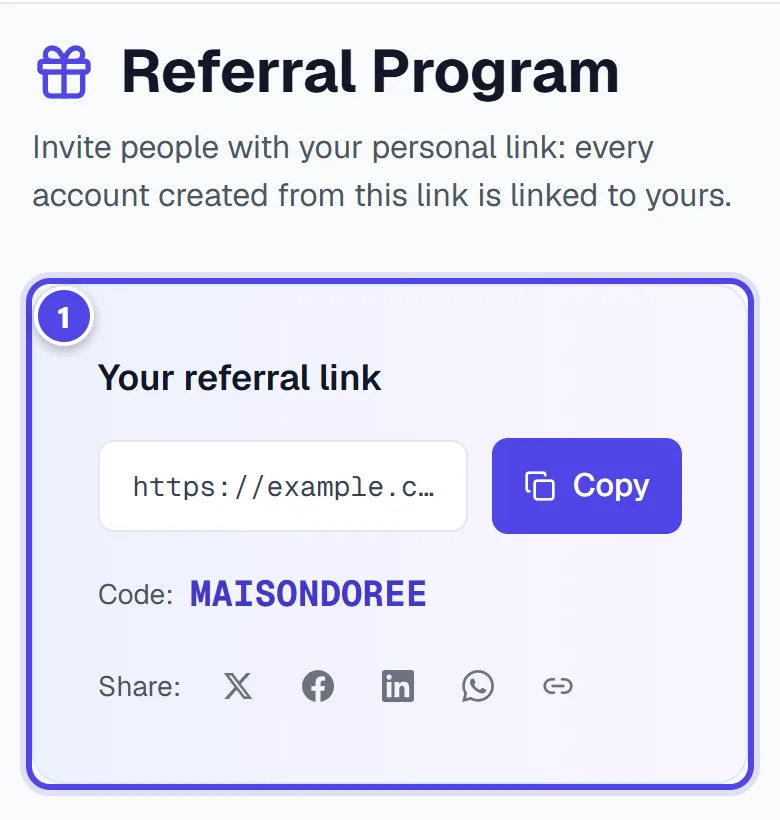
“Your referral link” shows your link and code. “Copy” copies it to the clipboard; the share buttons send it directly.
On mobile
- 1Referral link
Step 2
Your referral signs up
Your referral creates an account via your link. Referral applies at sign-up, once per account.
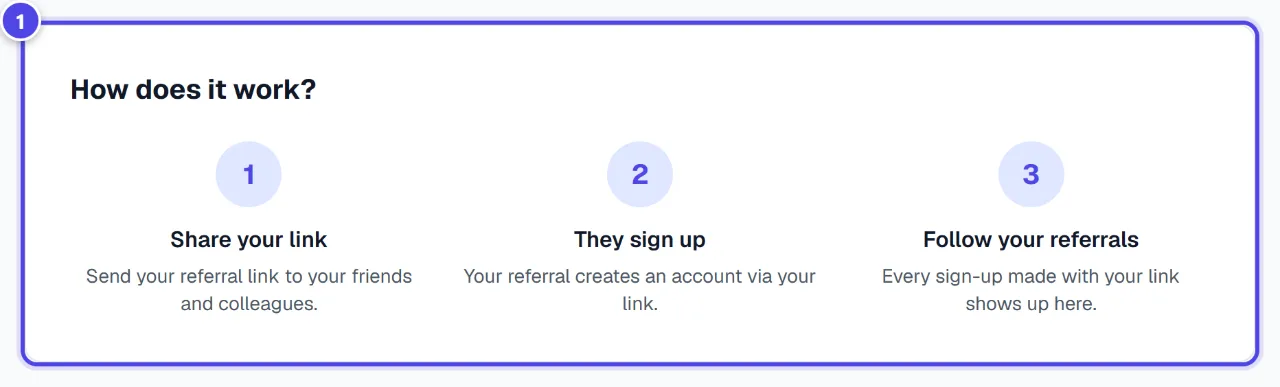
- 1The three steps
Step 3
Follow your referrals
“Referrals” counts the sign-ups made with your link; “Referral history” lists them.
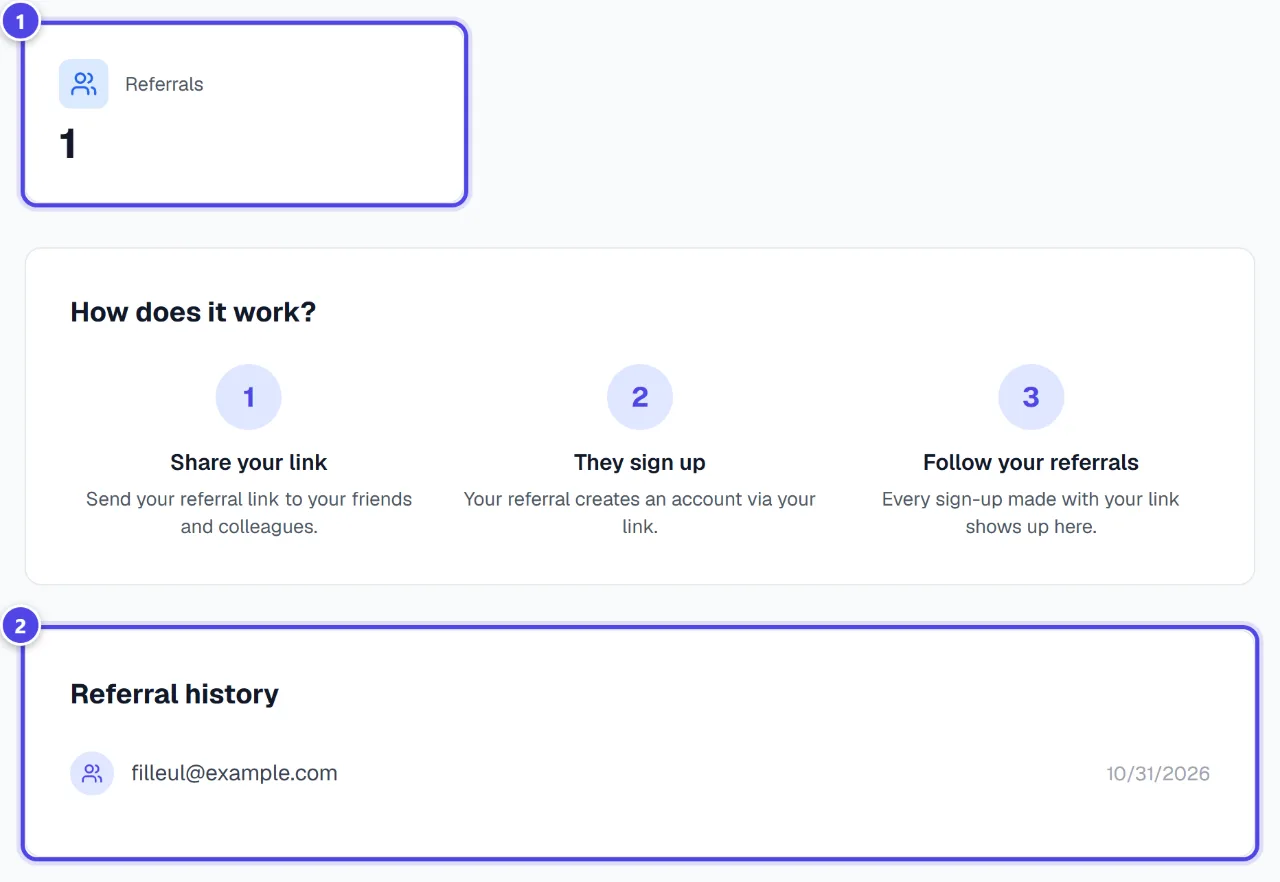
- 1Referrals
- 2History
Screenshots taken with a demo account and brand (“Maison Dorée”). The logos shown are examples, not customer creations.
What you get
- A personal link to share.
- Tracking of the accounts created from this link.
Tips and common issues
- The referral was not applied.
- Solution: The referral must sign up from your link. An account already referred cannot be referred again.
- I cannot refer myself.
- Solution: This is intended: your own account’s code is refused.
Frequently asked questions
Is referral paid?
No, it is free and debits no tokens.
How is it different from the affiliate programme?
Referral links the accounts created from your link. The affiliate programme, on application, pays commissions on eligible payments.
Where do I see my referrals?
In “Referral history”, as soon as they sign up.