Background removal: a logo on a transparent background
“Background removal” removes a logo’s background and returns a transparent PNG. It is included from the free account and costs 1 token per logo. It is optimised for logos, not photos.
Before you start
- Your logo as PNG or JPG.
- A balance of at least 1 token.
Steps
Step 1
Upload your logo
Under “Upload your logo”, Drag and drop your logo. Optimised for LOGOS, not photos
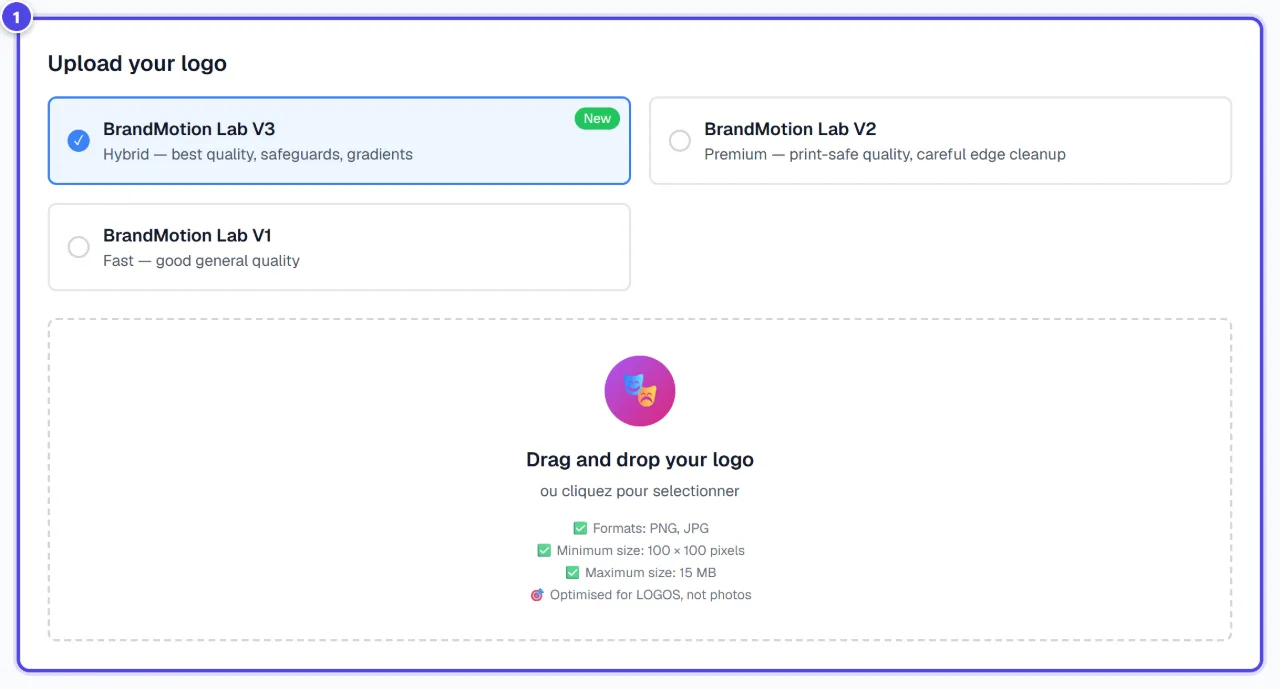
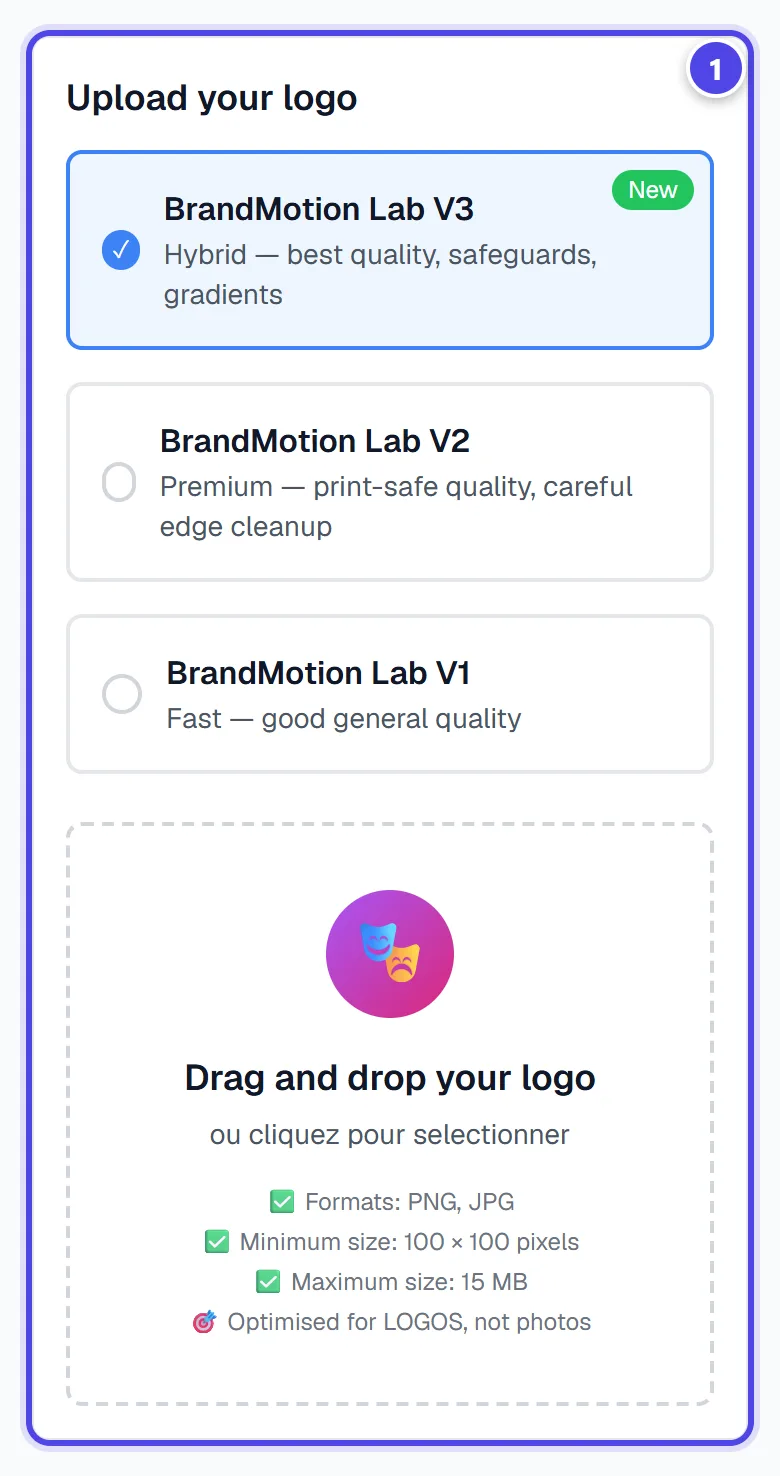
On mobile
- 1Upload the logo
Step 2
Choose the model
Choose V1 (fast), V2 (premium) or V3 (hybrid). Recommended for: web, quick preview, simple logos; Recommended for: print, merchandise, complex logos.

- 1Models
Step 3
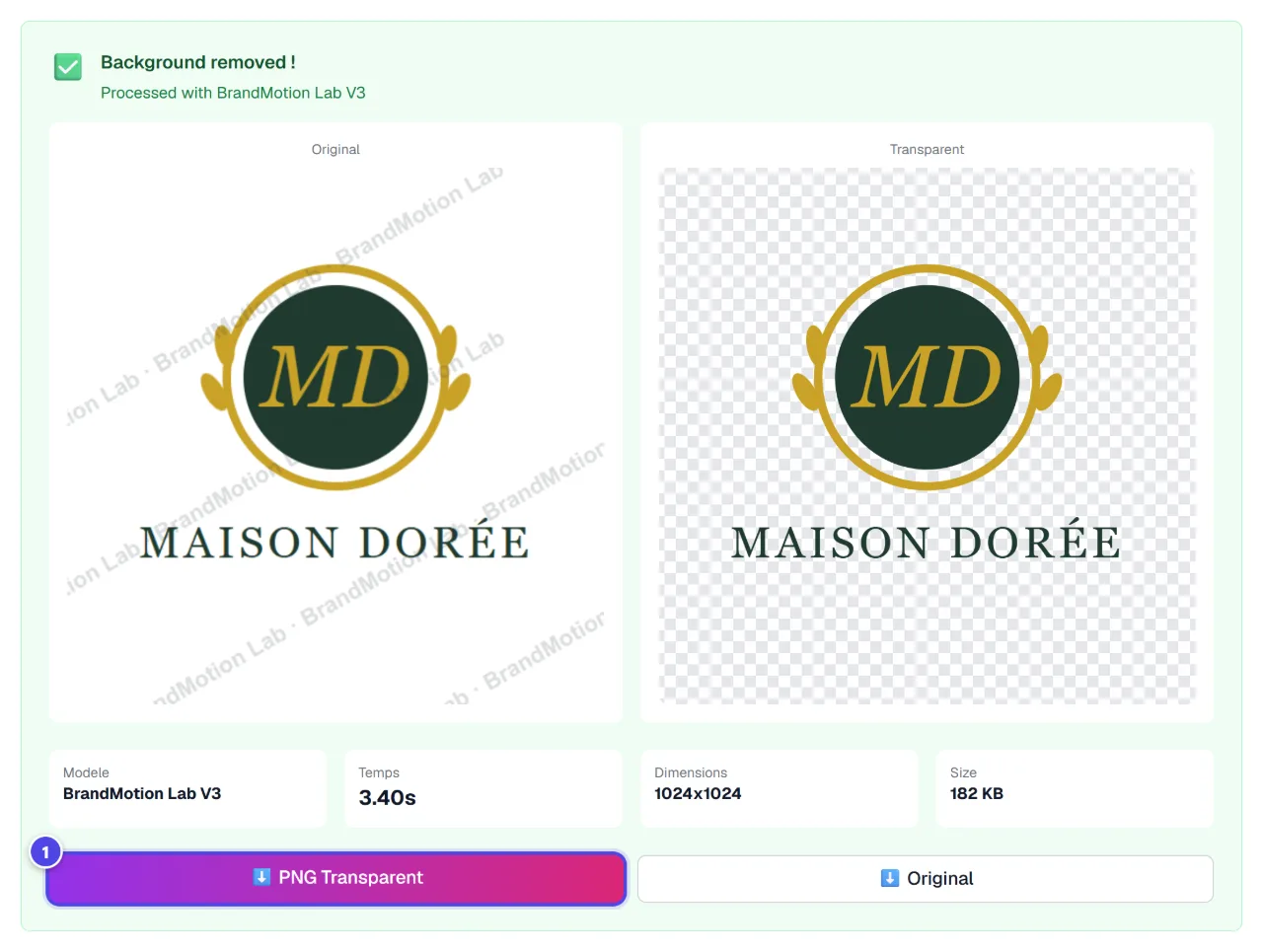
Download the transparent PNG
When “Background removed” appears, download the result. “History” keeps your previous cut-outs.
- 1Download
Screenshots taken with a demo account and brand (“Maison Dorée”). The logos shown are examples, not customer creations.
What you get
- A transparent PNG of your logo, at the same size.
- The history of your cut-outs.
Tips and common issues
- “Select a valid image (PNG or JPG).”
- Solution: The module accepts PNG or JPG images.
- Halos remain on a dark background.
- Solution: Try the hybrid model, designed for gradients and complex logos.
Frequently asked questions
How much does a cut-out cost?
1 token per logo.
Does it work for photos?
No: the models are tuned for logos (flat colours, text, sharp edges).
How is it different from the Atelier?
The Atelier can also upscale the image and place it on a square canvas for print.