Brand Audit: measure the consistency of your visuals
“Brand Audit” analyses a batch of visuals and returns a brand consistency score, with the issues found. It is included in every plan, free account included, and does not debit tokens. A reference Brand Kit makes the colour analysis more precise.
Before you start
- The visuals to analyse: PNG, JPG or WEBP.
- Optional: one of the brand’s Brand Kits.
Steps
Step 1
Choose the reference and upload
Choose a “Reference Brand Kit (optional)”. Choosing a Brand Kit makes the colour analysis more accurate. Then “Drop your assets here, or click to select them” (PNG, JPG, WEBP — up to 20 files · 10 MB each).
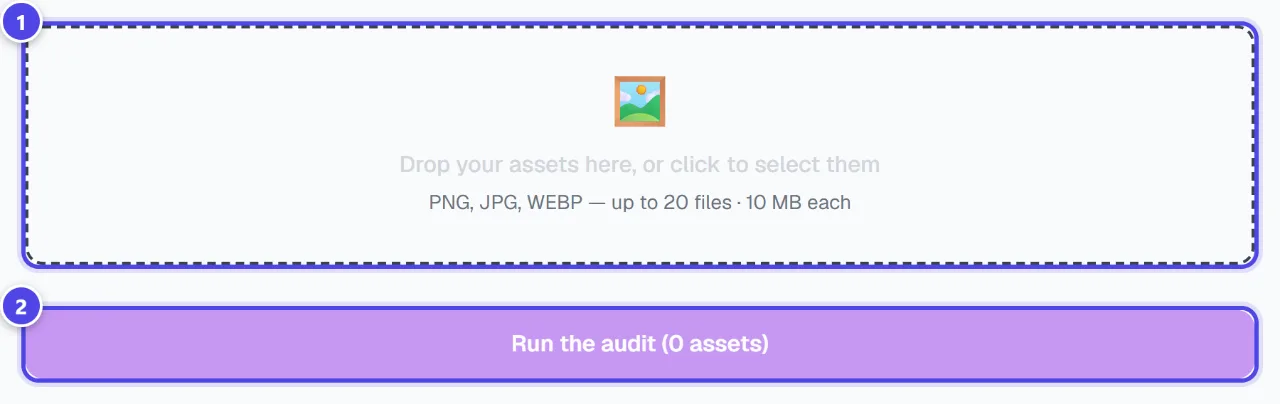
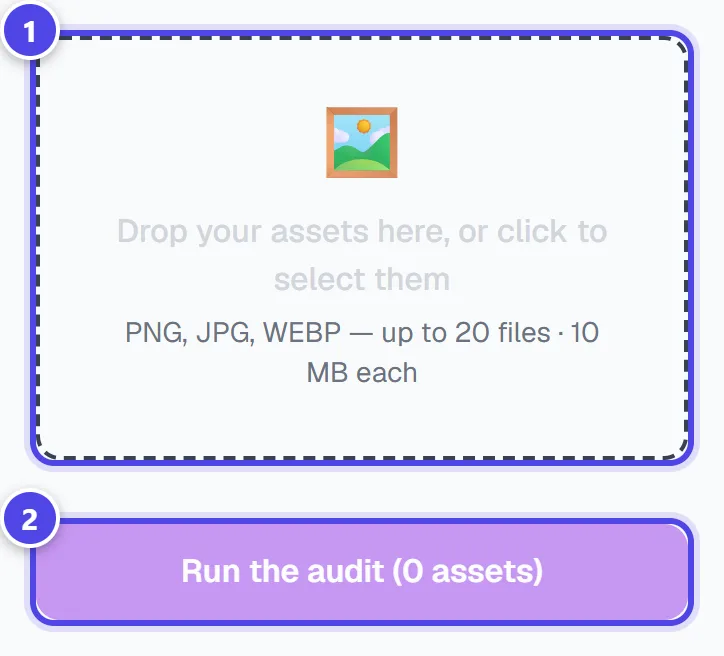
On mobile
- 1Reference Brand Kit
- 2Upload area
Step 2
Start the audit
Click the start button, which shows the number of visuals. Analysing… (30-60s)
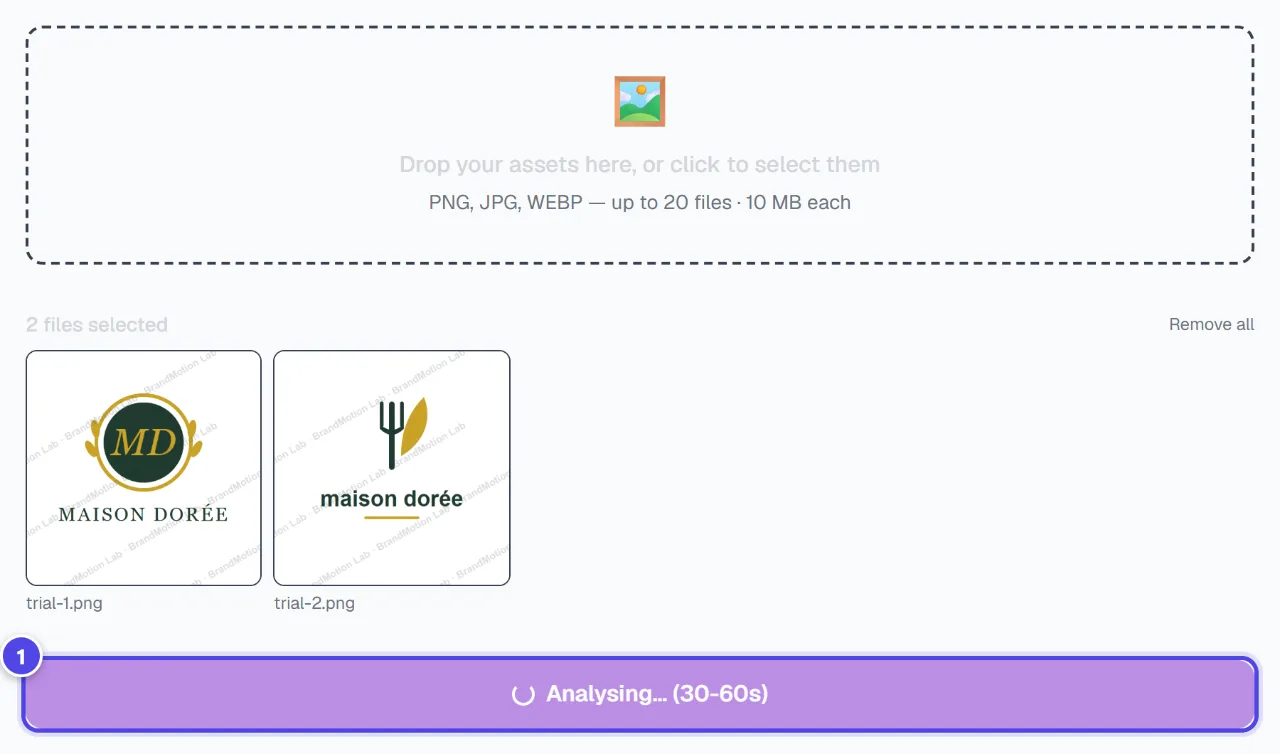
- 1Analysis in progress
Step 3
Read the scores
The “Overall score” comes with four scores: “Colour consistency”, “Style consistency”, “Logo presence” and “Typographic consistency”. “Palette detected in your assets” and the list of issues show what to fix.
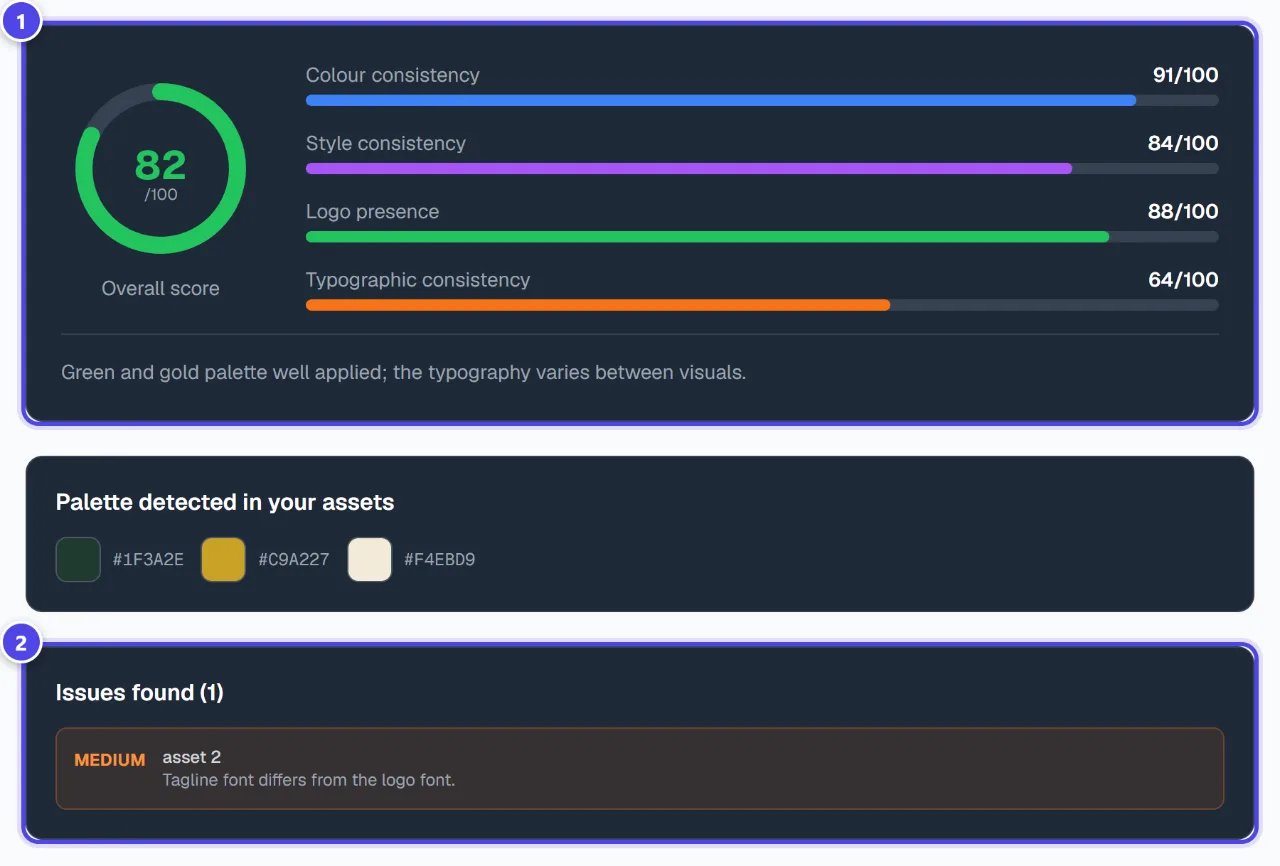
- 1Scores
- 2Detected issues
Screenshots taken with a demo account and brand (“Maison Dorée”). The logos shown are examples, not customer creations.
What you get
- An overall consistency score and four detailed scores.
- The detected palette and the list of issues to fix.
Tips and common issues
- The colour score seems harsh.
- Solution: Select your Brand Kit: the analysis then compares your visuals with your real colours.
- A file is refused.
- Solution: Check the format (PNG, JPG, WEBP) and maximum size shown under the upload area.
Frequently asked questions
Is the audit paid?
No: it does not debit tokens and is included in every plan.
How many visuals at once?
The maximum number and file size are shown under the upload area.
Are my visuals changed?
No, the audit analyses them without changing them.