Assets & Templates: marketing visuals in your brand
“Assets & Templates” composes marketing visuals with your logo, colours and texts, in one or more formats. The module requires the Solo plan or higher. Each visual produced costs 25 tokens; the total is shown before you start.
Before you start
- The company name (required) and, ideally, a Brand Kit.
- A Solo subscription or higher and enough tokens.
Steps
Step 1
Fill in “Your brand”
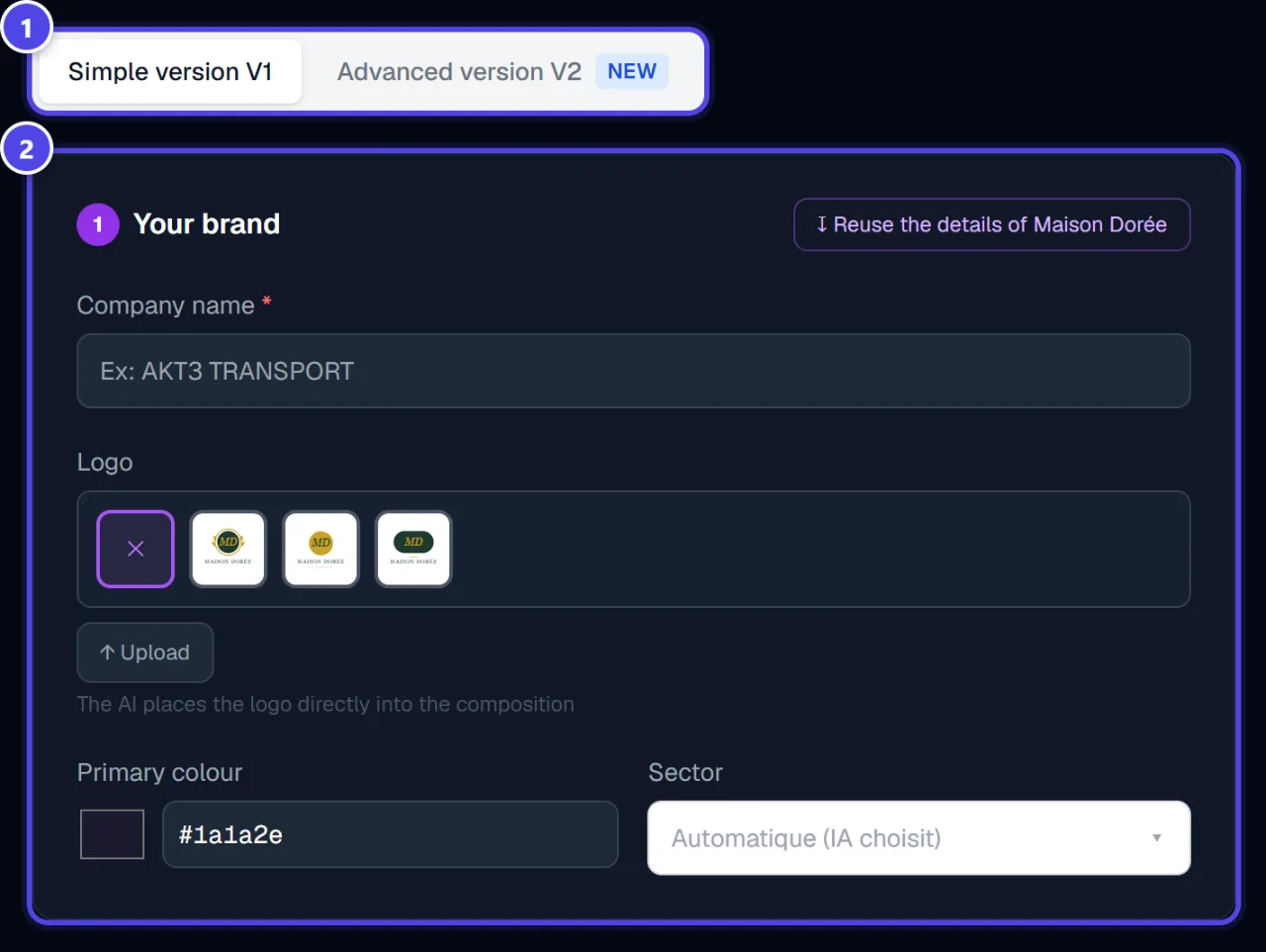
Two versions are offered: “Simple version V1” (default) and “Advanced version V2”. The “↧ Reuse my brand details” button reuses the active brand’s name, logo and colours. Otherwise, fill in “Company name”, the logo, “Primary colour” and the industry. The AI places the logo directly into the composition
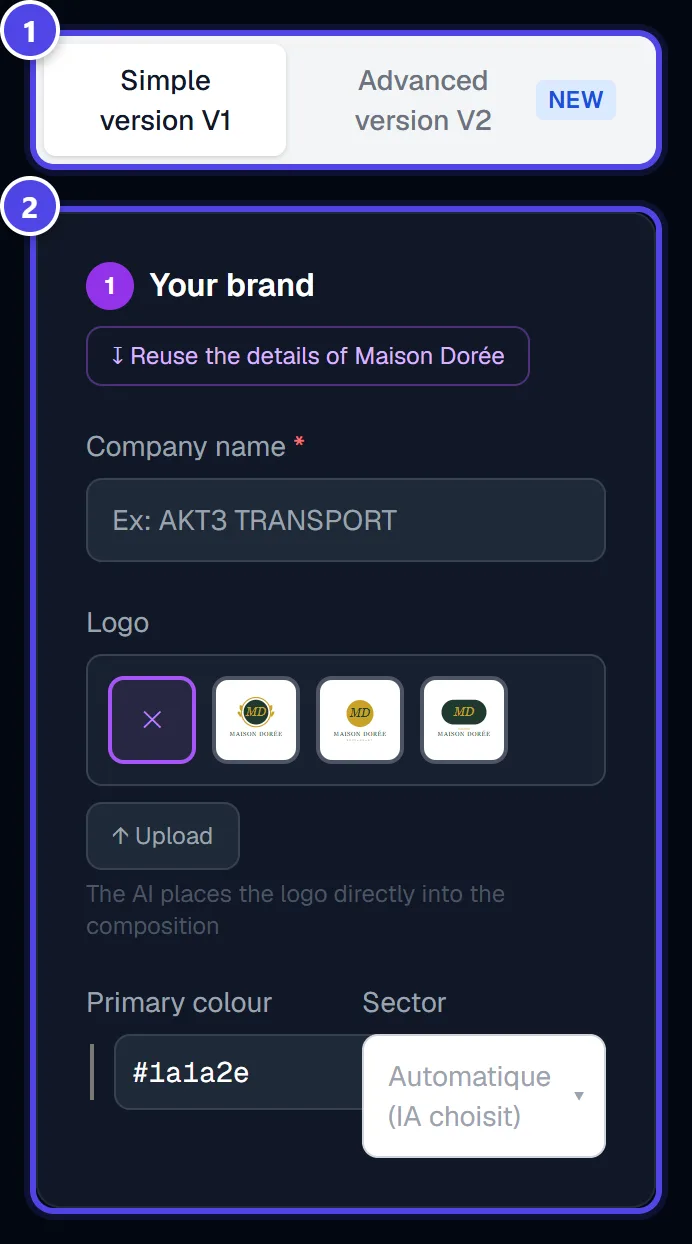
On mobile
- 1Version choice
- 2Your brand
Step 2
Write the visual’s texts
“Text on the visual” — they appear exactly as written on the image: “Main headline”, “Badge / Offer”, “CTA Button” and “Key points”. Contact details are optional.
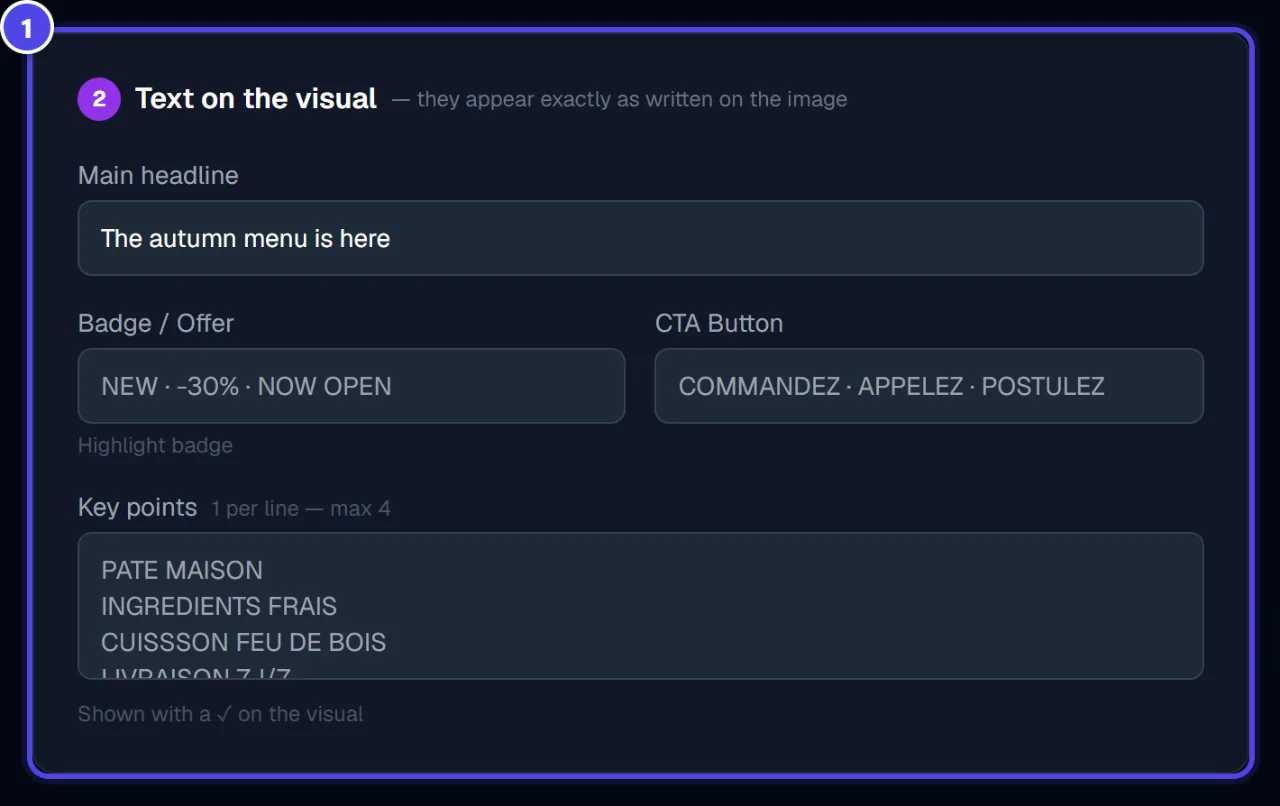
- 1Visual texts
Step 3
Choose formats and language, then start
Under “Format(s)”, tick one or more formats, then the “Language on the visual”. The tokens required are shown next to the generate button.
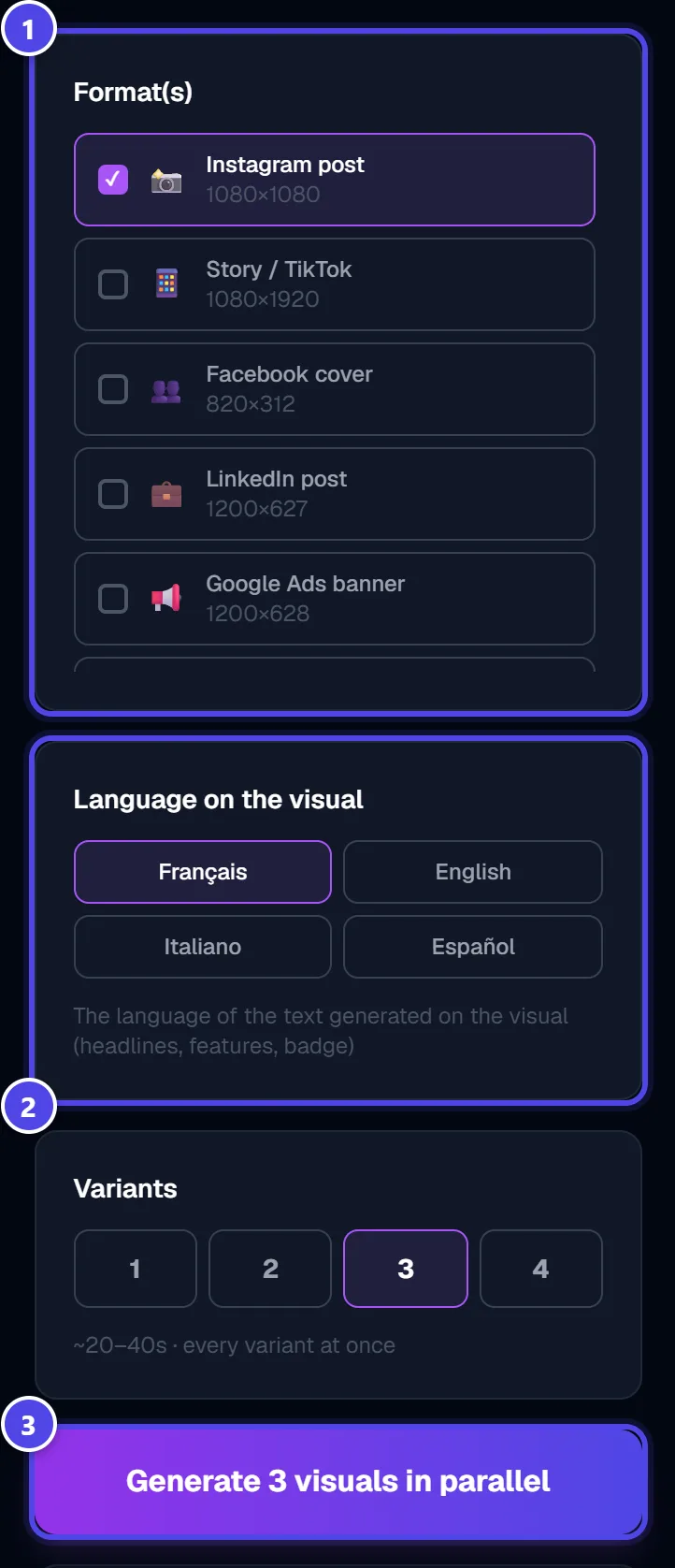
- 1Formats
- 2Language
- 3Generate
Screenshots taken with a demo account and brand (“Maison Dorée”). The logos shown are examples, not customer creations.
What you get
- One visual per chosen format, in your colours and with your texts.
- A history in “On-Brand Visuals”.
Tips and common issues
- A text does not appear as expected.
- Solution: Texts appear exactly as typed: check spelling and keep them short.
- The token total is high.
- Solution: Each ticked format is a charged visual: tick only the formats you need.
Frequently asked questions
How much does a visual cost?
25 tokens per visual produced.
Can I choose the visual’s language?
Yes, independently of the interface language.
Where do I find my visuals?
In “On-Brand Visuals”, with their status and download.