Brand Kit: your brand guidelines
“Brand Kit” generates a visual identity kit from one of your logos: colours, fonts, adaptations and a guidelines PDF. It requires the Solo plan or higher and costs 15 tokens per kit. Other modules then reuse this kit.
Before you start
- An active brand with at least one logo.
- A Solo subscription or higher and enough tokens.
Steps
Step 1
Create a new kit
Click “New Kit”. The creation wizard has four steps: “Logo”, “Info”, “Identity” and “Review”.
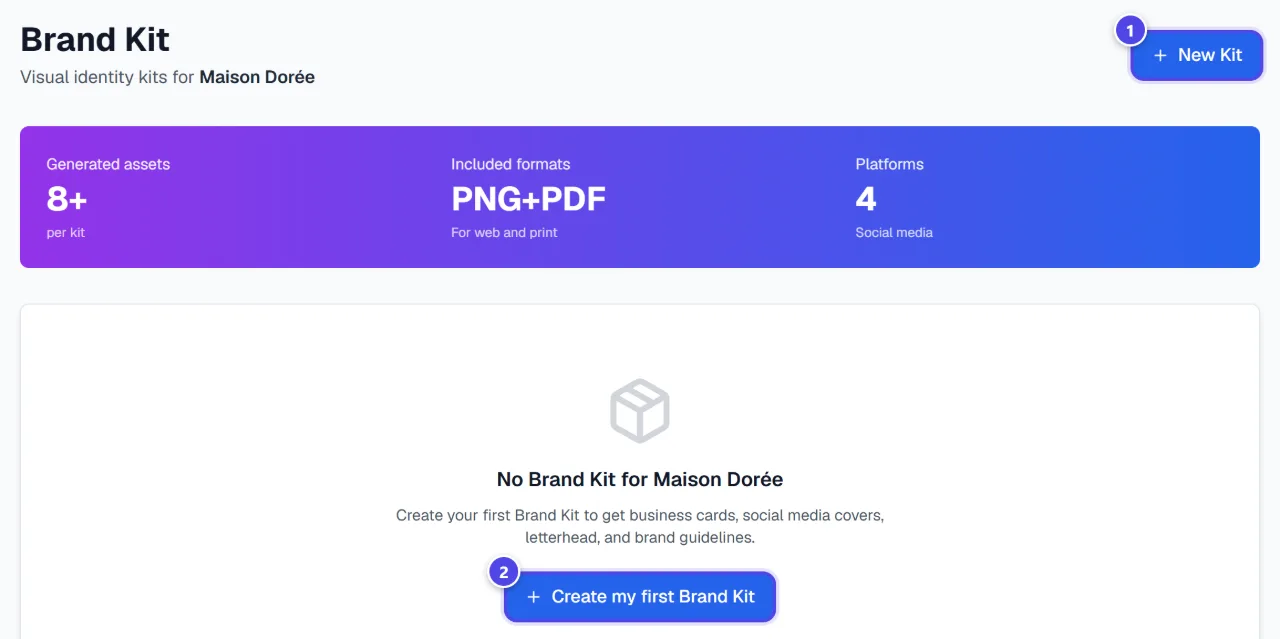
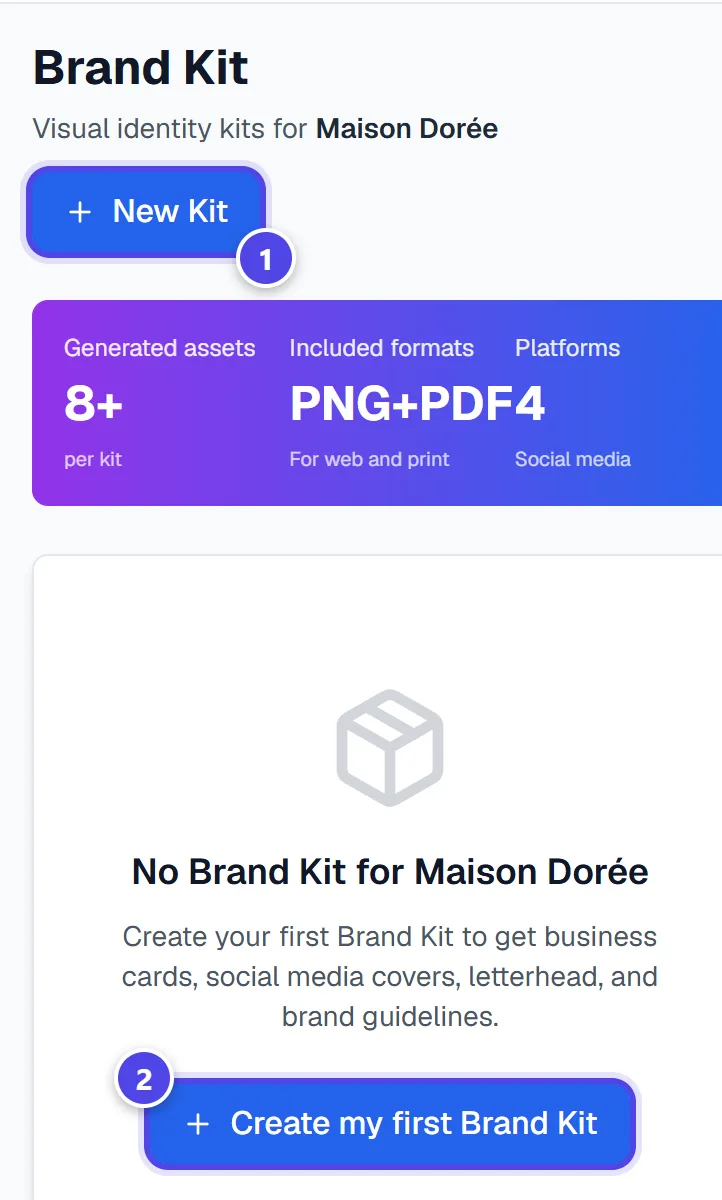
On mobile
- 1New kit
- 2Create the first kit
Step 2
Fill in logo, details and identity
“Select your logo”, then the “Company name”, “Tagline” and contact details. In “Visual identity”, adjust colours and fonts.
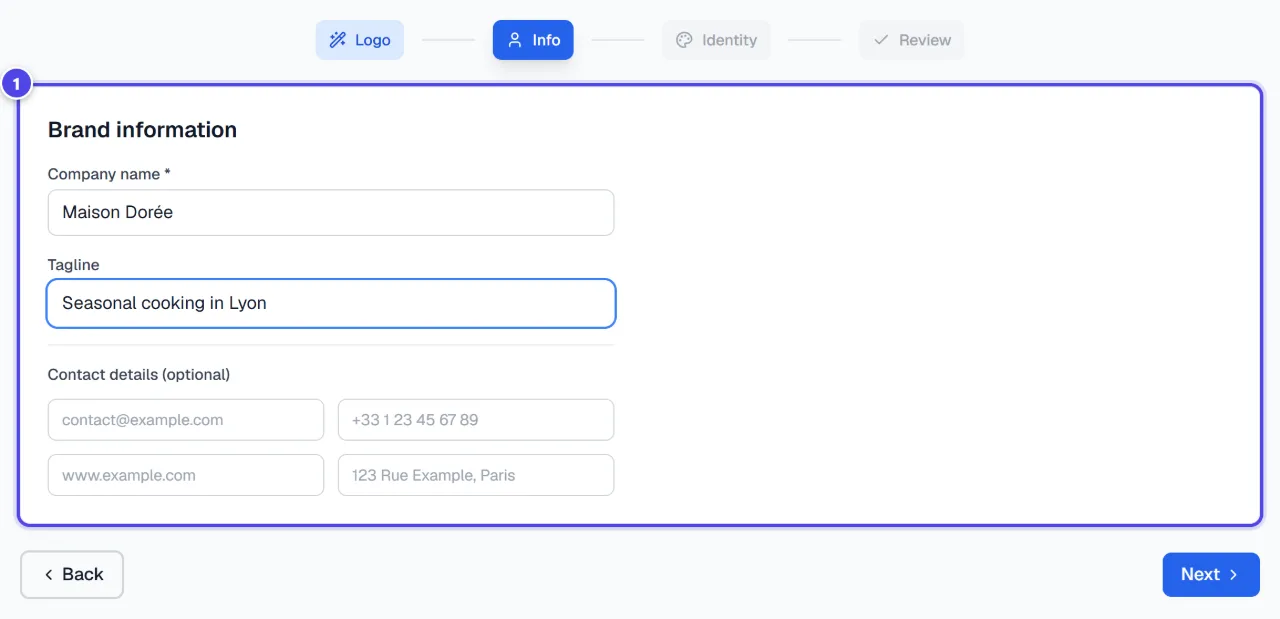
- 1Information
Step 3
Generate and download
The “Summary - Ready to generate” lists what will be produced. Click “Generate Brand Kit”, then “Download the Brand Guidelines PDF”.
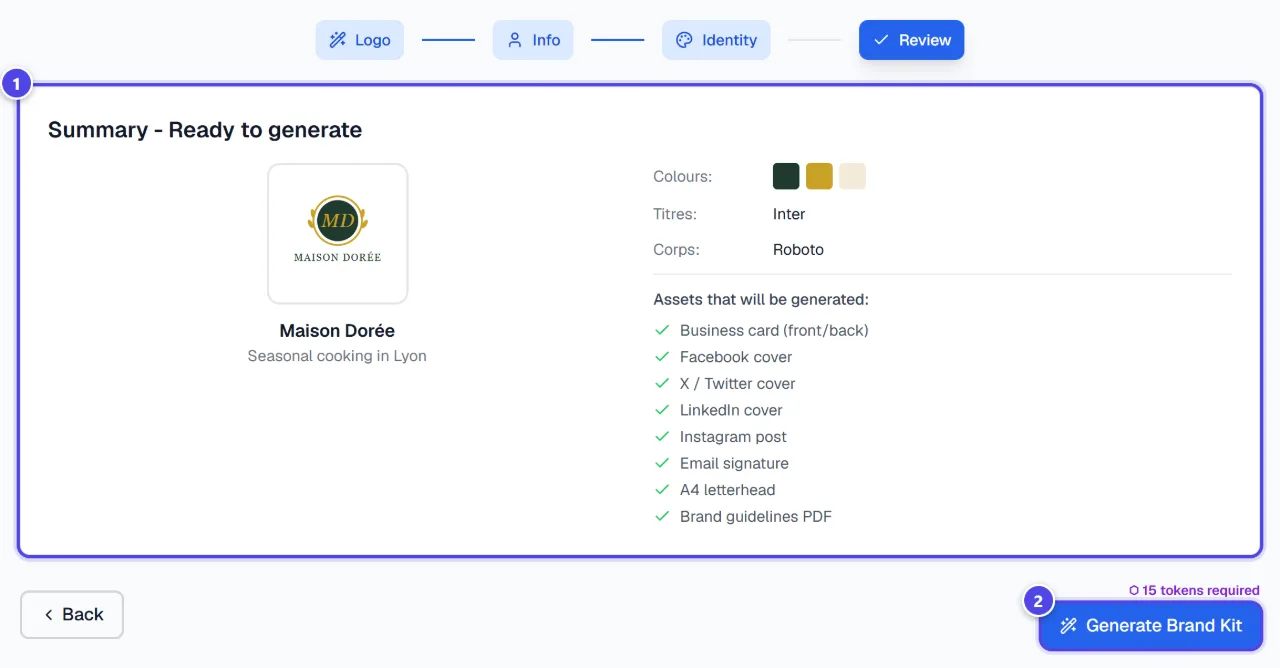
- 1Summary
- 2Generate
Screenshots taken with a demo account and brand (“Maison Dorée”). The logos shown are examples, not customer creations.
What you get
- An identity kit: colours, fonts and adaptations (business cards, social covers, letterheads).
- A brand guidelines PDF.
- A kit reused by visuals, assets and the consistency audit.
Tips and common issues
- “No logos available. Generate logos first.”
- Solution: Create a logo for the active brand first.
- “No active brand”
- Solution: Create or select a brand from the dashboard to generate its Brand Kit.
Frequently asked questions
How much does a Brand Kit cost?
15 tokens per generated kit.
Can I have several kits?
Yes, several kits can coexist for one brand; you can delete them.
What if I only have a website?
Use “Brand from a URL”: it extracts colours and fonts from your site.