Brand from a URL: extract a website’s identity
“Brand from a URL” reads your website to extract colours, fonts and details, then generates a Brand Kit. The module requires the Solo plan or higher. The analysis is free; generating the kit costs 3 tokens.
Before you start
- The address of a publicly accessible website.
- A Solo subscription or higher.
Steps
Step 1
Analyse your website
Enter the “Your website URL” then click “Analyze my site”. We'll analyze your colors, fonts, logo and contact information.
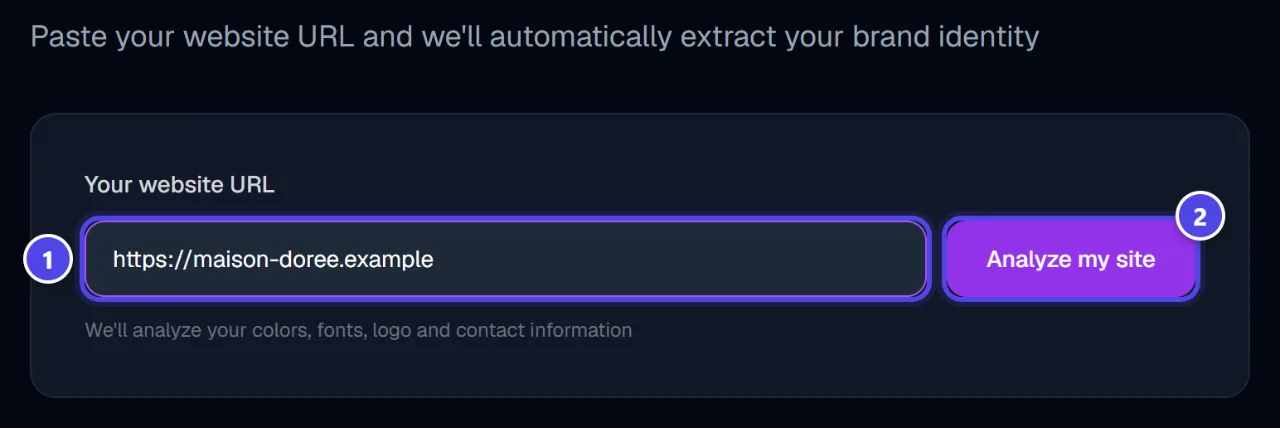
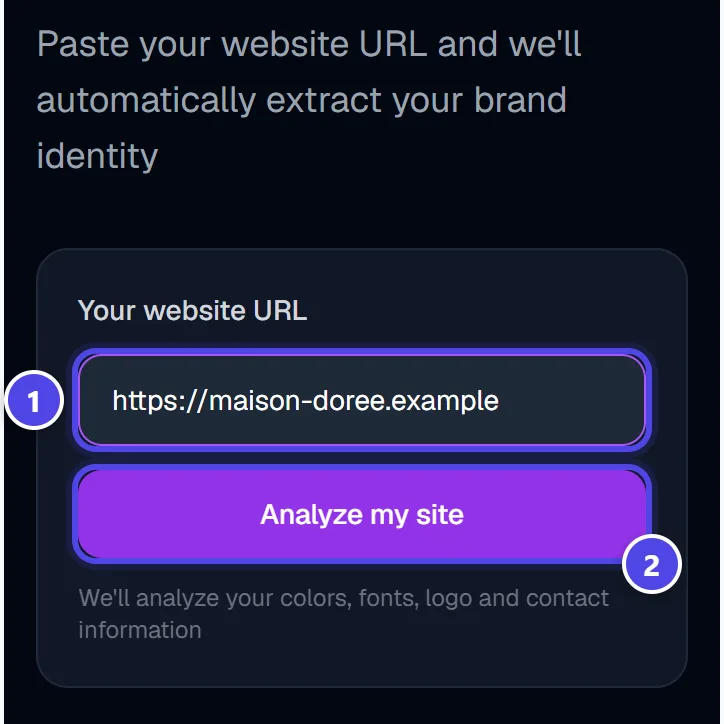
On mobile
- 1Website address
- 2Start the analysis
Step 2
Check and correct
“Brand colors (click to edit)” and “Brand information” (name, tagline, fonts, industry) stay editable before generation.
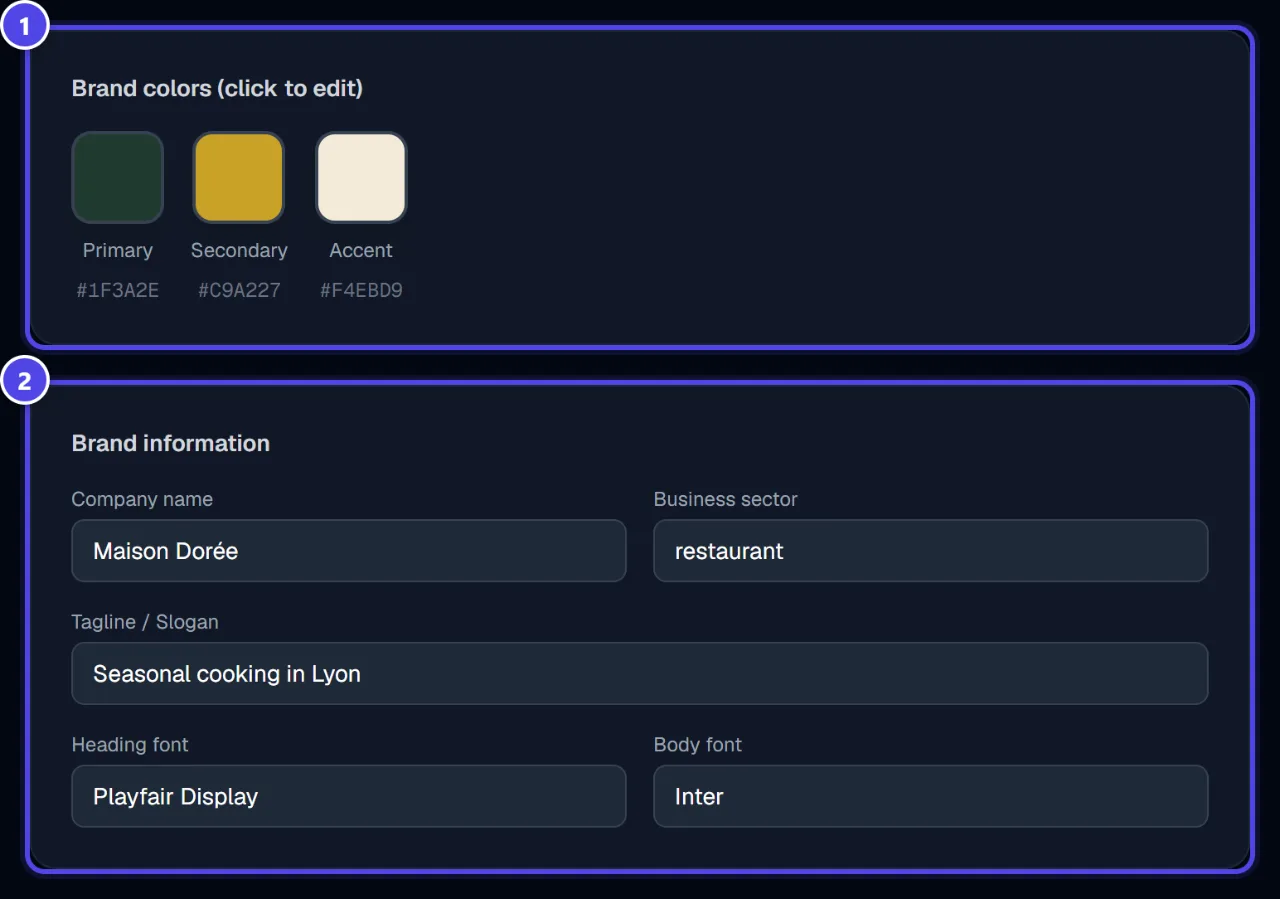
- 1Colours
- 2Information
Step 3
Generate the Brand Kit
Click “Generate Brand Kit”. “Brand Kit generated!” offers “Download PDF (Brand Guidelines)” and “Download full ZIP”.
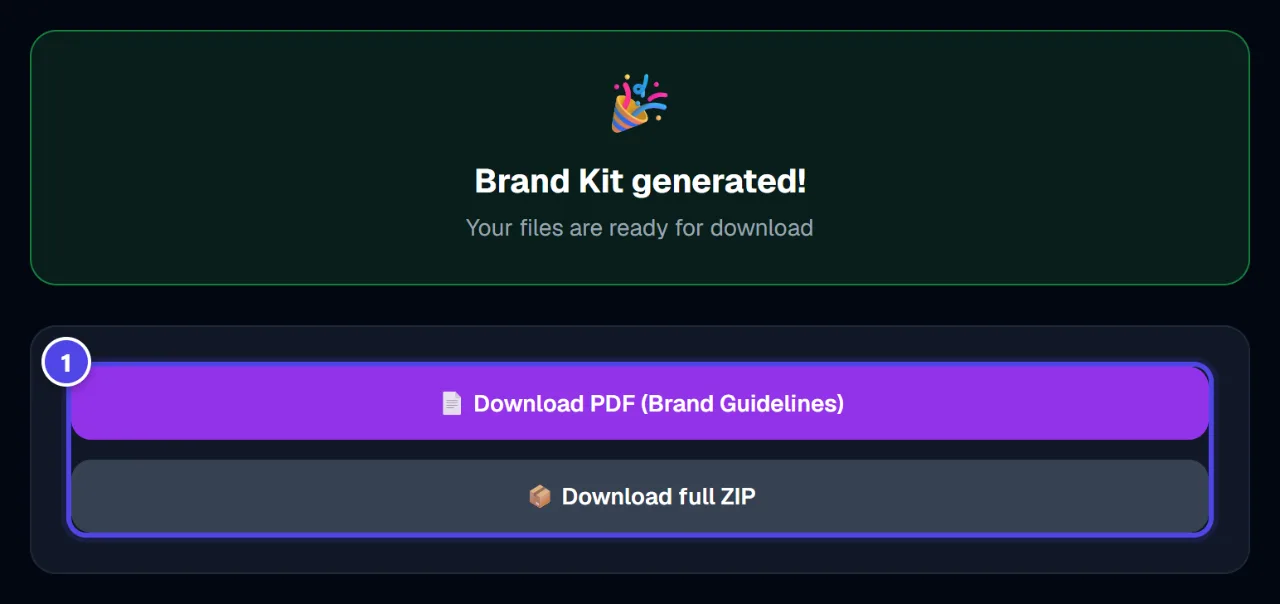
- 1Downloads
Screenshots taken with a demo account and brand (“Maison Dorée”). The logos shown are examples, not customer creations.
What you get
- A brand guidelines PDF.
- A ZIP archive of the kit.
Tips and common issues
- “Unable to analyze this URL. Make sure the site is accessible.”
- Solution: The website must be publicly accessible, without a password.
- “Files are being processed. Please try again in a moment.”
- Solution: Wait a few moments, then retry the download.
Frequently asked questions
How much does an extraction cost?
The analysis debits nothing; generating the kit costs 3 tokens.
Can I change the detected colours?
Yes, click a colour to change it before generation.
How is this different from the classic Brand Kit?
Here the starting point is your website; the classic Brand Kit starts from a logo in your gallery.