On-Brand Visuals: your visuals history
“On-Brand Visuals” gathers the visuals created with “Assets & Templates”, with their status and download. The module requires the Solo plan or higher. Viewing and downloading do not debit tokens.
Before you start
- At least one creation in “Assets & Templates”.
Steps
Step 1
Filter your creations
Filter by “Status” (Completed, Partial, In progress…) and by “Format”. “+ New creation” opens a new creation.

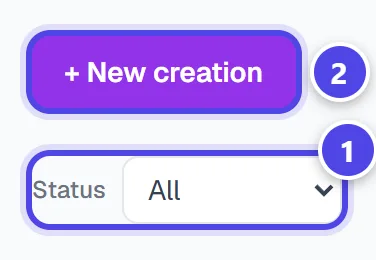
On mobile
- 1Filters
- 2New creation
Step 2
Open and download
“View visuals” unfolds a creation; each card shows the visuals requested and succeeded. “↓ Download” saves the file.
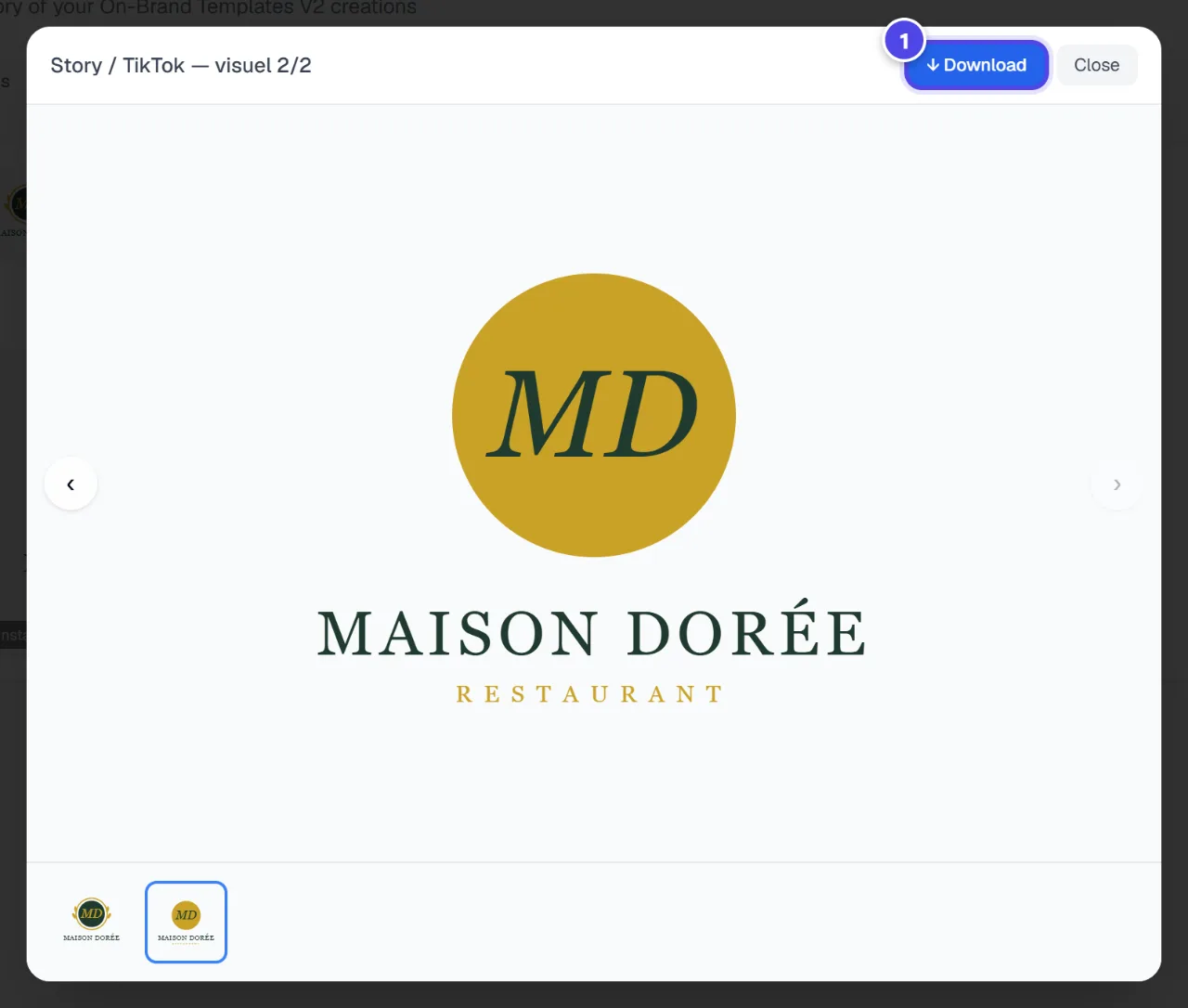
- 1Download
Screenshots taken with a demo account and brand (“Maison Dorée”). The logos shown are examples, not customer creations.
What you get
- Your On-Brand visuals, downloadable at any time.
Tips and common issues
- A creation is “Partial”.
- Solution: Some formats did not succeed: only successful visuals are available.
- “No results for these filters”
- Solution: Adjust the filters to see other generations.
Frequently asked questions
Is downloading paid?
No, only creating visuals debits tokens.
Where do I create a new visual?
In “Assets & Templates”.
Are my visuals in the library too?
The library gathers all your brand files.