Library: all your brand files
The “Library” gathers all your brands’ files: logos, Brand Kits, visuals, animations, videos, sounds and uploads. It is included in every plan and does not debit tokens. Each file offers the downloads your plan and purchases entitle you to.
Before you start
- At least one creation in a module.
Steps
Step 1
Filter and search
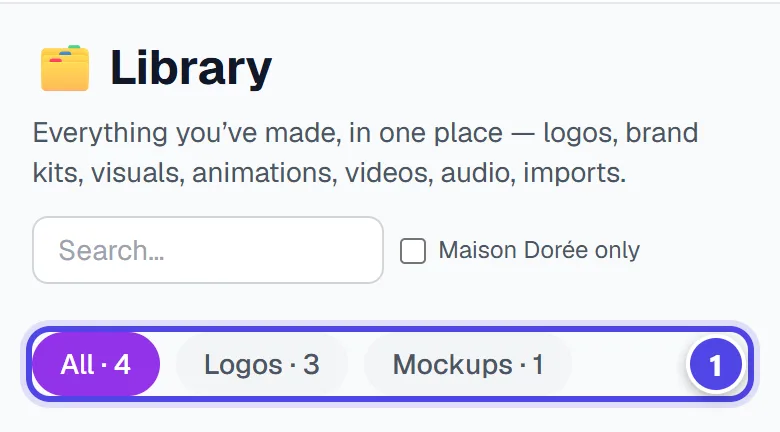
Tabs sort by file type, starting with “All”. Search finds a file by its name. The library follows the active brand.

On mobile
- 1File types
Step 2
Open a file and download
Depending on the file and your rights: “Download the pack (SVG, PDF, EPS…)”, “Download the print file” or “Download the preview (PNG)”. A protected preview states: Protected preview — professional files not included.
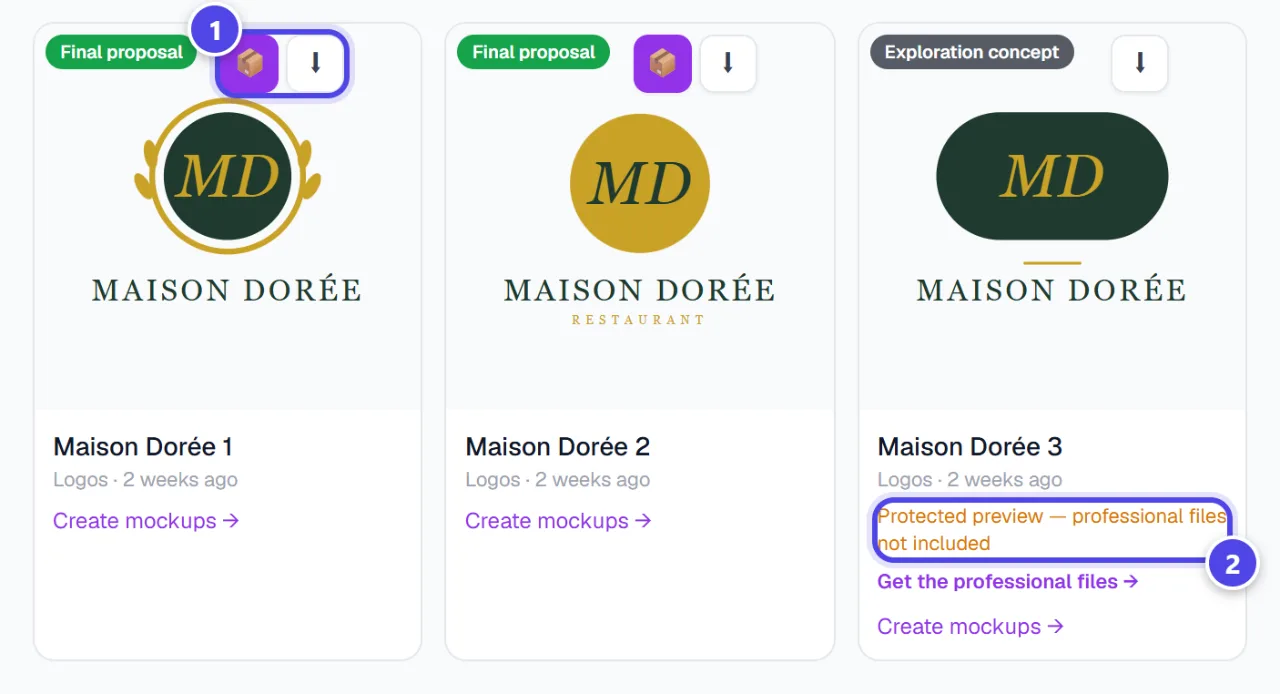
- 1Pack and download
- 2Protected preview
Step 3
Organise
“Rename” and “Delete” keep the library tidy. A file can also be reused directly in another module.
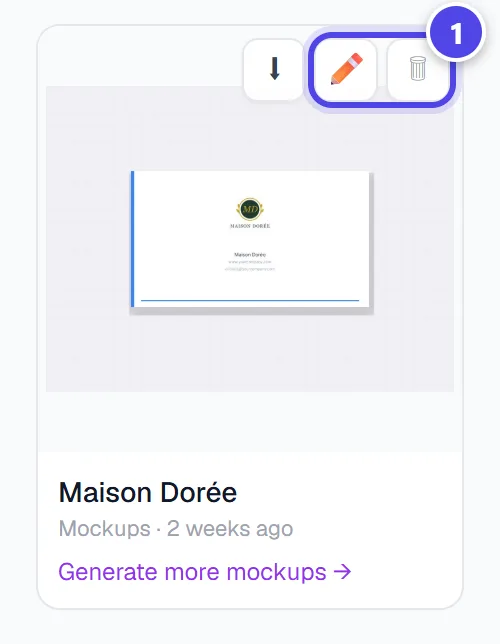
- 1Rename, delete
Screenshots taken with a demo account and brand (“Maison Dorée”). The logos shown are examples, not customer creations.
What you get
- One place for all the brand’s files.
- The downloads allowed for each file.
Tips and common issues
- A file does not appear.
- Solution: Check the active brand: the library only shows its files.
- “Download unavailable — regenerate this item.”
- Solution: Regenerate the asset in its module to get a new print file.
Frequently asked questions
Is the library paid?
No, viewing and organising your files debits nothing.
Why is only a watermarked preview offered?
Professional files depend on your plan or a purchase (Logo Pack, acquisition). The preview stays available.
What does “unassigned history” mean?
Created before generations were linked to a brand