AI Assistant: advice and actions for your brand
“AI Assistant” answers your questions based on the active brand and can suggest actions, such as opening a module or generating a Brand Kit. It is included in every plan. A paid action shows its token cost and waits for your confirmation.
Before you start
- An active brand: without one, the assistant first offers to create it.
- For paid actions: the module must be included in your plan and your balance must be sufficient.
Steps
Step 1
Choose a mode and ask your question
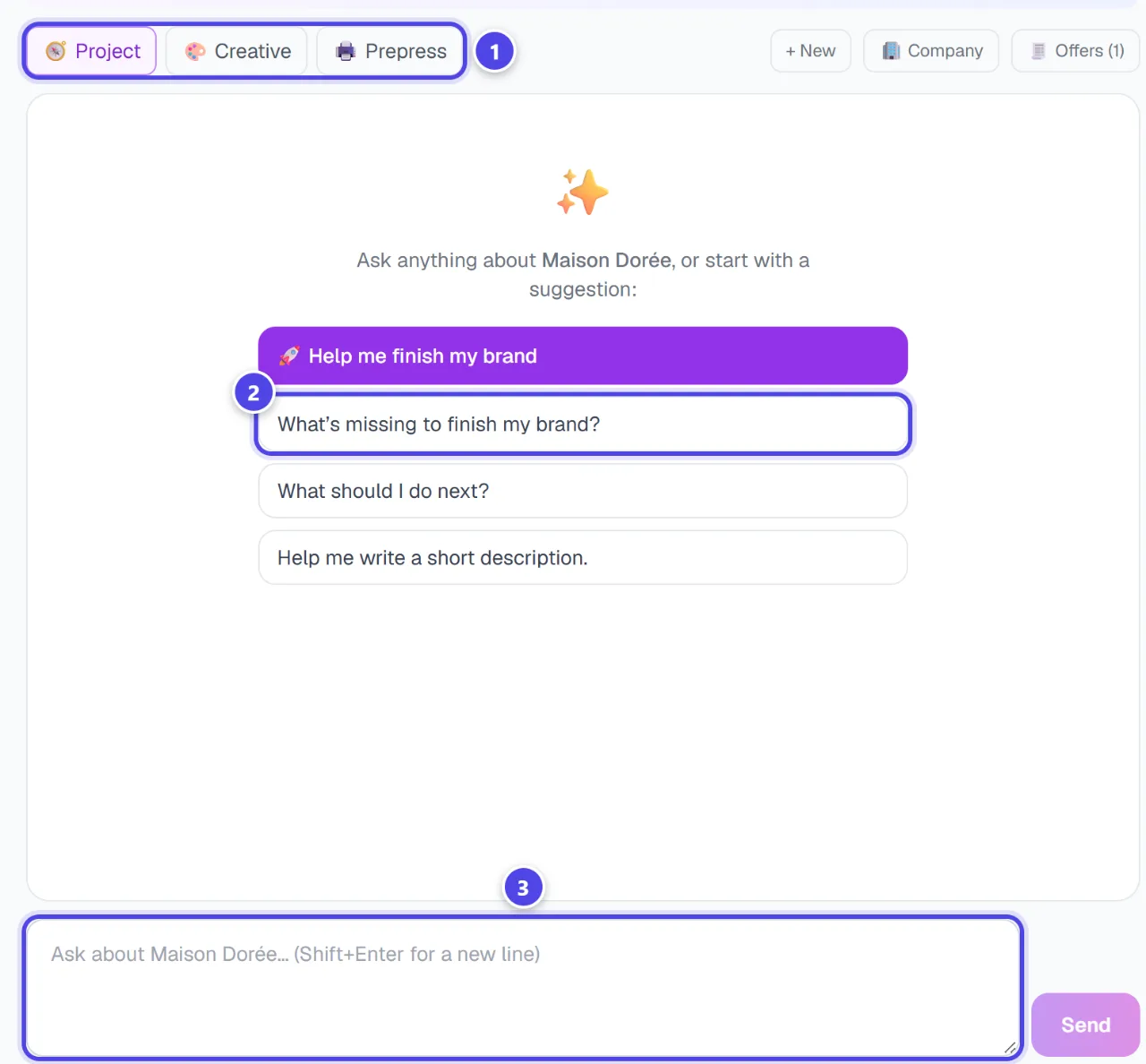
Three modes steer the answers: “Project” (Complete your brand), “Creative” (Assets & content) and “Prepress” (Check before ordering). Click a suggestion or type your question, then “Send”.
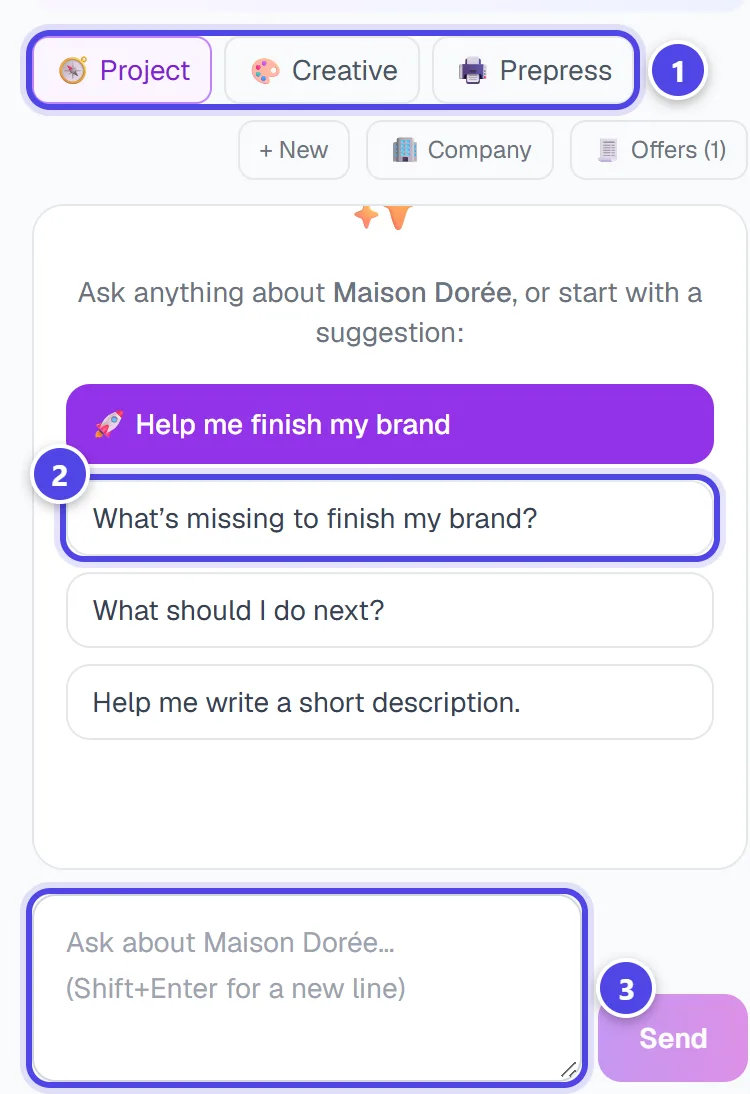
On mobile
- 1Assistant mode
- 2Suggested questions
- 3Your question
Step 2
Use the suggested actions
Under an answer, the assistant may suggest actions. Each one has a badge: “Free”, an estimated token cost, or “Opens the module”. Nothing runs without your click, and a paid action debits the tokens of the module concerned.
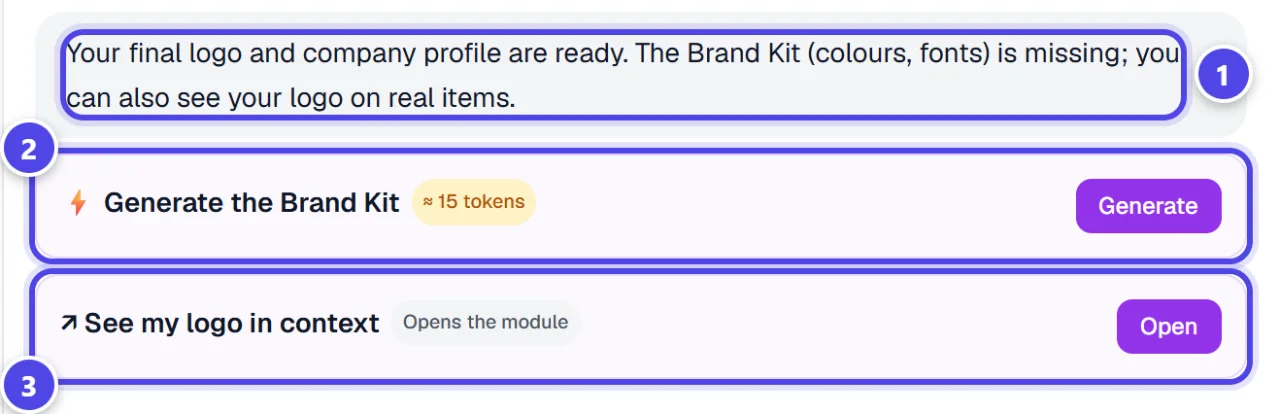
- 1Assistant answer
- 2Paid action and its cost
- 3Action that opens a module
Step 3
Fill in company and offers
The “🏢 Company” and “🧾 Offers” tabs store your details and services. Your services / prices / menu — the assistant uses them for your price lists and flyers.
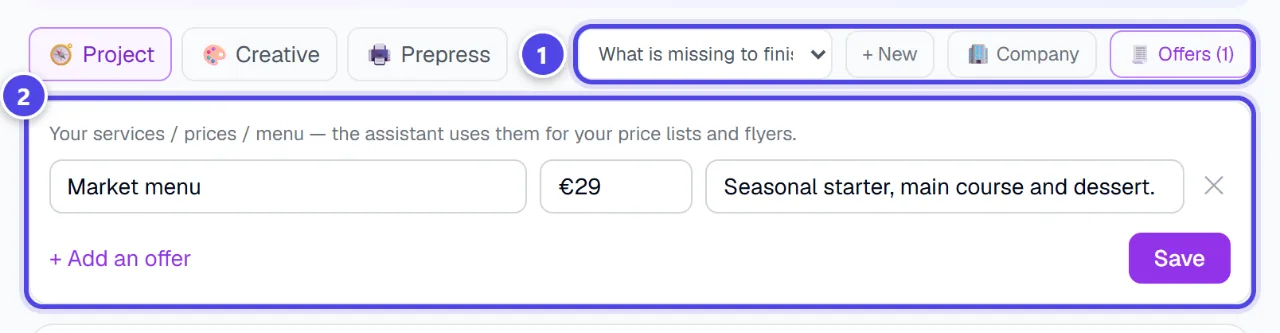
- 1Company and Offers tabs
- 2Your offers
Step 4
Find your conversations
The “Conversations” list keeps your exchanges per brand; “+ New” starts another one. The “Messages left today” counter shows how many messages you have left today.
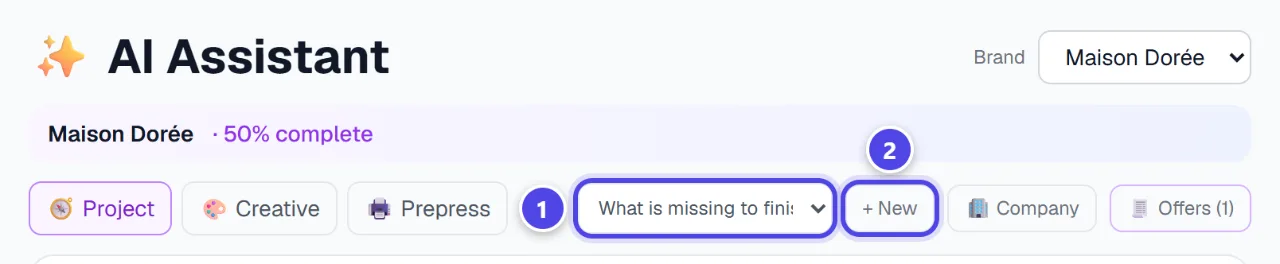
- 1Your conversations
- 2New conversation
Screenshots taken with a demo account and brand (“Maison Dorée”). The logos shown are examples, not customer creations.
What you get
- Answers based on your brand: industry, colours, company and offers.
- Shortcuts to modules, with their cost shown before any debit.
- A company profile and offers reused by your assets.
Tips and common issues
- The assistant asks you to create a brand.
- Solution: Create your first logo from “Create my logo”: the brand is created with it.
- A suggested action is refused.
- Solution: The module may be reserved for a higher plan, or your token balance is too low.
- No more messages are accepted.
- Solution: The daily limit is reached: it renews over twenty-four hours.
Frequently asked questions
Does the assistant debit tokens?
Conversations do not debit tokens by default. Only the paid actions you confirm debit the cost of the module concerned.
Which brand does it work on?
The brand selected at the top of the screen. Switch brand to switch context.
Are its texts final?
No: they are suggestions to review and approve before publishing.