Image editing: retouch an image in plain language
“Image editing” offers four retouching tools driven by a text description. It requires the Solo plan or higher. Depending on the tool, an edit costs between 2 and 3 tokens; the cost is shown on the start button.
Before you start
- A source image (a logo from your gallery or a file).
- A Solo subscription or higher and enough tokens.
Steps
Step 1
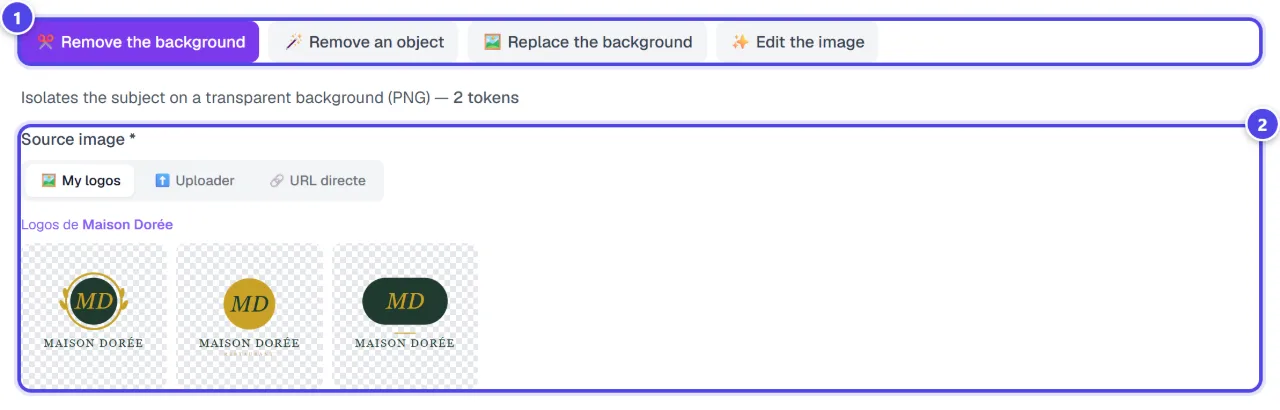
Choose the tool
“Remove the background” (Isolates the subject on a transparent background (PNG)), “Remove an object”, “Replace the background” or “Edit the image” (Change anything via a written instruction).
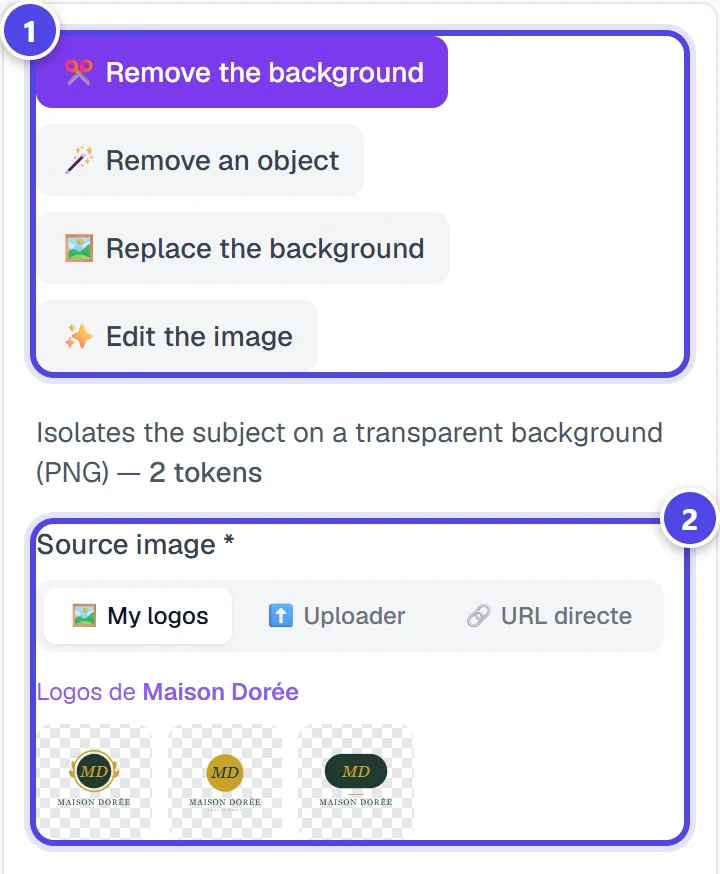
On mobile
- 1Editing tools
- 2Source image: your logos, a file or an address
Step 2
Describe the edit
Choose the “Source image *”, then describe what to do: the object to erase, the new background or the edit instruction. The start button shows the token cost.
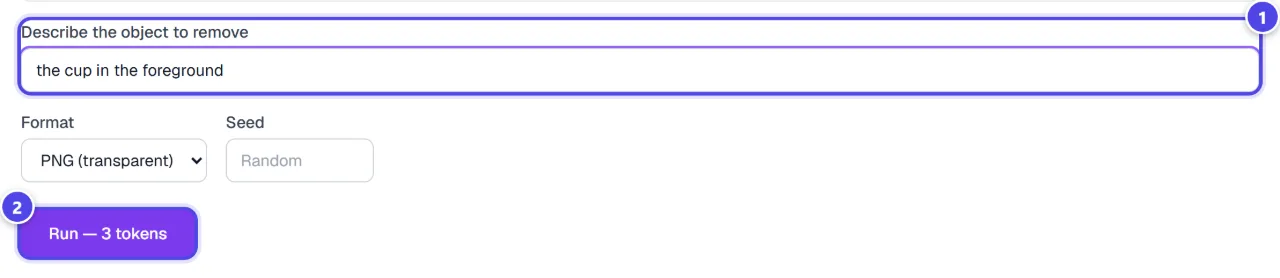
- 1Description
- 2Launch
Step 3
Download the result
The “Result” appears when the task ends; “↓ Download” saves it. The recent operations table keeps the preview, status, duration and tokens of each edit.
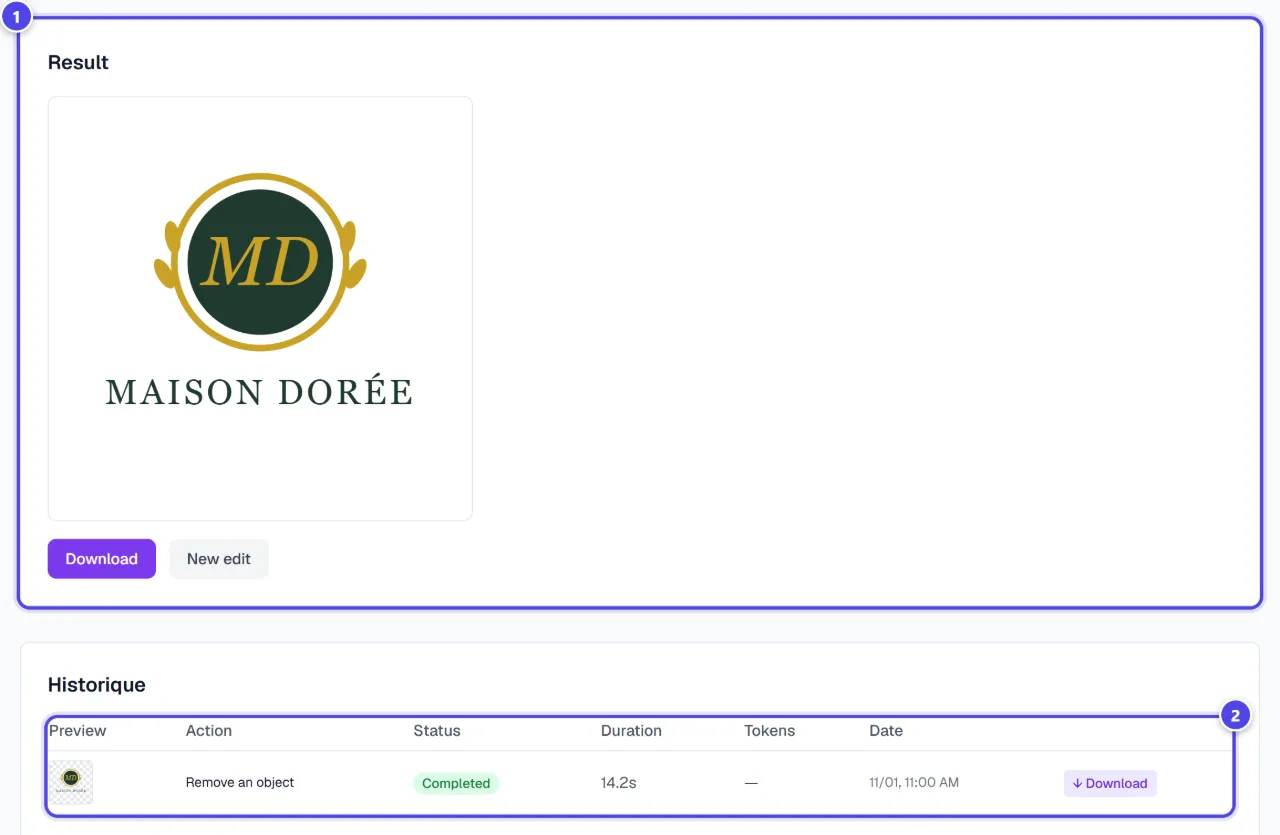
- 1Result
- 2Recent operations
Screenshots taken with a demo account and brand (“Maison Dorée”). The logos shown are examples, not customer creations.
What you get
- The edited image, ready to download.
- The history of your edits with their cost.
Tips and common issues
- The result does not match the request.
- Solution: Be precise and concrete: “erase the red car on the left” rather than “clean the image”.
- The edit is refused.
- Solution: Some requests are blocked by moderation. Rephrase the request.
Frequently asked questions
How much does an edit cost?
“Remove the background”: 2 tokens; “Replace the background”: 2 tokens; “Remove an object”: 3 tokens; “Edit the image”: 3 tokens.
How is it different from Background removal?
Background removal is tuned for logos and costs less; image editing also handles photos and accepts free instructions.
Is the original image changed?
No: each edit produces a new image.