Free favicon generator
The favicon generator turns your logo into favicon.ico, PNG icons and a site.webmanifest file, with the HTML tags to copy. It is free, with no account and no quota. The image never leaves your browser.
Before you start
- Your logo or symbol as PNG, SVG or JPG, ideally square and large, or as SVG.
Steps
Step 1
Upload your image
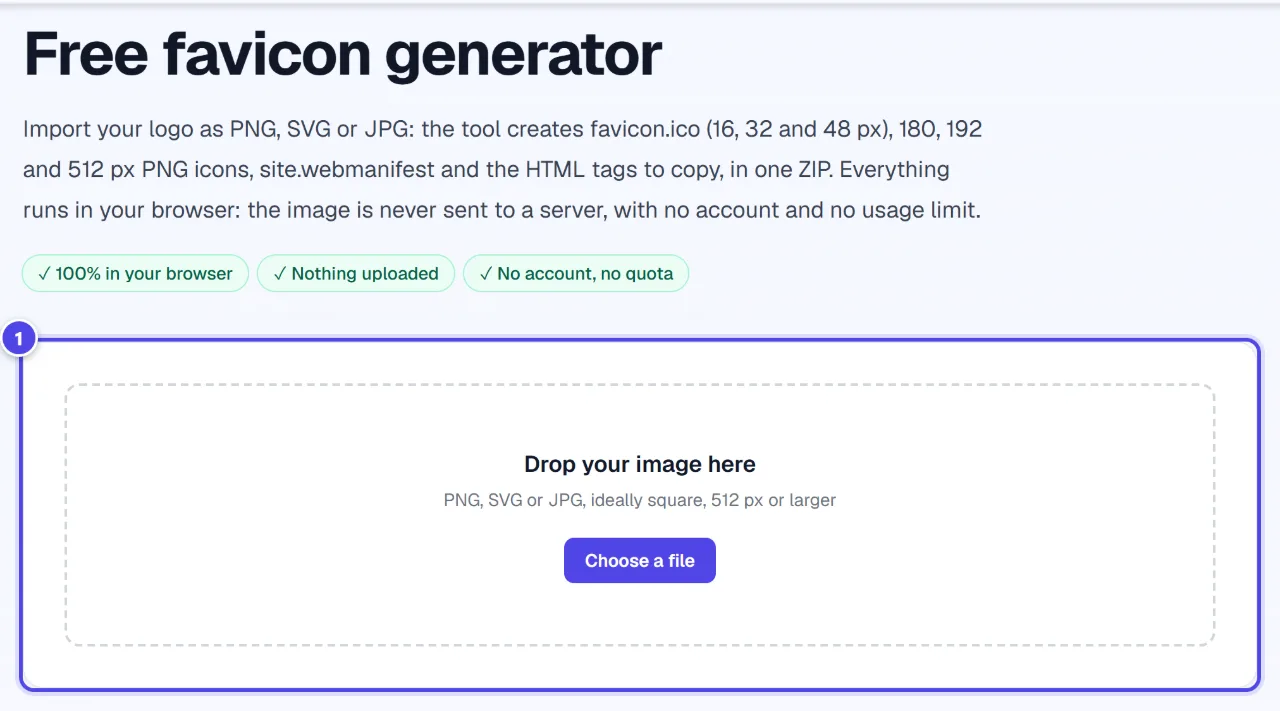
Drop your file in the upload area or choose it from your computer. A large square PNG or an SVG gives the sharpest icons.
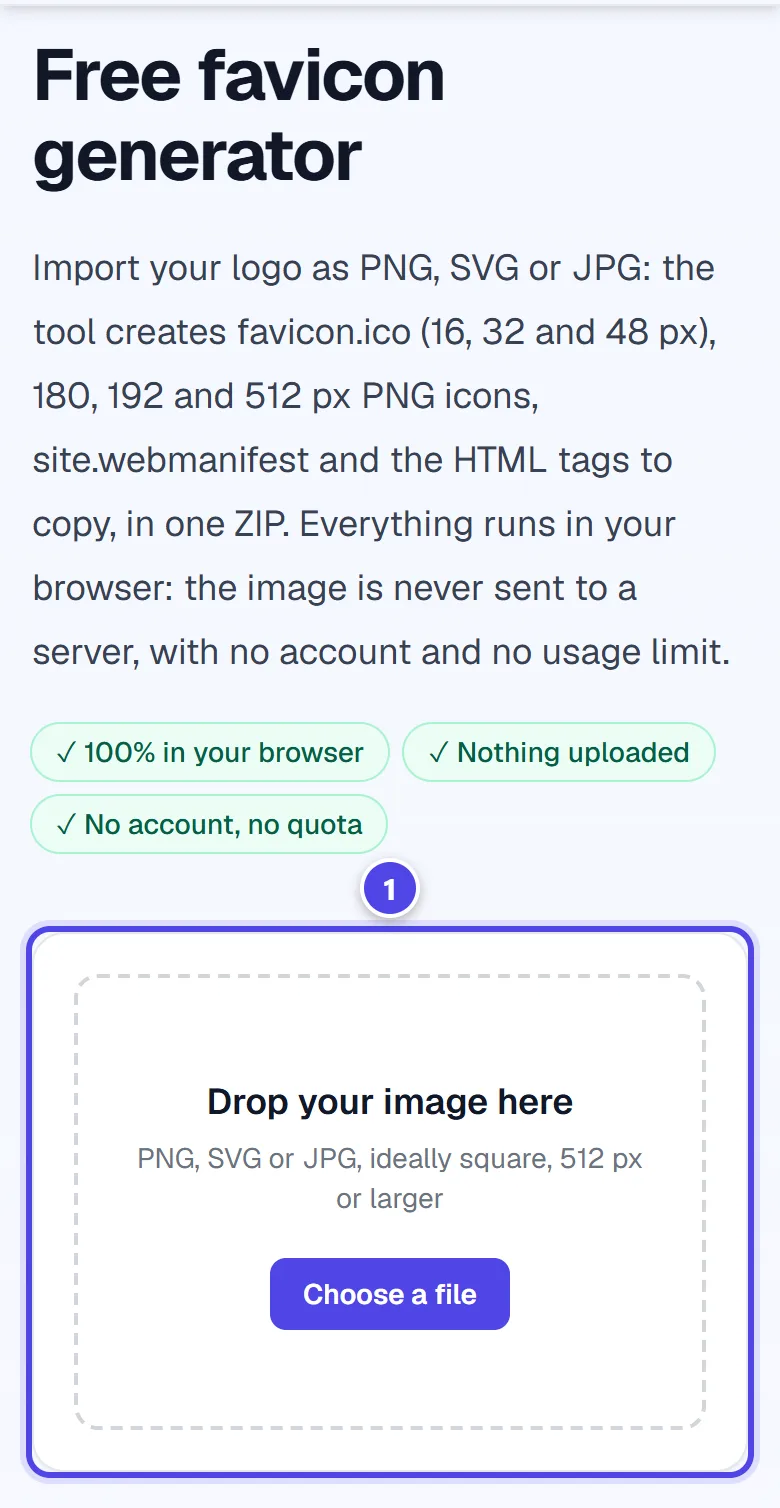
On mobile
- 1Upload area
Step 2
Adjust the look
Choose a transparent or coloured background, set the inner padding, the site name and theme colour, then check the preview at the small sizes of a browser tab.
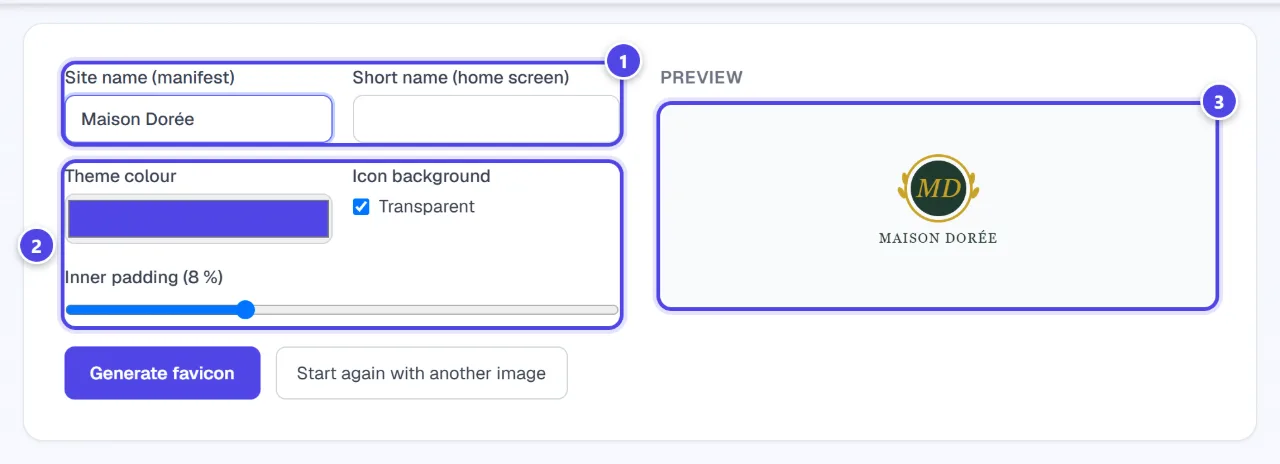
- 1Site name
- 2Background and padding
- 3Preview
Step 3
Generate, download and install
Generate the favicon and download the ZIP. Copy the files to your site root and paste the tags in the head of your pages, or upload the icon to your CMS.
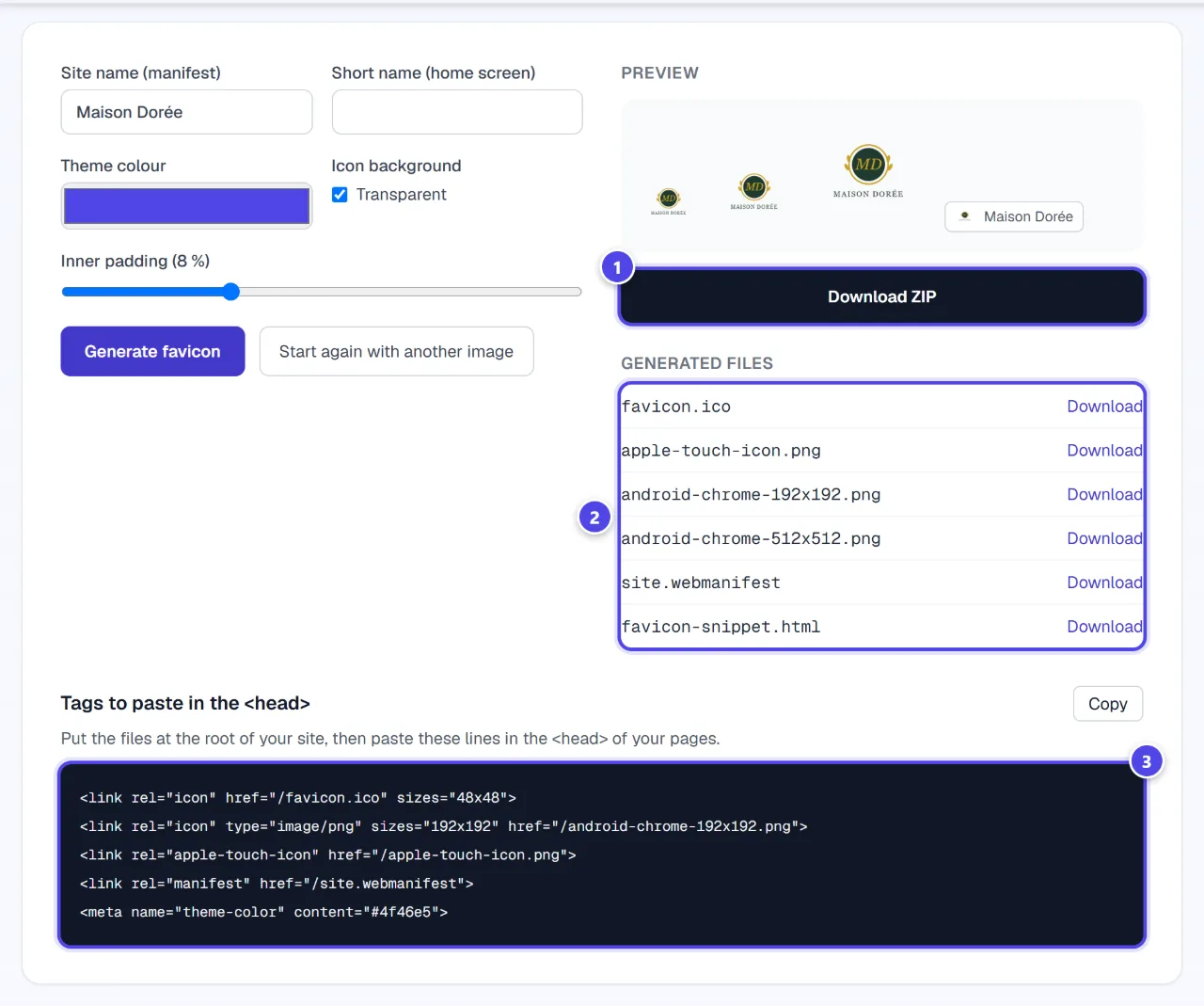
- 1Download the ZIP
- 2Files
- 3Head tags
Screenshots taken with a demo account and brand (“Maison Dorée”). The logos shown are examples, not customer creations.
What you get
- A ZIP with favicon.ico, the PNG icons, site.webmanifest and the HTML snippet.
Tips and common issues
- The favicon is blurry.
- Solution: The source image is too small: use an SVG or a larger PNG.
- The SVG cannot be read.
- Solution: Check that it opens in your browser; otherwise export it as PNG.
Frequently asked questions
Do I need an account?
No: the tool is public, free and has no quota.
Is my logo sent to a server?
No, everything happens in your browser.
Does the Logo Pack already include a favicon?
Depending on the logo: a favicon is included when a symbol can be isolated. Otherwise, this generator creates one.