Create your logo: describe, explore, choose, receive
“Create my logo” turns a short description of your brand into logo concepts, then into vector logos (SVG) ready to download. Any account can try it: 6 watermarked concepts are free per account. To receive the final vector logos you need a Logo Pack (50 concepts and up to 3 SVGs for one creation) or a subscription (5 tokens per concept, 300 tokens per full delivery).
Before you start
- A BrandMotion Lab account (sign-up is free, no credit card).
- Your brand name and its industry: these are the only two required fields.
- Optional: a few words about your business and the logo you have in mind (style, colours, symbol).
- For the final delivery: a Logo Pack for this creation, or a subscription with enough tokens. Prices are listed on the Pricing page.
Steps
Step 1
Describe your brand
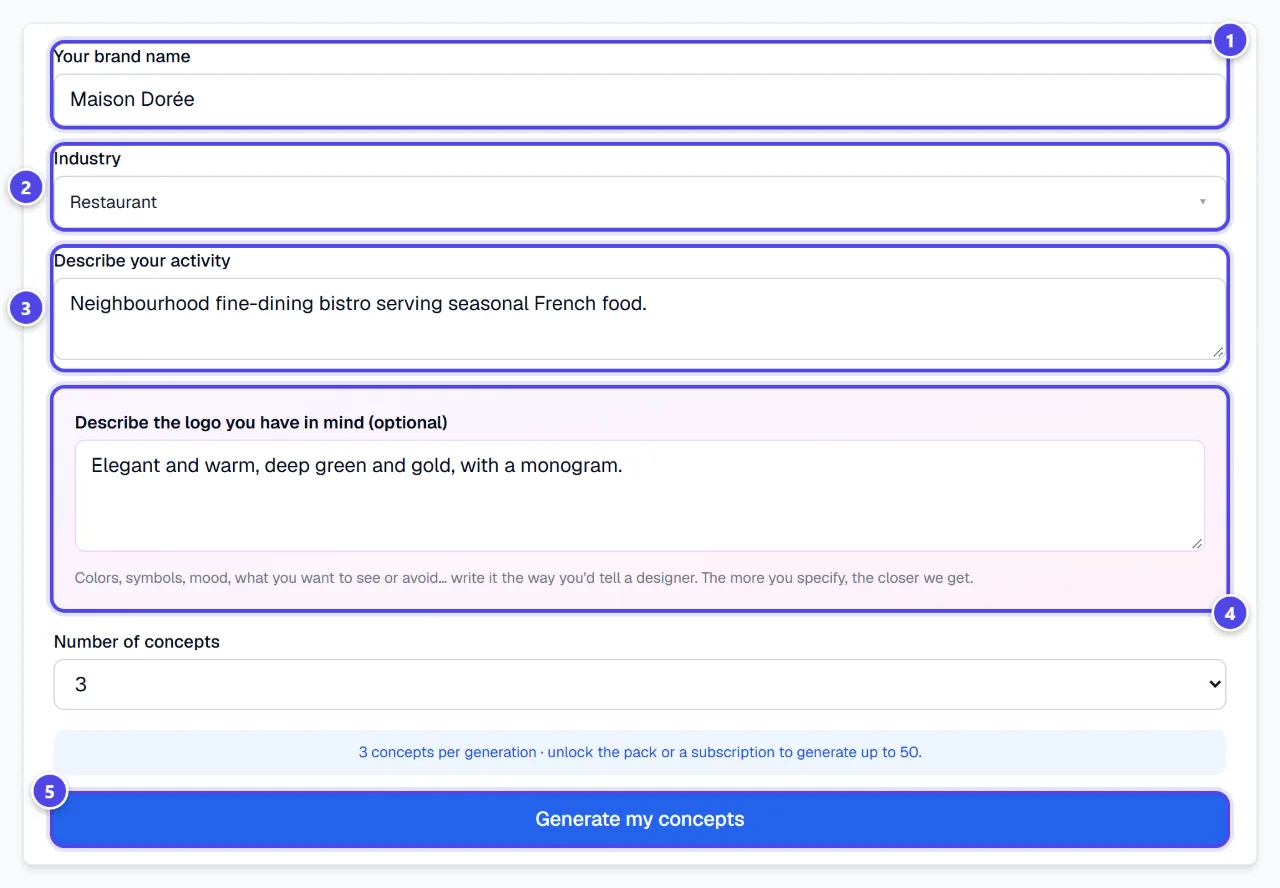
Open “Create my logo” in the menu. Fill in “Your brand name”, pick “Industry” from the list, then describe your business. The “Describe the logo you have in mind (optional)” field takes your ideas about style, colours or symbol. Click “Generate my concepts”.
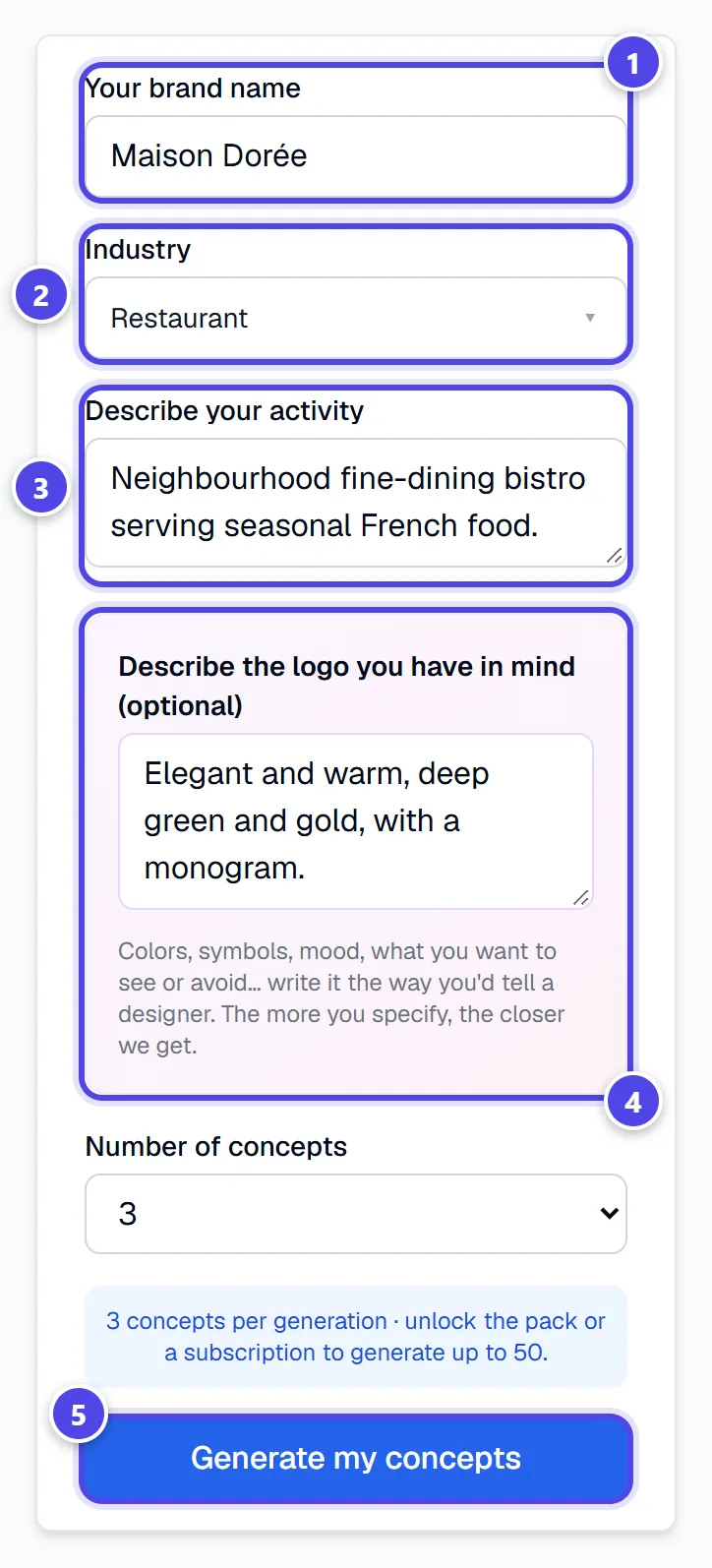
On mobile
- 1Brand name
- 2Industry
- 3Business description
- 4The logo you have in mind
- 5Start the generation
Step 2
Explore the proposed concepts
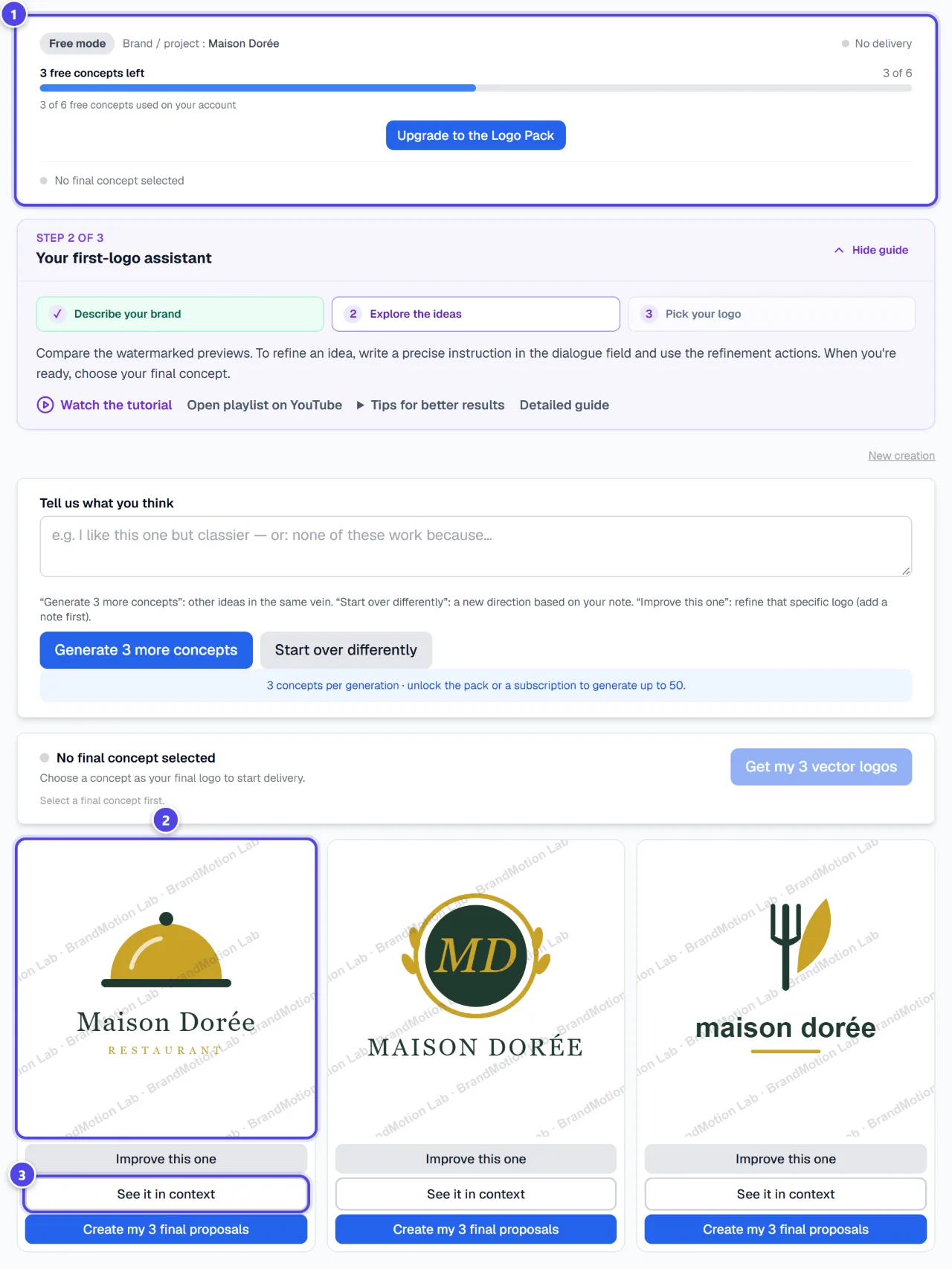
Concepts appear in a grid. In free mode, each generation produces 3 watermarked concepts, and the banner shows how many free concepts are left on your account. Click a concept to enlarge it, or “See it in context” to see it on real items.
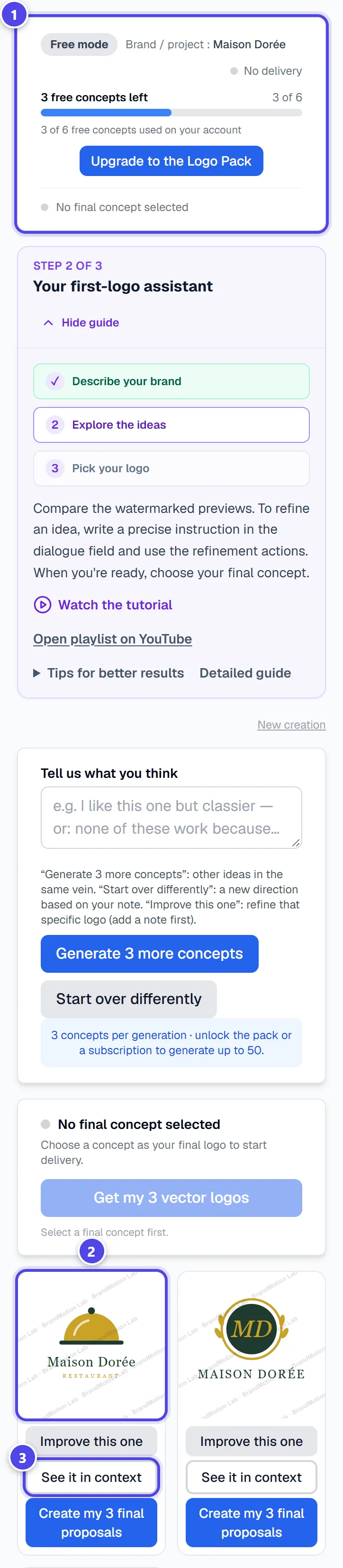
On mobile
- 1Mode and concepts left
- 2A concept: click to enlarge it
- 3See the logo on real items
Step 3
Refine with your feedback
Write what you like or dislike in “Tell us what you think”, then choose: “Generate 3 more concepts” for more ideas in the same vein, “Start over differently” for a new direction, or “Improve this one” under a concept to refine that one (a note is then required). Every generation counts towards your quota.
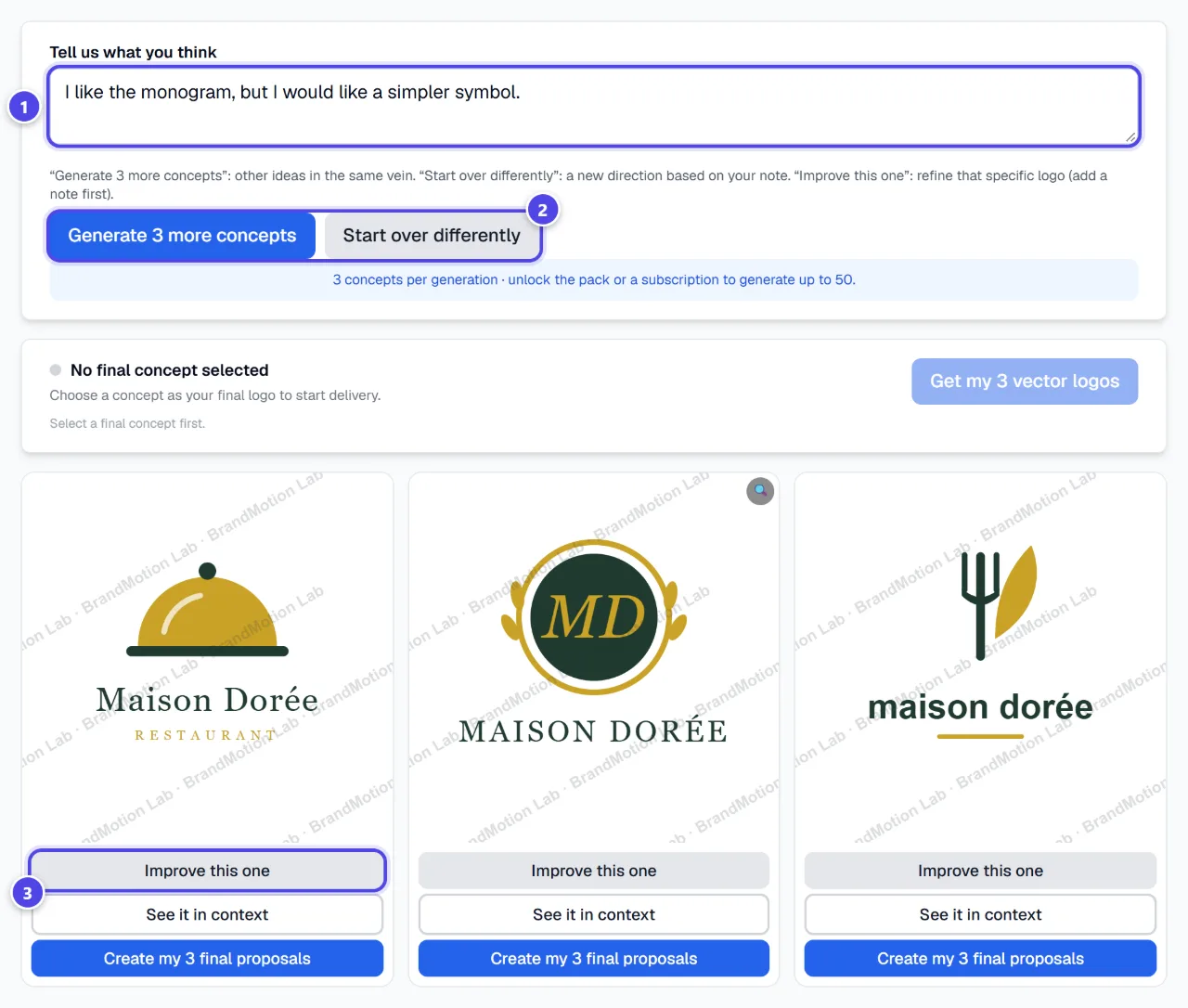
- 1Your note
- 2More ideas, or a new direction
- 3Refine this specific concept
Step 4
Choose your final concept
Under the concept you prefer, click “Create my 3 final proposals”: it is marked “✓ Concept selected”. You can change your mind until delivery starts. Then click “Get my 3 vector logos”.
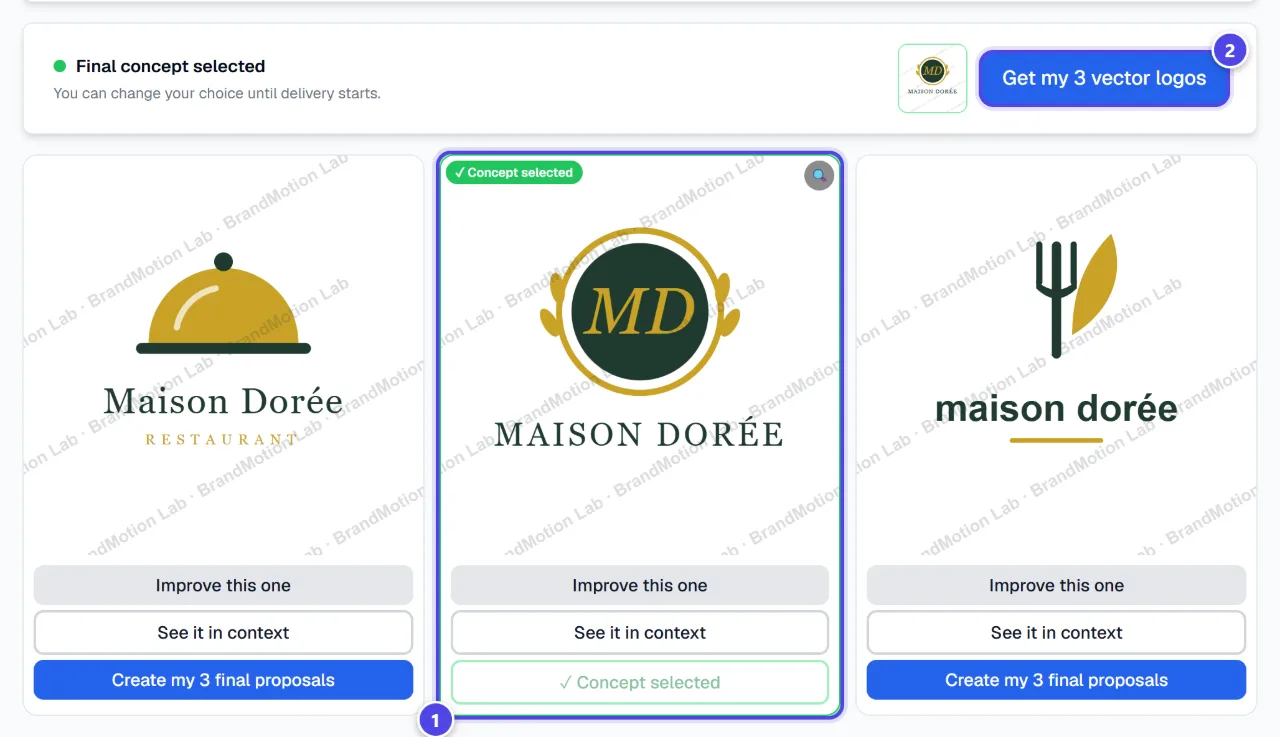
- 1Selected concept
- 2Start the delivery
Step 5
Confirm your choice
Tick “I confirm I want this logo for the final delivery.”, click “Continue”, then confirm with “Yes, this is my logo”. Once delivery starts, the concept is locked. Without a Pack or a subscription, the “Unlock your vector logos” screen appears and offers the Logo Pack for this creation.
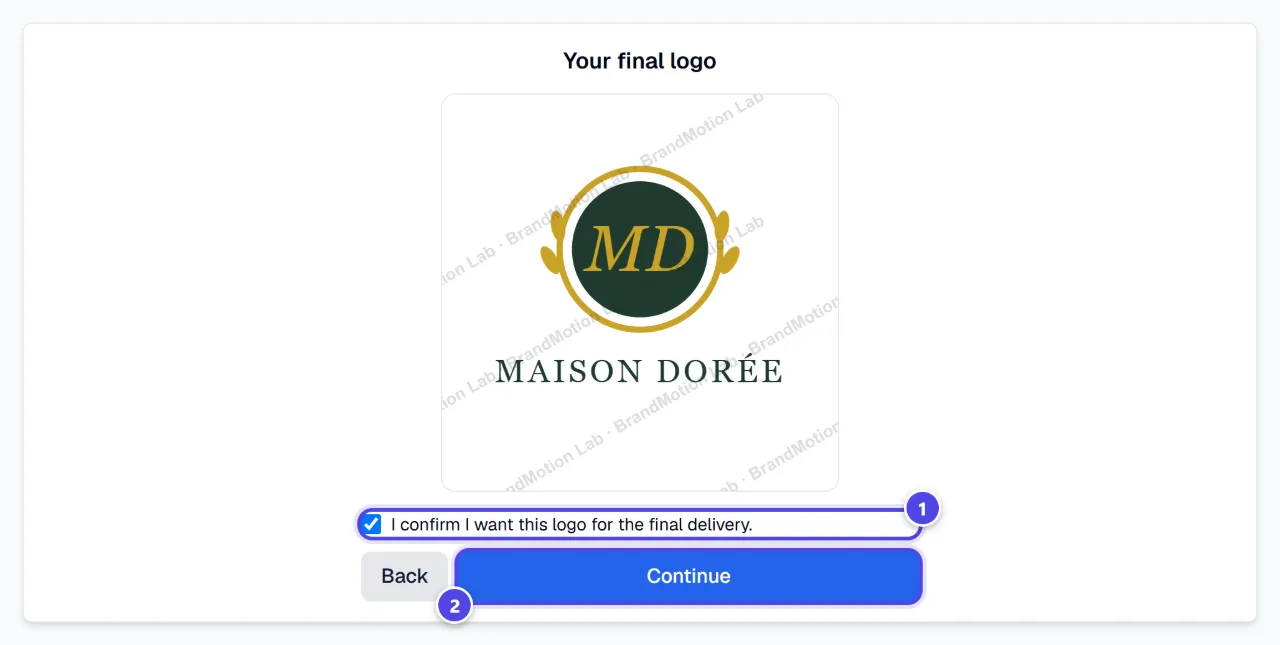
- 1Confirmation checkbox
- 2Continue to delivery
Step 6
Receive your vector logos
Up to 3 vector logos are produced from your concept; the best one is marked “recommended”. Download each as SVG. “✨ Improve” runs an improved version: it is free, limited to 2 rounds, and your best logo is kept.
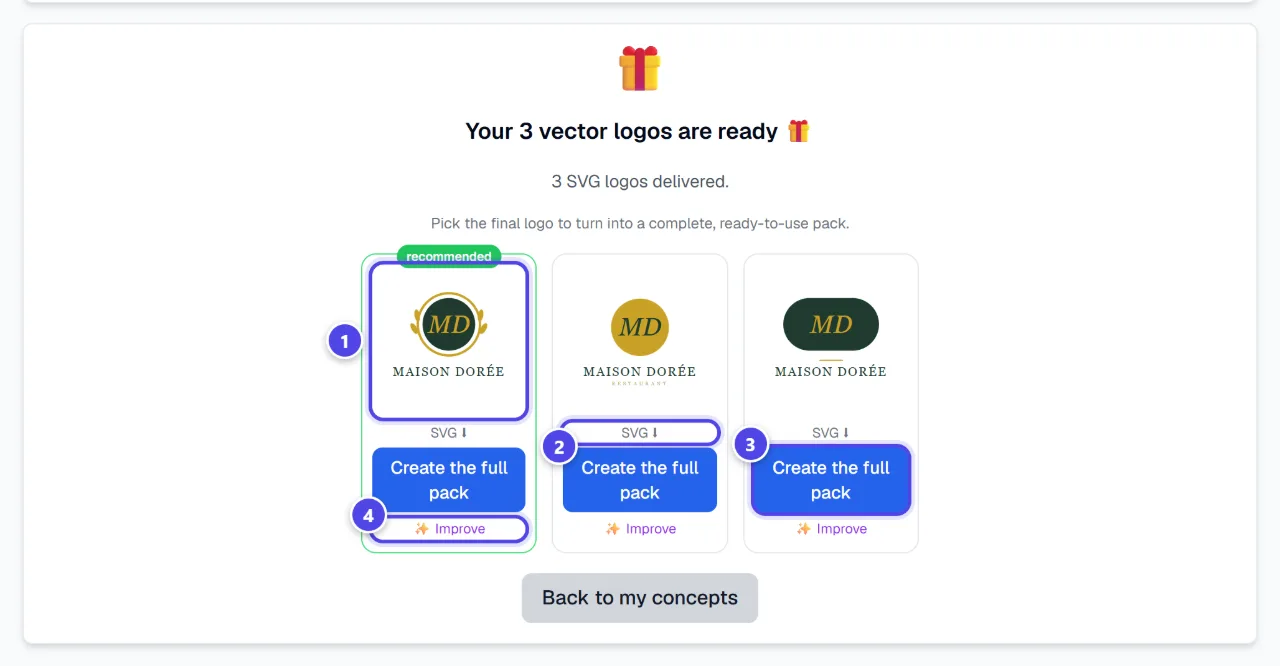
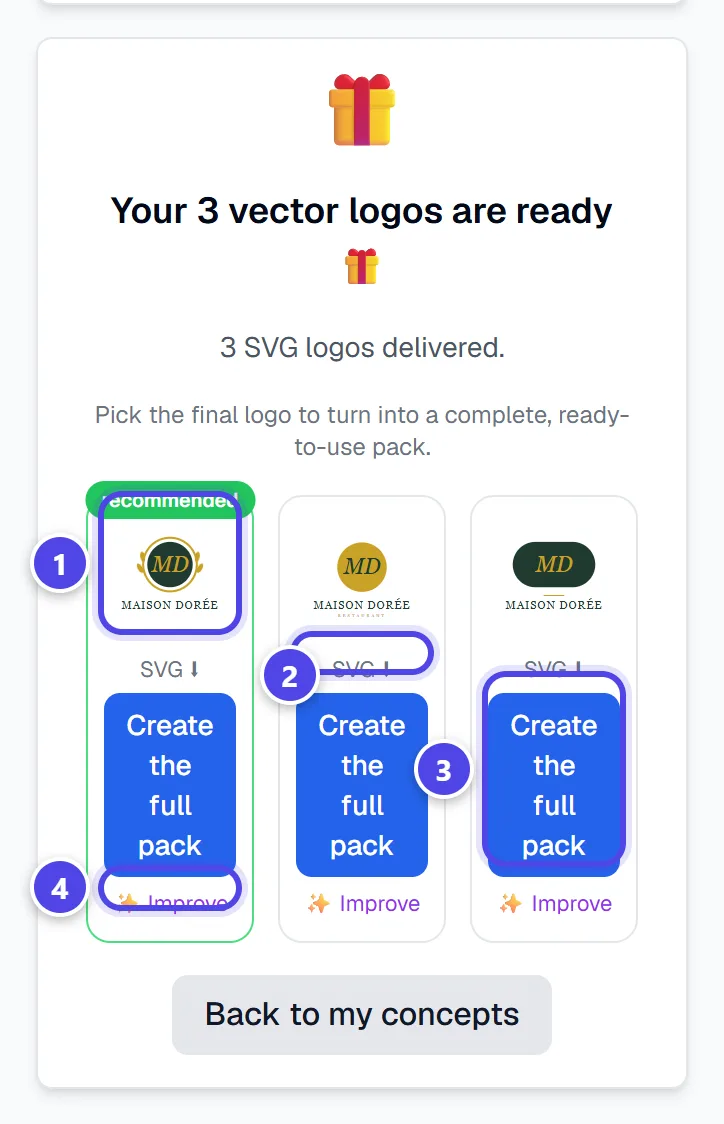
On mobile
- 1Recommended logo
- 2Download the SVG
- 3Create the full pack
- 4Improve for free
Step 7
Download the full pack
Under the logo of your choice, click “Create the full pack”. When the pack is ready, “Download the full pack” downloads a ZIP archive. You will find it again in this creation, even after signing out.
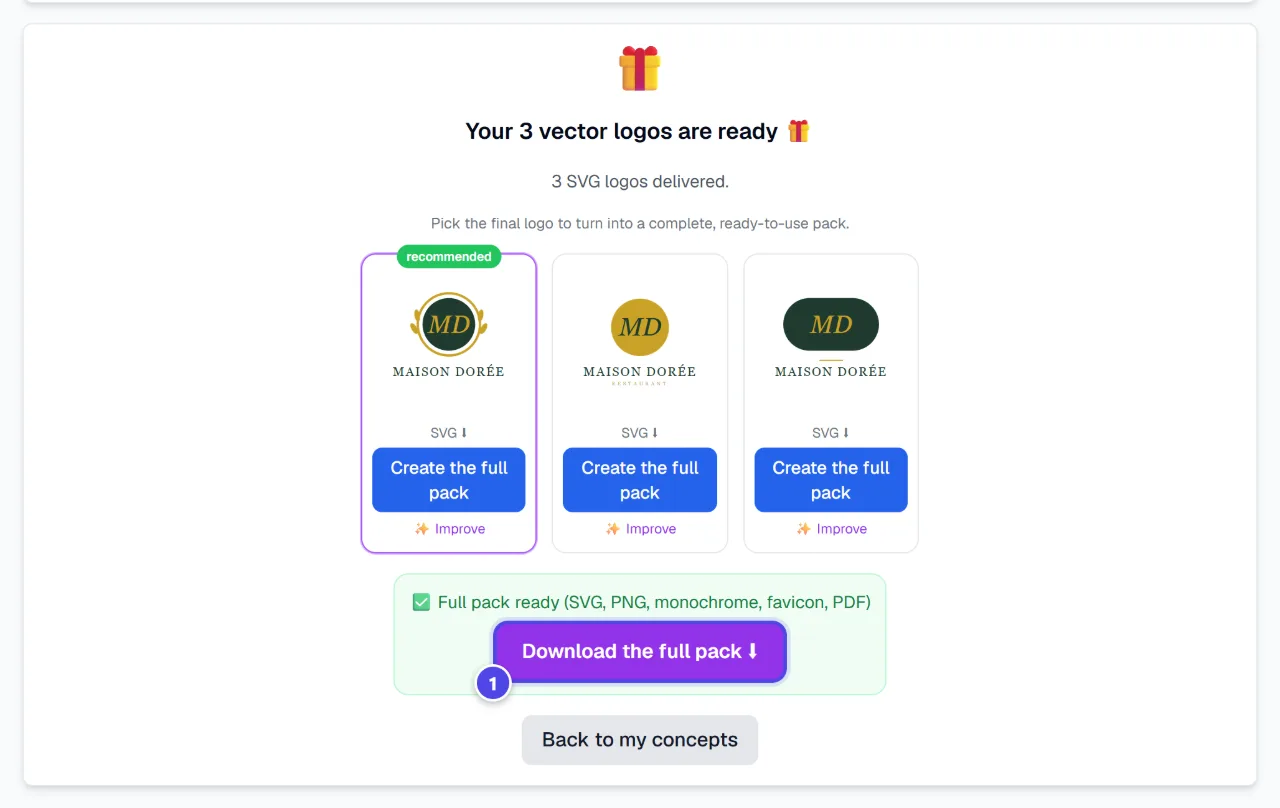
- 1Download the ZIP archive
Screenshots taken with a demo account and brand (“Maison Dorée”). The logos shown are examples, not customer creations.
What you get
- Up to 3 SVG vector logos per delivery, ranked from best to least good.
- The full pack (ZIP) of a logo: SVG and vector PDF, transparent and white-background PNGs in several sizes, a one-page brand guide (HEX, RGB and CMYK colours) and an instructions file (LISEZMOI.txt).
- Depending on the logo: black and white monochrome versions, plus a favicon and app icons when a symbol can be isolated.
- Everything stays in the creation: reopen “Create my logo”, then “My creations”.
Tips and common issues
- The “Your 6 free concepts are used” message appears.
- Solution: Free concepts apply to the whole account, across all brands. Switch to the Logo Pack to continue this creation, or subscribe.
- The “Get my 3 vector logos” button is greyed out.
- Solution: Select a final concept first.
- “Improve this one” does nothing.
- Solution: This button needs a note: first write what should change in the feedback box.
- The concepts carry a watermark.
- Solution: That is expected: concepts are previews. The vector logos delivered at the final step have none.
- Your SVG is too thin or too busy for small sizes.
- Solution: Use “✨ Improve” with a precise note, for example “simplify the symbol” or “make the text bolder”.
Frequently asked questions
How many free concepts do I get?
6 watermarked concepts per account, across all creations and brands. A new creation does not refill them.
What does the Logo Pack unlock?
50 concepts and up to 3 final vector logos for the creation it is attached to. It is a one-off purchase, not a subscription. The current price is shown on the Pricing page and before payment.
How many tokens for a subscriber?
5 tokens per concept and 300 tokens for the full delivery. The actual cost is shown in the module before every debit.
Can I change my final concept?
Yes, until delivery starts. After that, the concept is locked.
What if the delivery fails?
An error message appears and you can restart the delivery from the confirmation step.
Are the files ready for the printer?
The SVG and PDF are vector files that scale without loss. Files are in RGB: ask your printer whether they need a CMYK conversion or bleed.