Pro Printing: design your printed materials
“Pro Printing” helps you design printed materials (business cards, flyers, posters, textiles…) in your brand. The module requires the Solo plan or higher. Direct ordering from the printer is not open yet.
Before you start
- An active brand with a logo.
- A Solo subscription or higher.
Steps
Step 1
Browse the catalogue
The “Catalogue” and “Recommended packs” tabs show products by category: Paper printing, Textiles, Large format and Promotional items. The “Best-sellers”, “Eco” and “Fast delivery” filters narrow the list.
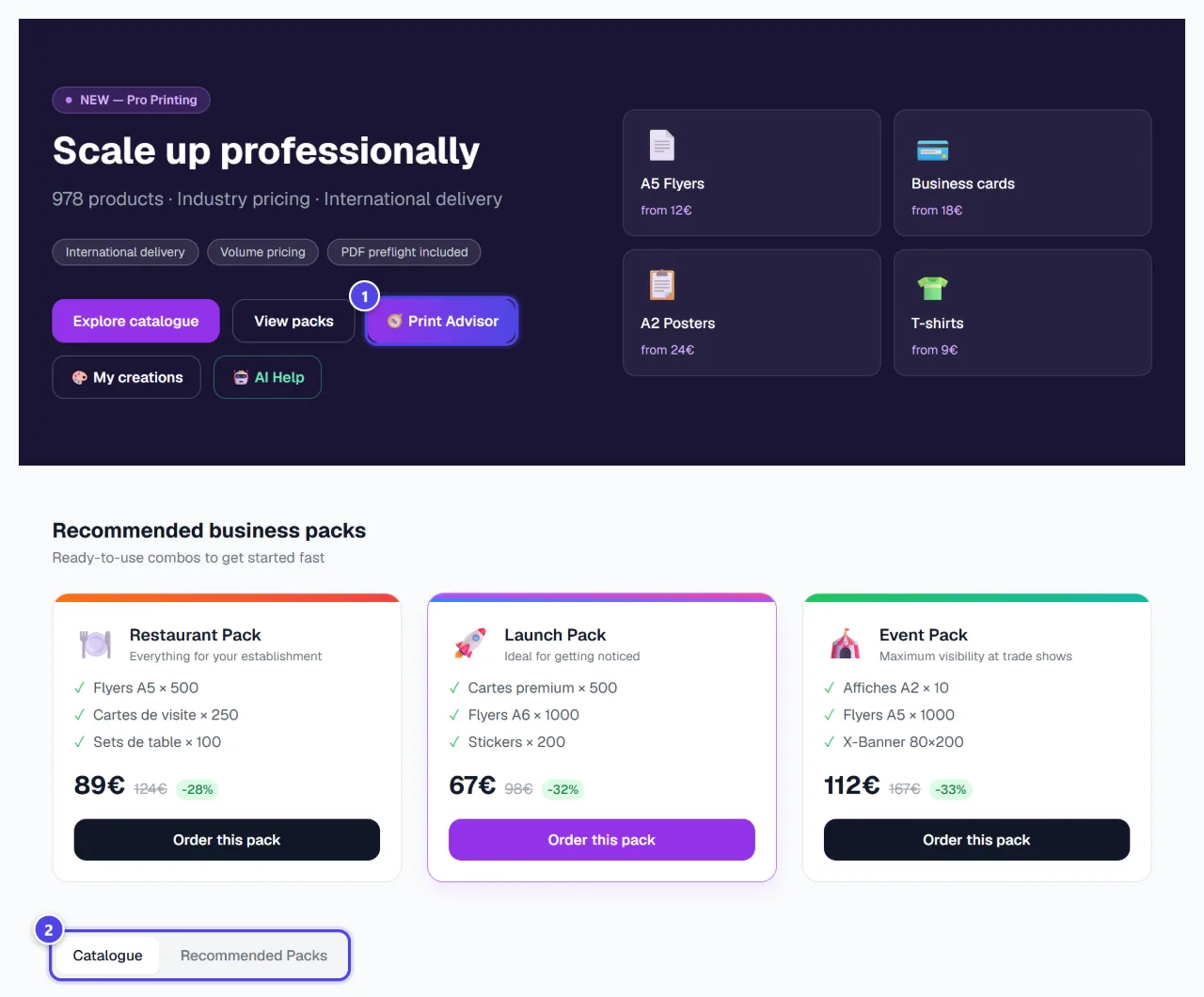

On mobile
- 1Print advisor
- 2Catalogue and packs
Step 2
Configure a product
“Configure” opens the product: format, paper, quantity and layout in your brand. The “Print Advisor” helps you choose.
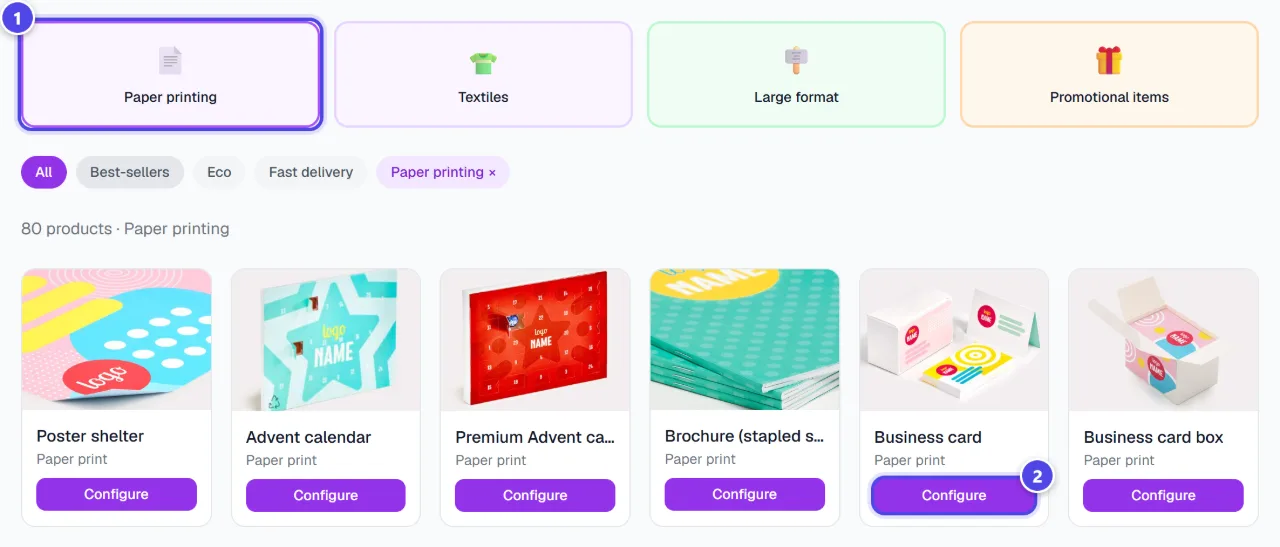
- 1Category
- 2Configure
Step 3
Find your creations
“My creations” gathers the materials you designed. Direct ordering from the printer is not open yet: printing and delivery steps will be described here when it opens.
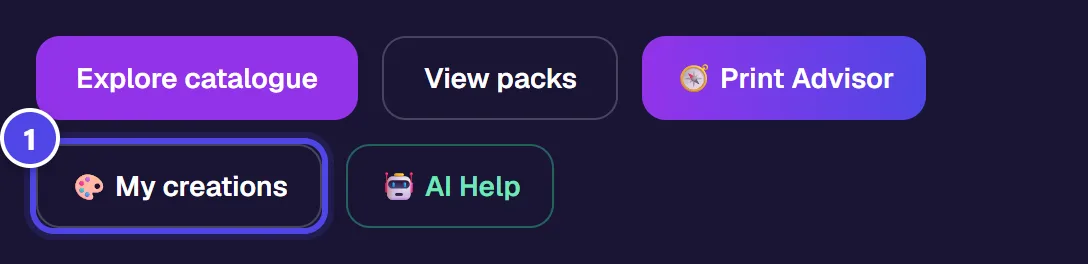
- 1My creations
Screenshots taken with a demo account and brand (“Maison Dorée”). The logos shown are examples, not customer creations.
What you get
- Printed materials designed in your brand, kept in your creations.
Tips and common issues
- The order button shows a message.
- Solution: Ordering from the printer is coming soon. You can already create your materials and find them in your creations.
- The product you want is not listed.
- Solution: Use the search or “All products”.
Frequently asked questions
Can I order printing now?
Not yet: printer ordering is being prepared. You can already design your materials.
Are files checked before printing?
The module includes a PDF file check; it will apply to orders once they open.
What about merchandise (t-shirts, mugs)?
See “Merchandise”.