Track your print orders
“My orders” lists your print orders and their status at each step. The page is available on every plan and does not debit tokens. Merchandise ordered from “Merchandise” is tracked in that module.
Before you start
- At least one order placed.
Steps
Step 1
Open your orders
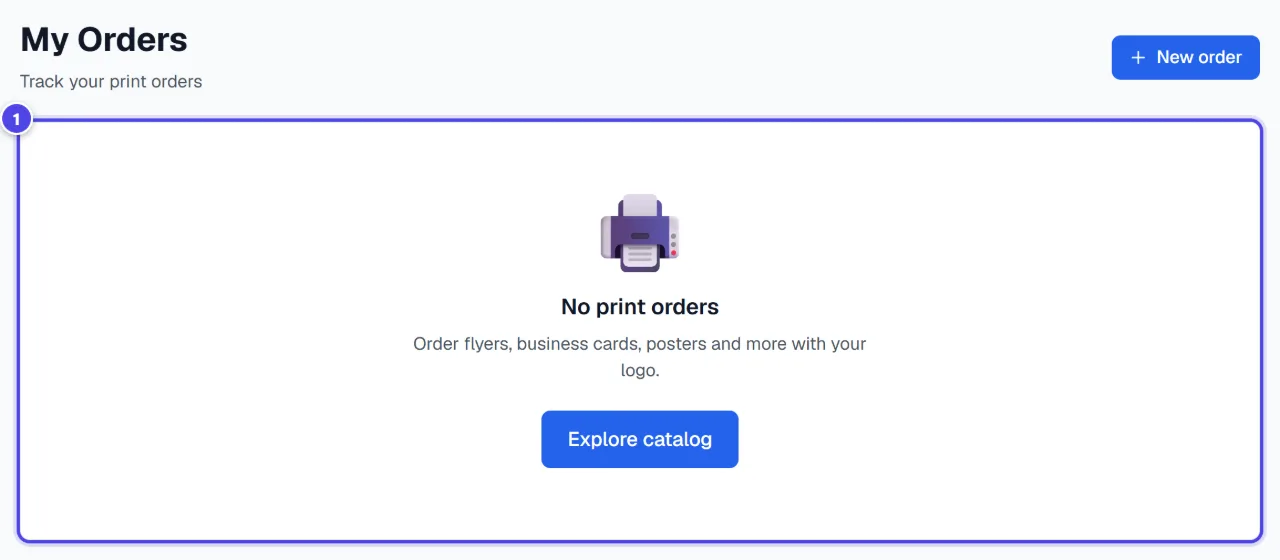
The list shows each order with its status. With no order: “No print orders”. “New order” opens the catalogue.
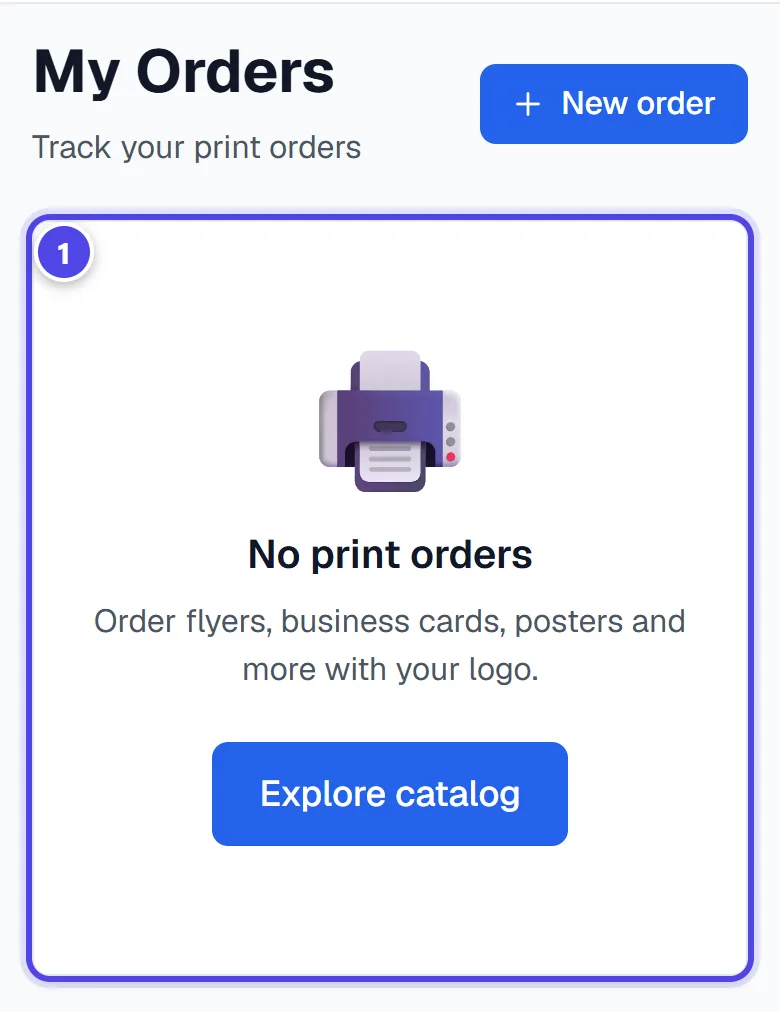
On mobile
- 1Order list
Step 2
Read the status
An order goes through “Order received”, “Design confirmed”, “In production”, “Printed”, “Shipped” and “Delivered”. “Manual check” means a check is under way; “Design rejected” asks you to fix the file.
Screenshots taken with a demo account and brand (“Maison Dorée”). The logos shown are examples, not customer creations.
What you get
- The history and status of your print orders.
Tips and common issues
- “Design rejected”
- Solution: The file is not suitable for printing: fix it and order again.
- An order stays in the same status for a long time.
- Solution: Use “Retry” to refresh, then contact support if nothing changes.
Frequently asked questions
Where do I track my merchandise?
In “Merchandise”, which shows each order’s status.
Can I cancel an order?
An order already sent to the manufacturer cannot always be cancelled; contact support as soon as possible.
Is the page paid?
No, viewing your orders debits nothing.