Vectorized Pro Logo: SVG logos and their full pack
“Vectorized Pro Logo” creates vector logos (SVG) from your brief, then the full pack of the chosen logo. The module requires the Solo plan or higher. Each logo costs 20 tokens, with a maximum of 48 logos per order.
Before you start
- A Solo subscription or higher and enough tokens; the cost is shown before you start.
- The exact brand name and, ideally, a precise description of the business.
Steps
Step 1
Write the brief
In “Brand brief”, enter “Exact brand name *”, the industry and “What exactly you do”. The sector above is only a hint. Describe what you actually do for a logo that really fits. The “Specialities (optional)” and “What to avoid (optional)” fields refine the result further.

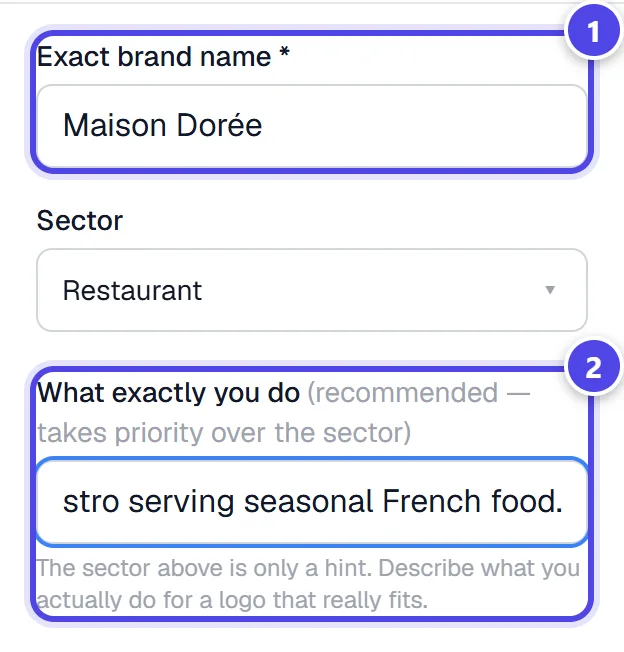
On mobile
- 1Exact brand name
- 2Precise business
Step 2
Choose styles and quantities
Under “Styles & quantities”, choose a style and a “Quantity”. ℹ️ Several styles give you a comparison, not a coherent family. For a consistent premium result, keep a single style (e.g. “Signature”). The total cost and your balance are shown before you start.
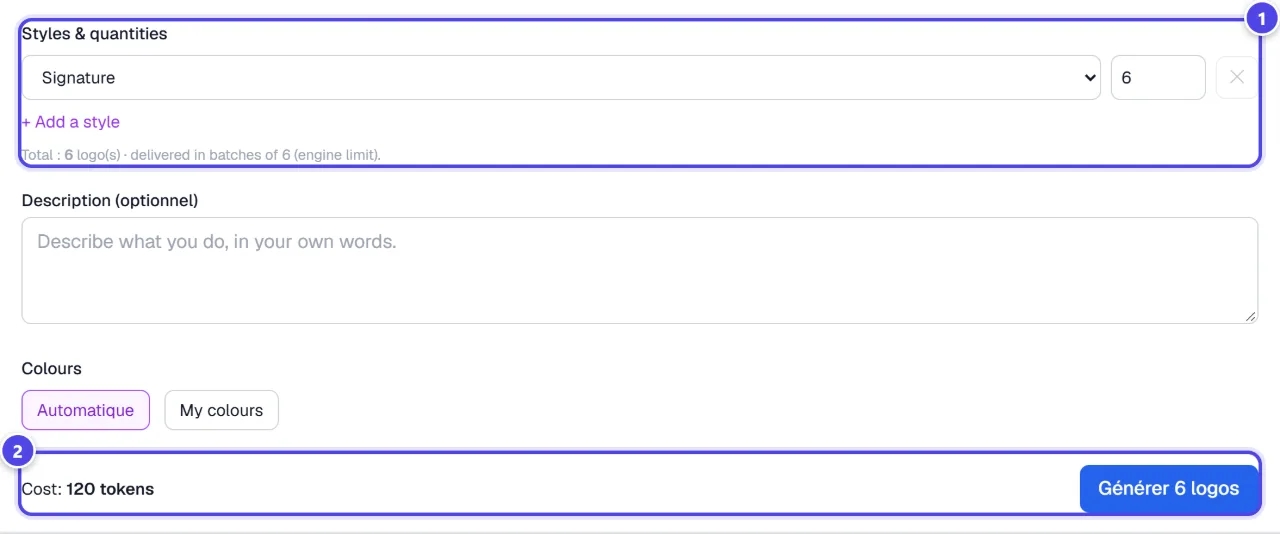
- 1Style and quantity
- 2Cost and balance
Step 3
Pick a logo and create its pack
The logos appear in a grid. Under your favourite, click “Choose & create the pack”. When the pack is ready, “Download the pack” downloads the ZIP archive.
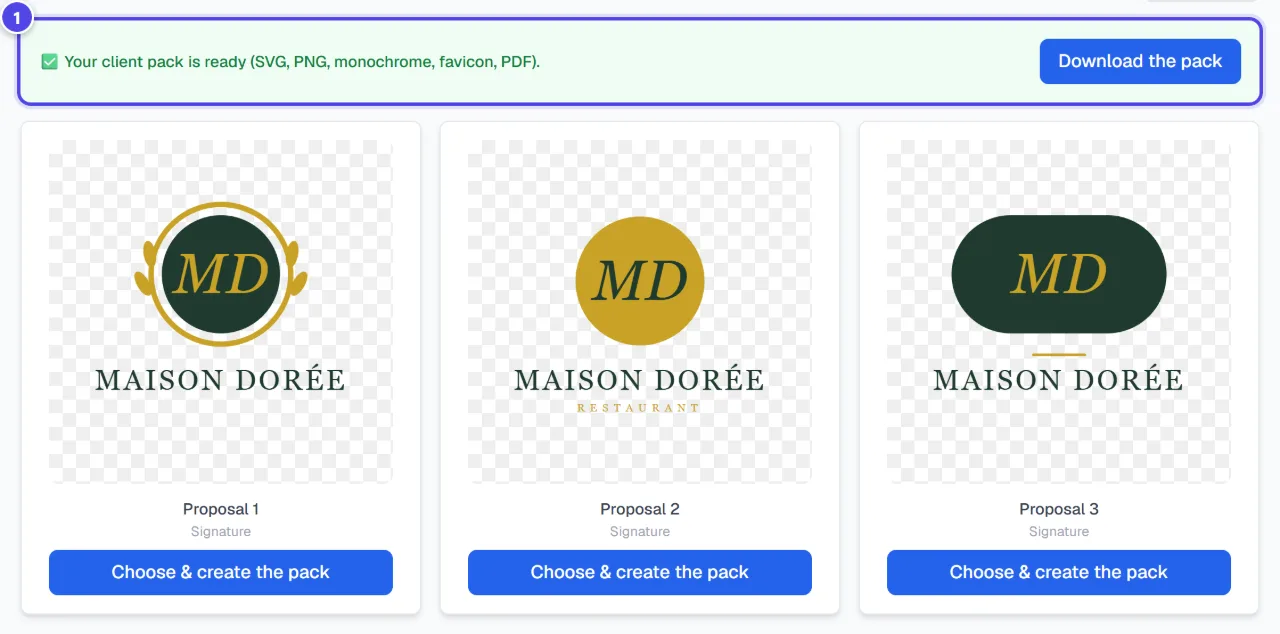
- 1Pack ready and download
Screenshots taken with a demo account and brand (“Maison Dorée”). The logos shown are examples, not customer creations.
What you get
- SVG vector logos, available again in “Your previous generations”.
- A logo’s full pack: SVG and vector PDF, transparent and white-background PNGs, a one-page brand guide and an instructions file.
- Depending on the logo: monochrome versions, favicon and app icons. The completion message states what the pack really contains.
Tips and common issues
- “Not enough tokens”
- Solution: Lower the quantity or top up your tokens.
- Logos in one batch look unrelated.
- Solution: Several styles produce a comparison. Keep a single style for a consistent series.
- The logo does not fit your business.
- Solution: Describe the actual business: it counts more than the chosen industry.
Frequently asked questions
How much does a logo cost?
20 tokens per generated logo. Creating a logo’s pack does not debit extra tokens.
Are the files truly vector?
Yes: logos are delivered as SVG and the pack also contains a vector PDF. PNGs are rendered from the SVG.
Are the colours print-ready?
Files are in RGB; the brand guide also gives CMYK values. Ask your printer whether a conversion is needed.