AI Redesign: modernise an existing logo
“AI Redesign” analyses a logo you upload and generates reworked versions in the chosen style. It requires the Solo plan or higher and costs 6 tokens per style. Choosing several styles at once is reserved for the Creator plan or higher.
Before you start
- Your current logo as PNG or JPG.
- A Solo subscription or higher and enough tokens.
Steps
Step 1
Upload your logo
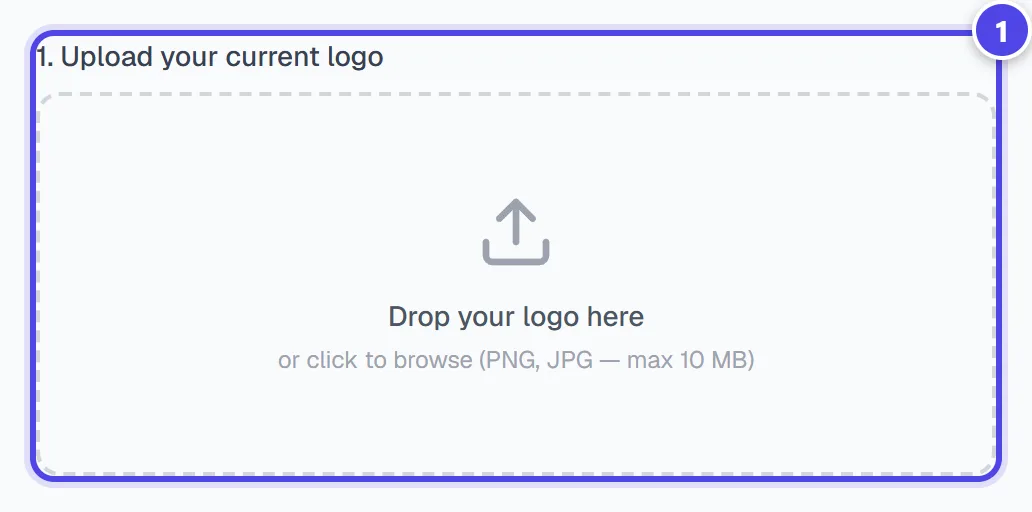
“1. Upload your current logo”: Drop your logo here, or click to browse (PNG, JPG — max 10 MB)
On mobile
- 1Upload the current logo
Step 2
Choose one or more styles
“2. Choose redesign styles”: “Modernize” (Same concept, contemporary style), “Simplify”, “New colors”, “New style” or “Premium AI”. The tokens required are shown before “Generate”.
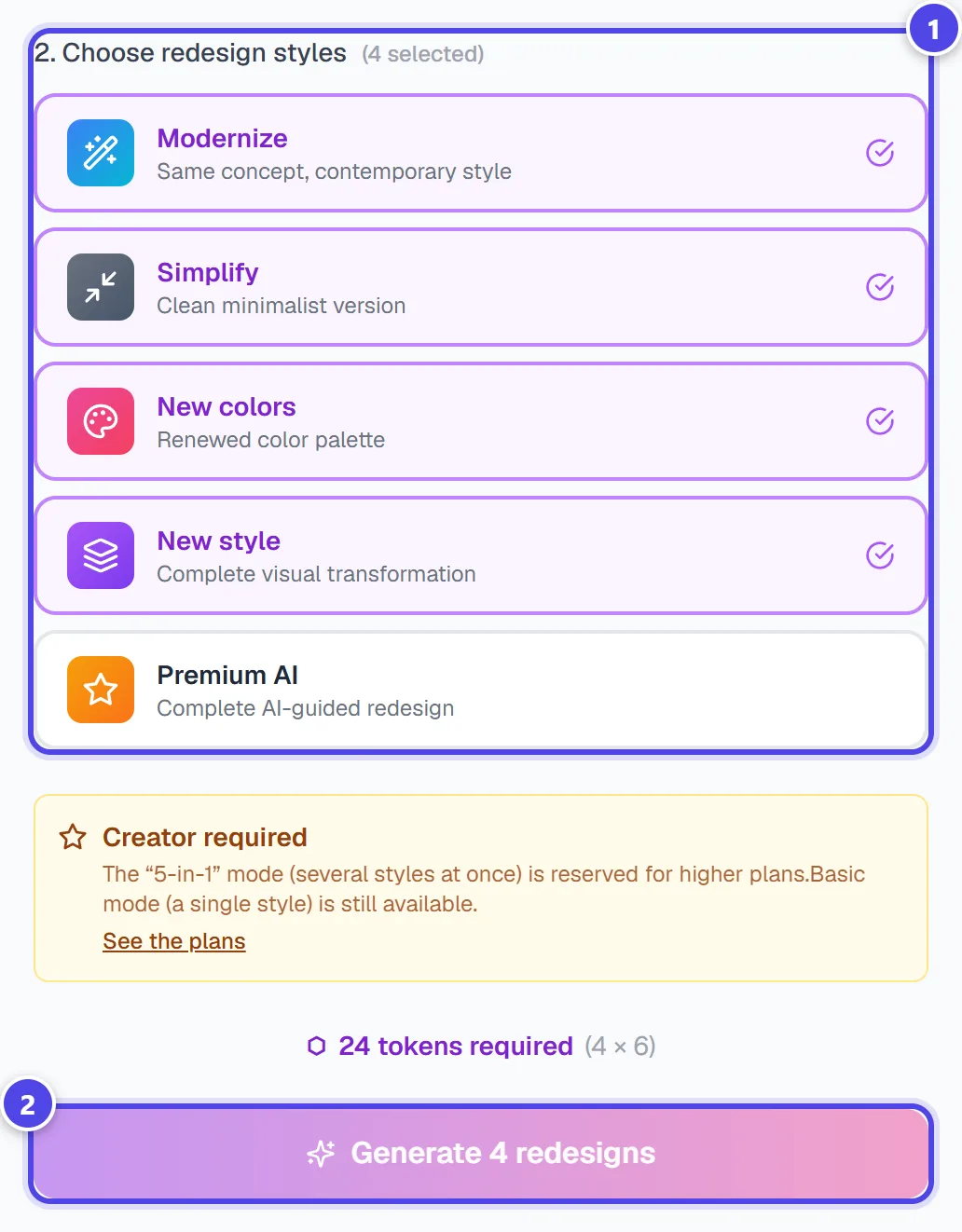
- 1Redesign styles
- 2Start the generation
Step 3
Get the variants
“Original logo analysis” recalls the detected style and industry, then the variants appear. Each one can be saved to the gallery, downloaded or animated; “Regenerate” runs a new series.
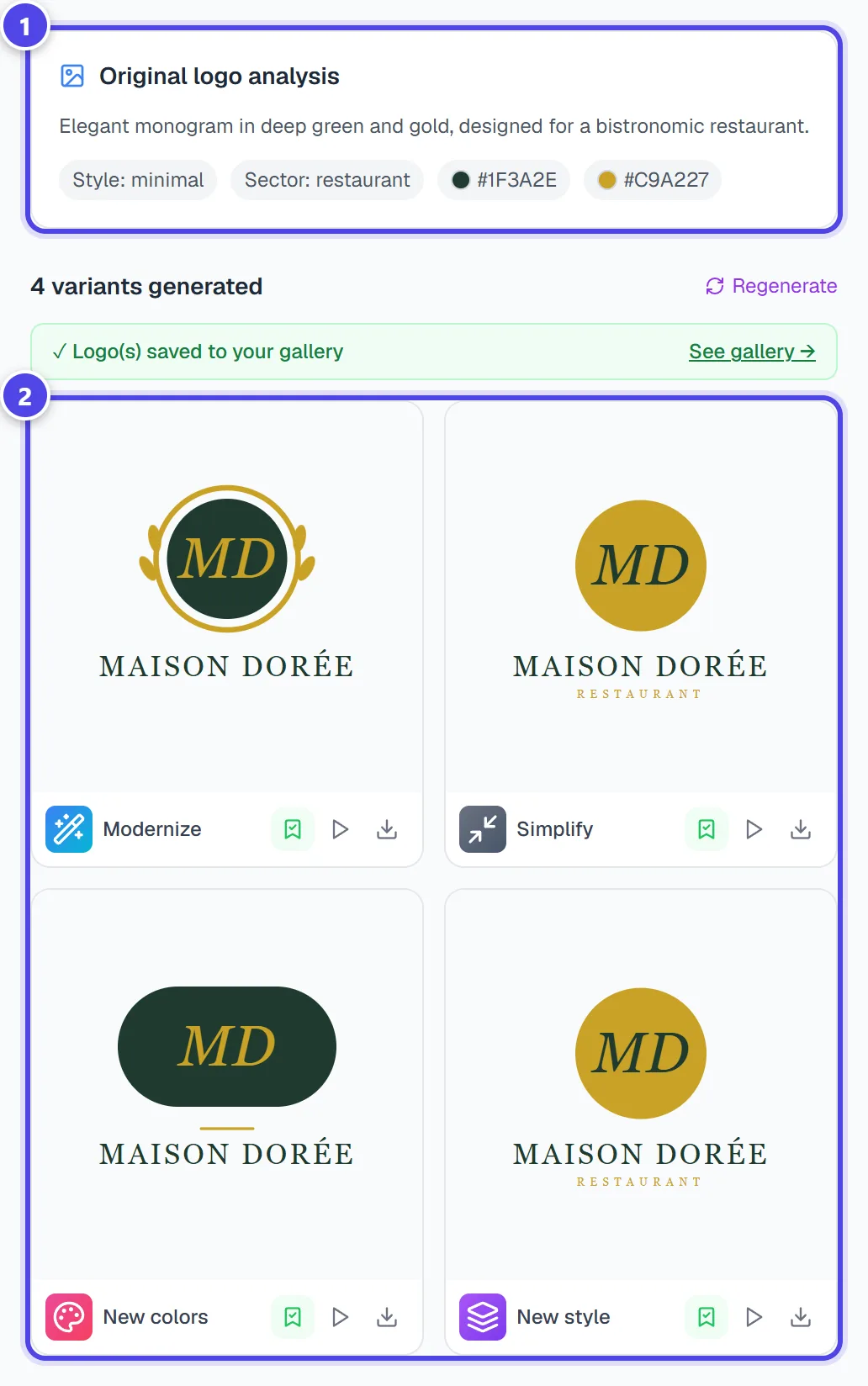
- 1Analysis
- 2Variants
Screenshots taken with a demo account and brand (“Maison Dorée”). The logos shown are examples, not customer creations.
What you get
- Variants of your logo, saved to your gallery.
- A direct download for each variant, and a shortcut to animation.
Tips and common issues
- “The “5-in-1” mode (several styles at once) is reserved for higher plans.”
- Solution: Basic mode (a single style) is still available.
- The result drifts too far from your logo.
- Solution: Choose “Modernize” or “Simplify”, which keep the same concept.
Frequently asked questions
How much does a redesign cost?
6 tokens per chosen style. Several styles add up.
Which files can I upload?
PNG or JPG images.
Is the original logo changed?
No: the variants are new logos, the original stays intact.