Variations: logos close to your favourite
The “Variations” module generates logos close to one from your gallery. It requires the Solo plan or higher. Each run requests 4 variations, at 2 tokens per delivered variation.
Before you start
- At least one logo in the active brand’s gallery.
- A Solo subscription or higher and enough tokens.
Steps
Step 1
Choose the starting logo
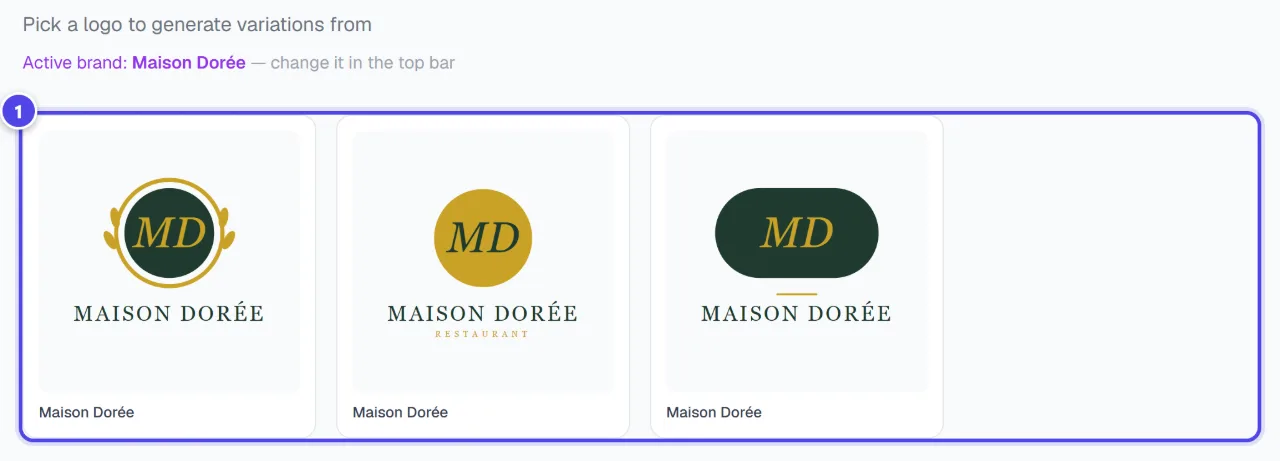
Pick a logo to generate variations from. The logos offered belong to the active brand; — change it in the top bar.
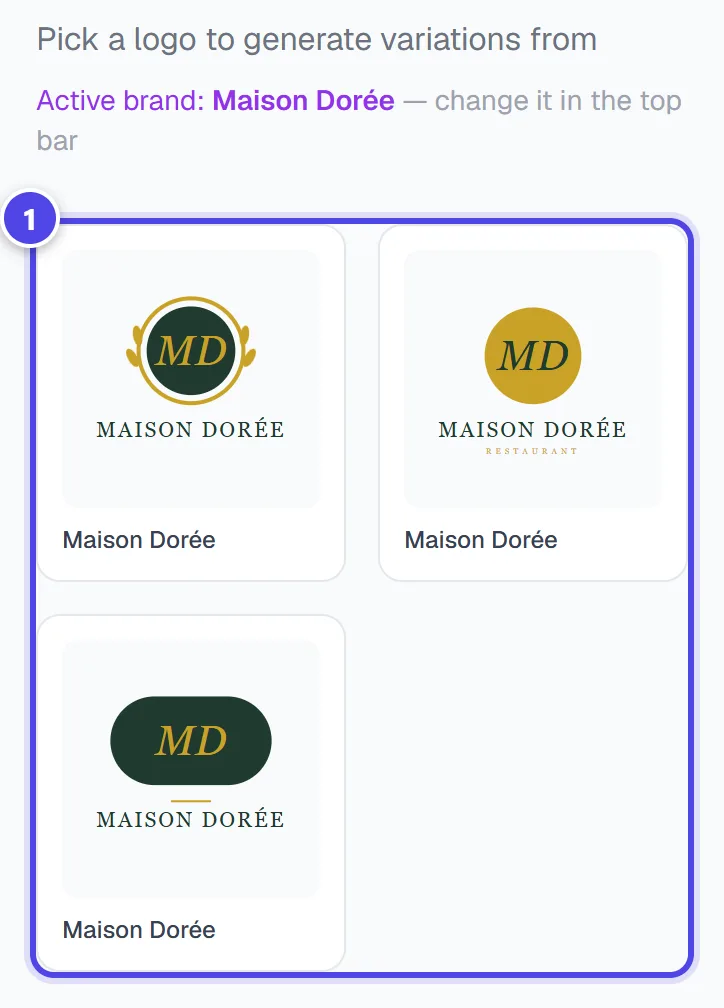
On mobile
- 1Logos of the active brand
Step 2
Start the variations
The module analyses the chosen logo, then creates the variations. Only variations actually delivered are debited.
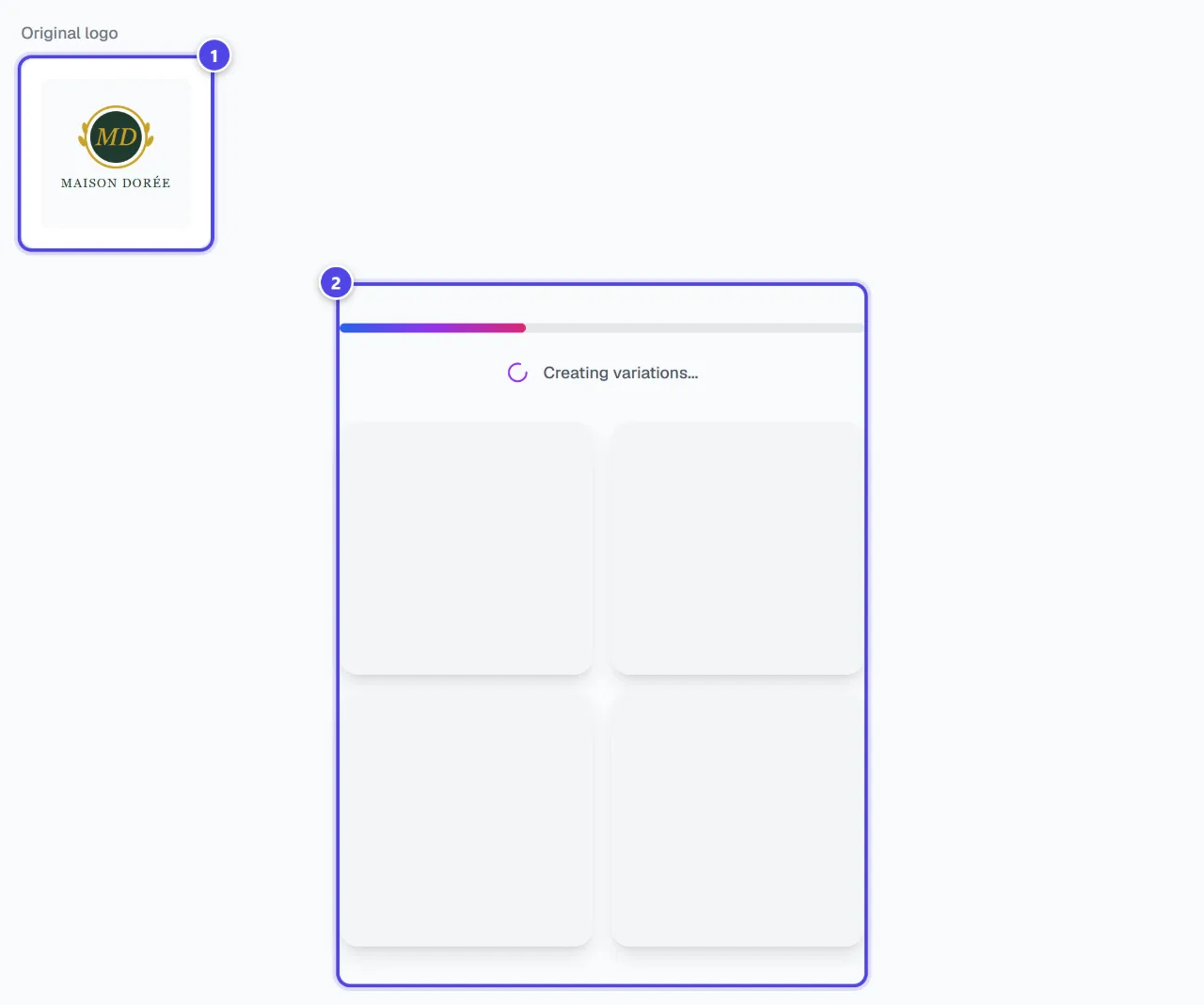
- 1Source logo
- 2Creation in progress
Step 3
Compare and download
“Your variations are ready!” shows the “Original logo” next to the variations. “Download” saves your favourite; “Regenerate” runs a new series.
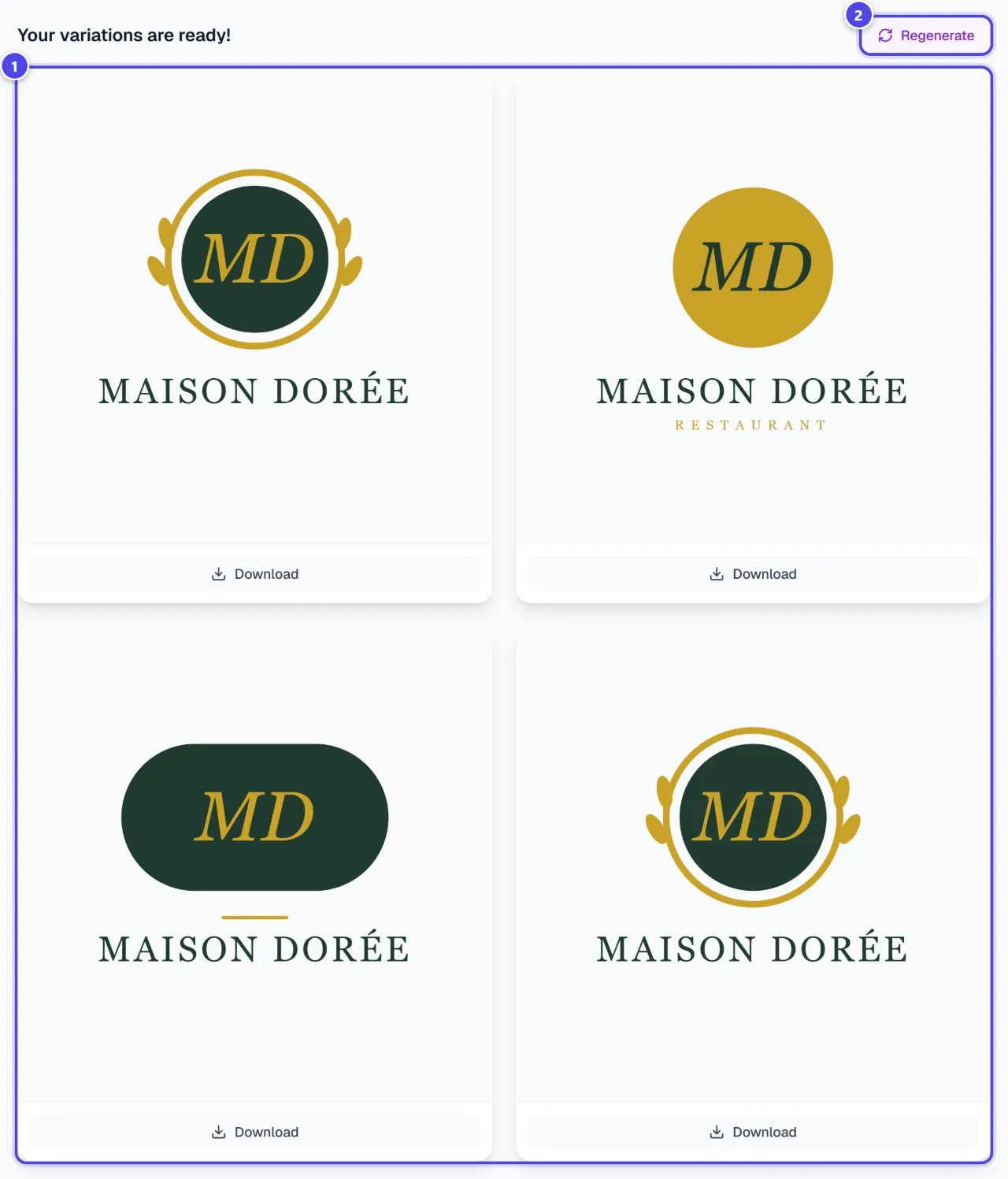
- 1Variations
- 2Run again
Screenshots taken with a demo account and brand (“Maison Dorée”). The logos shown are examples, not customer creations.
What you get
- Variations close to your logo, downloadable one by one.
Tips and common issues
- “No logos yet. Start by creating one.”
- Solution: Create a logo first, or switch the active brand.
- “Not enough credits. Upgrade your plan to generate more.”
- Solution: Top up your tokens or move to a higher plan.
Frequently asked questions
How much do variations cost?
2 tokens per delivered variation, with 4 variations requested per run.
How is this different from AI Redesign?
Variations stay close to the chosen logo; AI Redesign reworks it in a style (modernise, simplify, recolour…).
Can I start from an uploaded logo?
The module starts from your gallery logos. For an external logo, use “AI Redesign”.