Generate logos with your tokens
“Generate logos” produces several logos at once from your brief, for 5 tokens per logo. It is open to every plan, free account included, within your balance. A logo’s professional files are then obtained by acquisition, reserved for subscribers (100 tokens per logo).
Before you start
- An account and enough tokens; the total cost is shown before you start.
- Your brand name and industry (required).
Steps
Step 1
Describe your brand
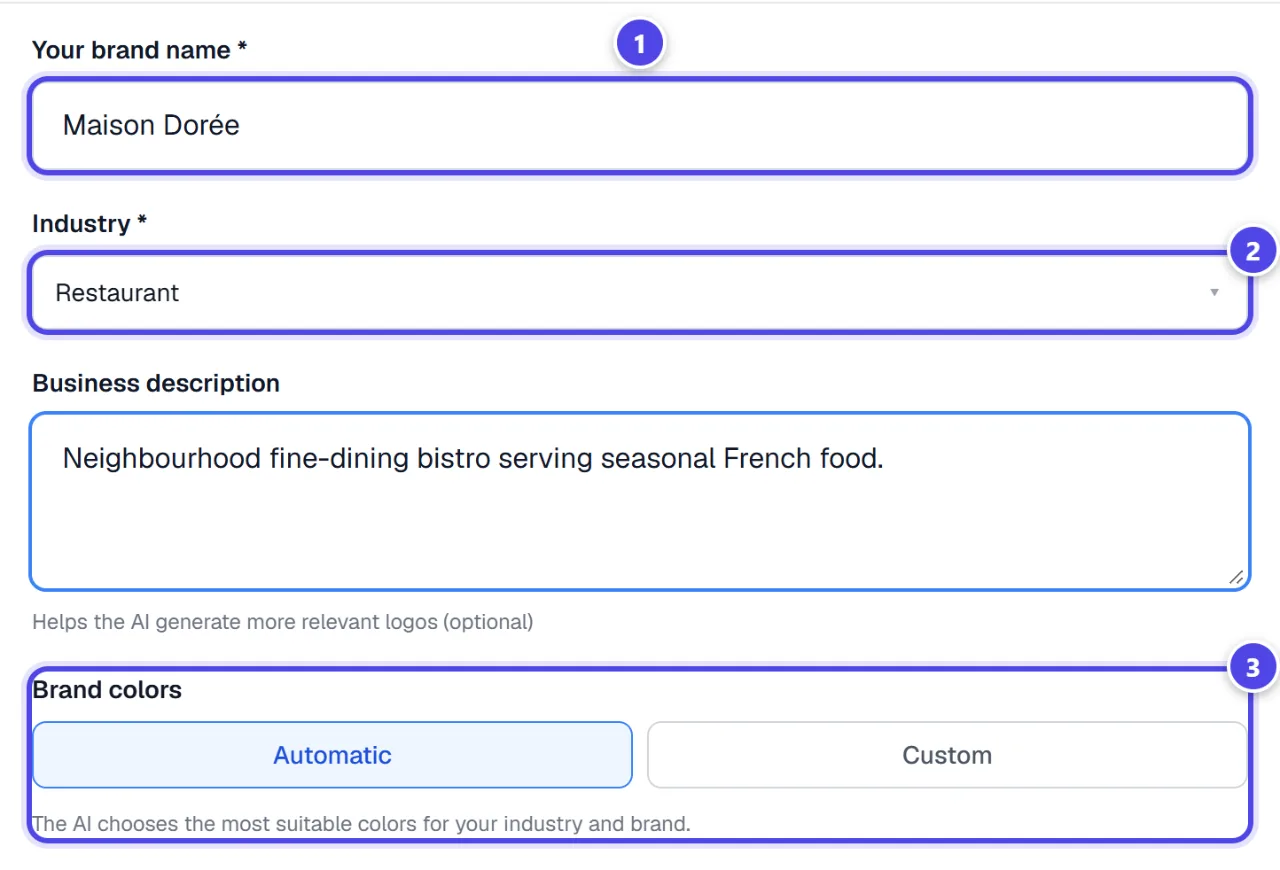
Fill in “Your brand name”, “Industry” and, if you like, “Business description”. For colours, keep “Automatic” or switch to “Custom” to set your shades. “Fill with AI” gives you a text to paste into your own assistant to prepare these answers.
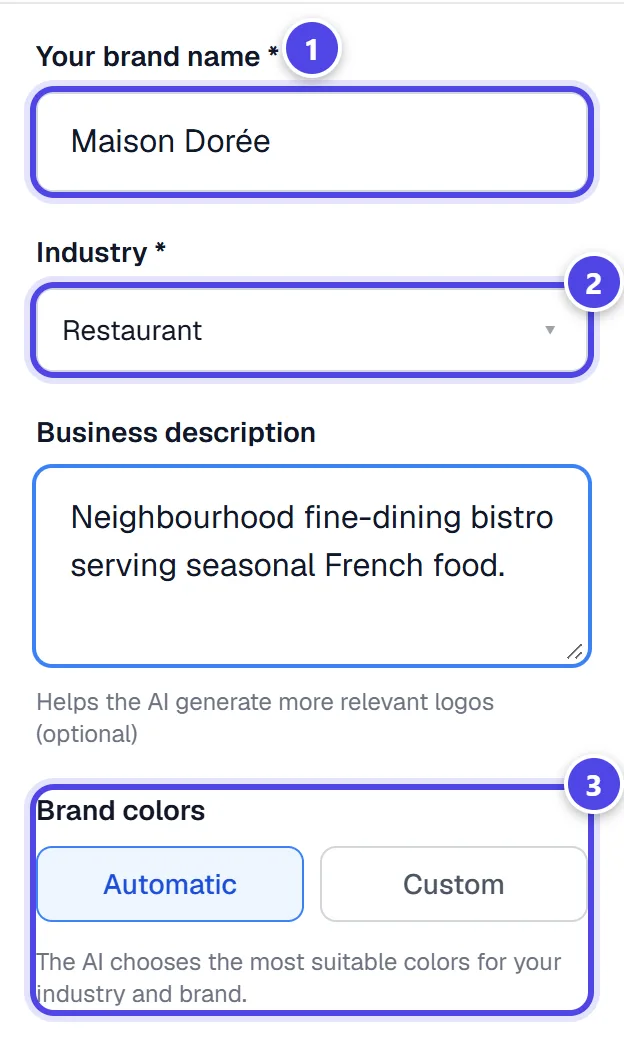
On mobile
- 1Brand name
- 2Industry
- 3Automatic or custom colours
Step 2
Choose the quantity and start
Choose the “Number of logos to generate”. The tokens required and your balance are shown just below; if the balance is too low, the button offers a top-up. For large quantities, “Batch generation” works in the background. Click “Generate”.
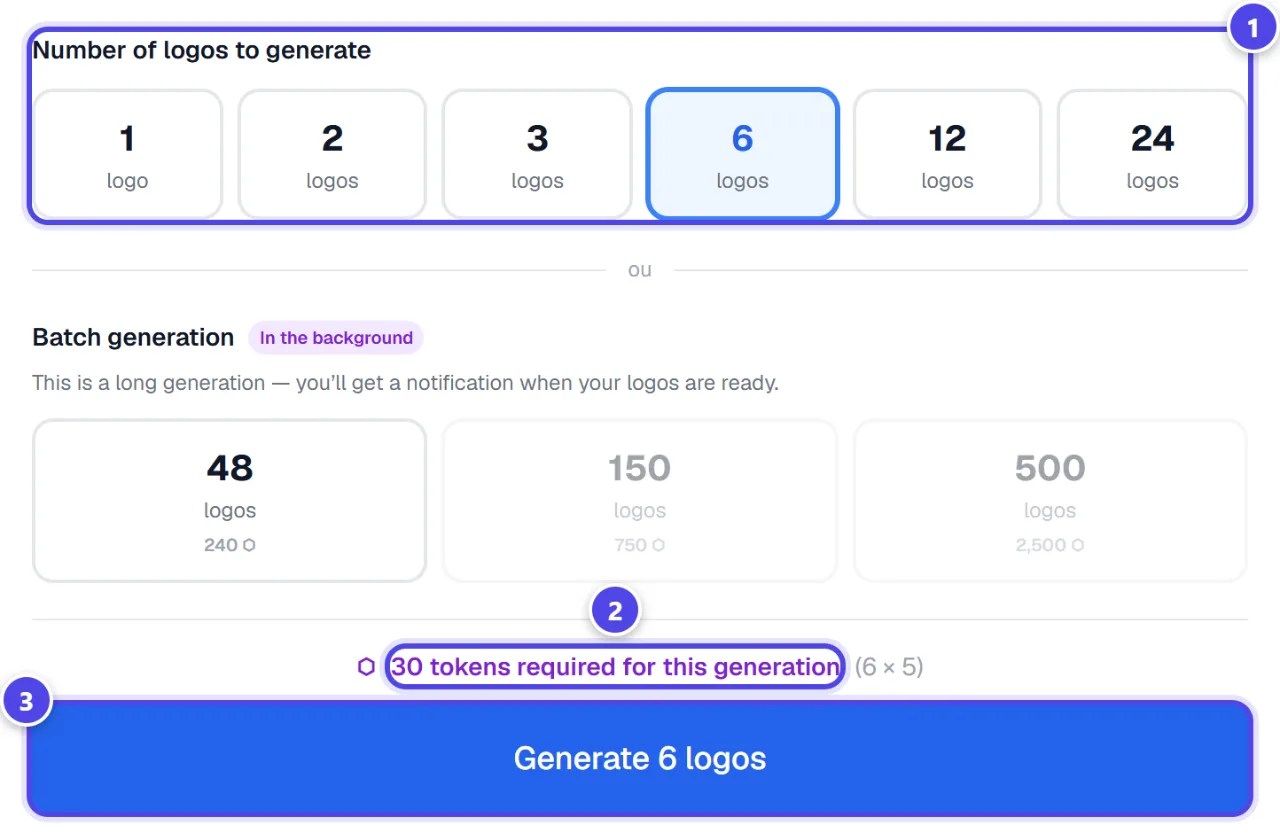
- 1Number of logos
- 2Tokens required and balance
- 3Start the generation
Step 3
Find your logos in the project
Generation opens the brand’s project, where the logos appear as they are ready. Large quantities run in the background: This is a long generation — you’ll get a notification when your logos are ready.
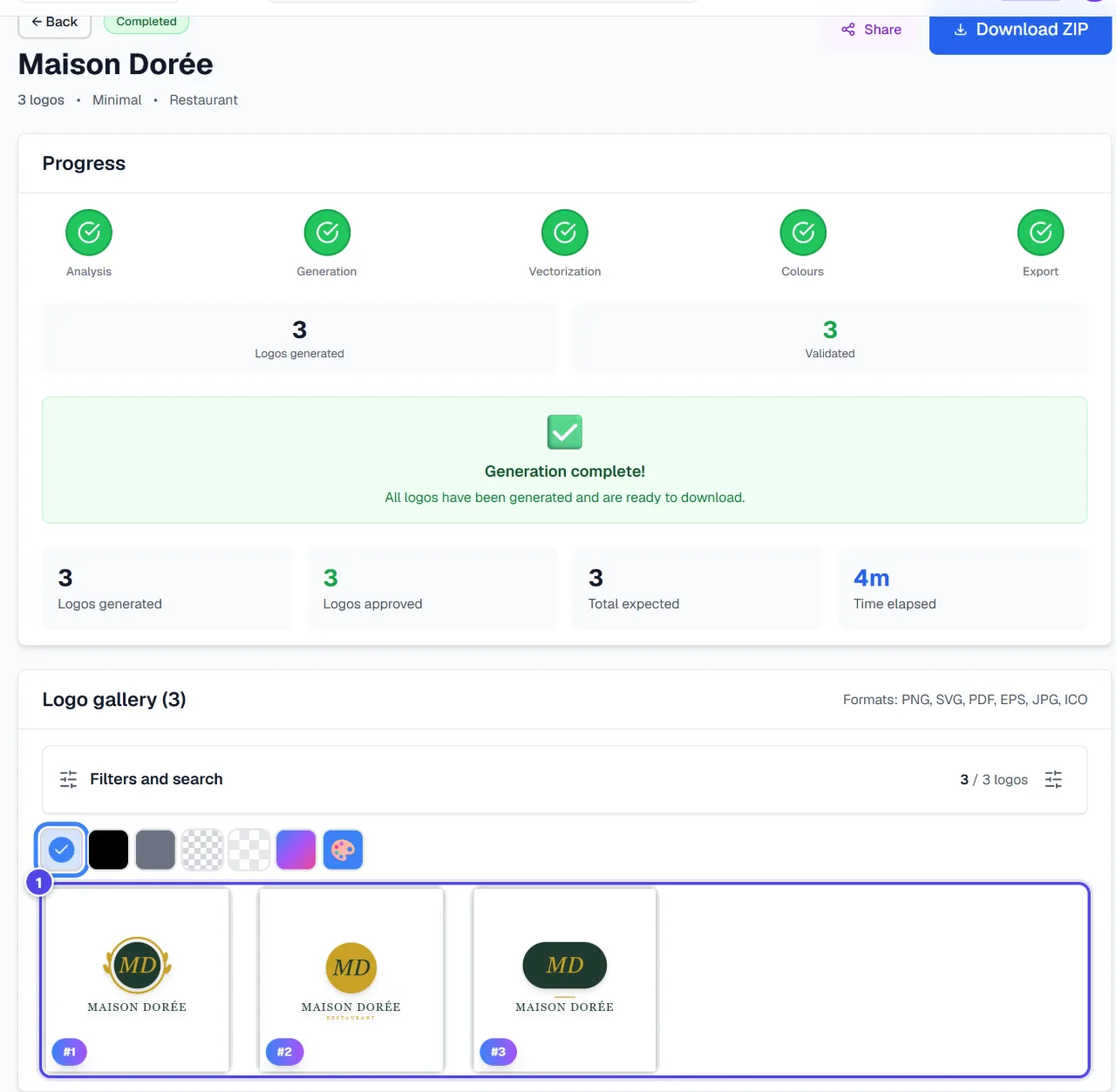
- 1Your logos
Step 4
Get the professional files
On a logo, “Download the professional pack” becomes available after acquisition. Acquisition is reserved for subscribers, debits 100 tokens once, and an acquired logo can then be downloaded again for free.
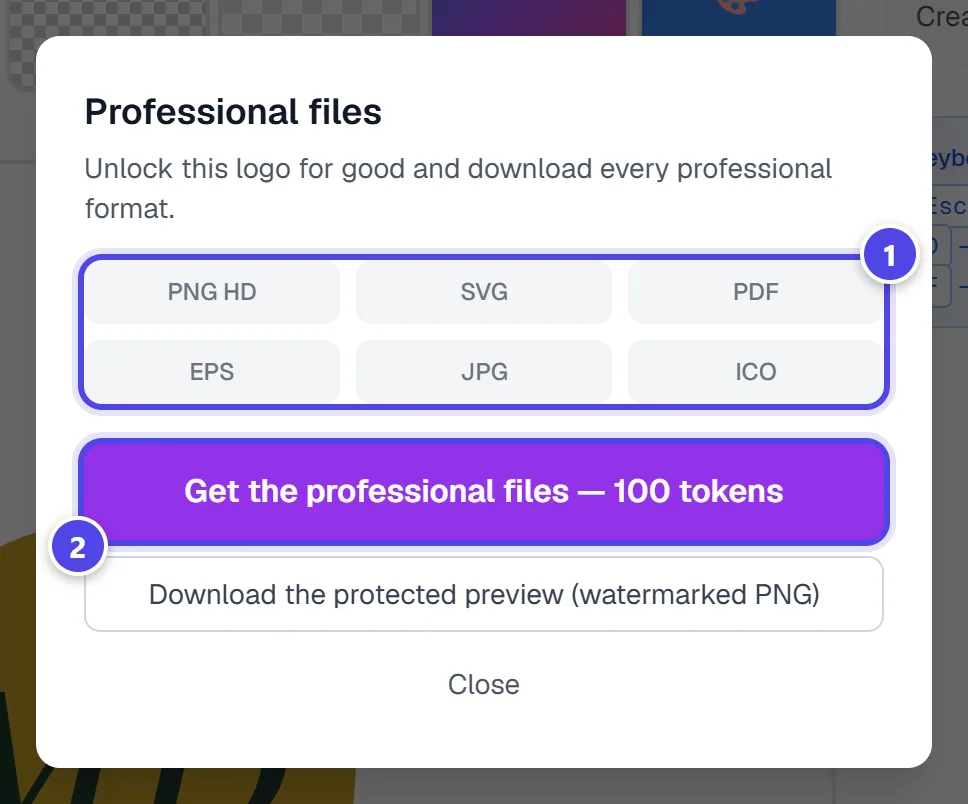
- 1Included formats
- 2Get the files
Screenshots taken with a demo account and brand (“Maison Dorée”). The logos shown are examples, not customer creations.
What you get
- Colour logos, grouped in the brand’s project.
- For an acquired logo: an unwatermarked pack with SVG, PDF, EPS, high-definition PNG, JPG and ICO.
- This generator’s colour SVG embeds the logo image: for a true vector file, use “Create my logo” or “Vectorized Pro Logo”.
Tips and common issues
- “Insufficient balance” appears.
- Solution: Lower the number of logos, top up your tokens or change plan.
- The logos look too alike.
- Solution: Add a precise description and colour instructions; variety (icon, monogram, text only) is already spread automatically.
- The “Take out a BrandMotion Lab subscription to acquire your logos and access the professional files.” message appears.
- Solution: Acquiring professional files requires a subscription: see the Pricing page.
Frequently asked questions
How much does a logo cost?
5 tokens per generated logo, then 100 tokens to acquire the professional files of a chosen logo.
Can the free account generate?
Yes, within the tokens given each month with the free account.
Can an acquisition be charged twice?
No: restarting the acquisition of an already acquired logo debits nothing.